A professional photo studio session is expensive, and it scales badly — booking a whole team multiplies both the cost and the scheduling headache. An AI headshot generator delivers studio-quality portraits in minutes from a simple smartphone photo, with one consistent style across everyone. This guide covers why teams are switching, exactly how the process works, the use cases it solves, and how to get the best possible result from your input photo.
Why use AI headshots?
What problems do AI headshots solve?
Traditional headshot photography runs into the same friction every time:
- It's expensive, especially priced per person across a whole team.
- Scheduling is a logistical headache — coordinating a photographer with a remote or distributed team can take weeks.
- Results drift between sessions, so team pages end up with mismatched lighting, backgrounds, and styles.
- New hires can't wait. Someone joining today needs a photo today, not "whenever the photographer is next in town."
- Headshots go stale. People change hairstyles, get new glasses, or simply want a fresher look, and reshoots restart the whole cycle.
How AI solves it
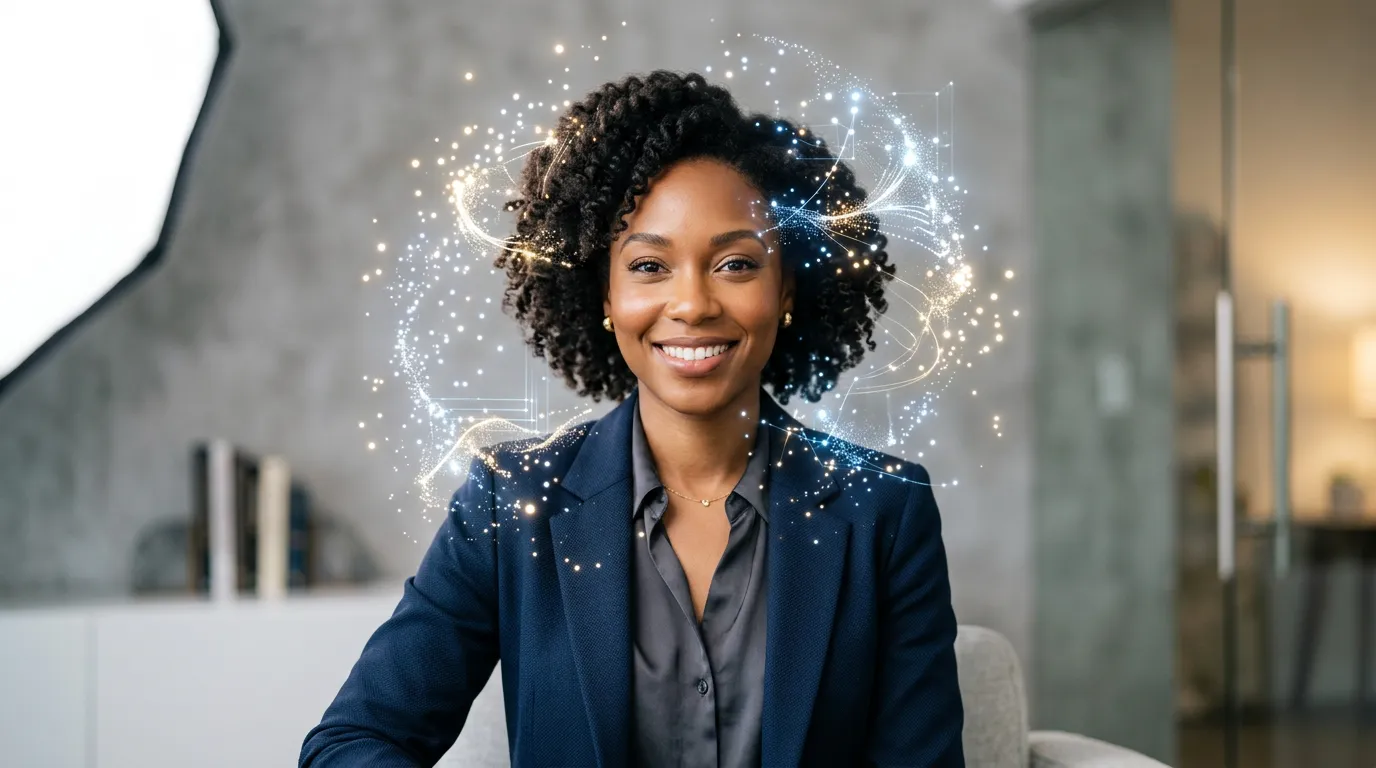
Upload a casual photo and get a professional headshot back — consistent style, instant delivery, and easy to update by uploading a new photo whenever someone's look changes. One person can produce a matched set for an entire team without booking anyone or matching anyone's calendar.
How do AI headshots work?
The flow is short and the same every time, which is exactly what makes consistency possible.
-
Upload. Provide a clear, well-lit photo of the person. Smartphone photos work fine — no professional camera, lighting, or backdrop needed. Two or three angles help the AI capture an accurate likeness.
-
Select a style. Choose professional business, creative, casual business, or a custom direction — one of several portrait and avatar tools in the Character hub. Each style sets the lighting, background, wardrobe feel, and overall aesthetic, so picking one style for the whole team is what guarantees a matched look.
-
Generate. The AI returns multiple headshot options with:
- Professional lighting adjustments
- Clean background replacement
- Subtle, natural skin enhancement
- Appropriate framing and composition
-
Select and download. Pick your favorite and download it in the resolution you need for the format it's going into.
Why is a smartphone photo enough?
Like any AI image generator, the model isn't capturing detail it needs from a studio rig — it's re-rendering lighting, background, and framing around an accurate likeness. As long as the input clearly shows the face in reasonable light, the AI supplies the studio polish. That's why the bar for the input photo is "clear and recent," not "professionally shot."
What are AI headshots used for?
LinkedIn and professional profiles
A clear, professional headshot is the first thing people see on LinkedIn, and a consistent, confident portrait helps you make a strong first impression. AI headshots make it easy for everyone on a team to put a polished, current photo forward — not just the few people who got around to a studio session.
Company websites and team pages
Consistent team photos create a polished, credible appearance. Because every headshot can share the same style, lighting, and background, your team page looks intentional even when members are spread across different countries and were photographed on different phones in different rooms.
Business cards and email signatures
Professional portraits elevate every small touchpoint. Generate headshots in the exact dimensions each format needs, so a business card, an email signature, and a website avatar all match.
Event badges and speaker profiles
Conference speakers and event attendees often need a professional photo on short notice and can't fit in a shoot. Uploading a recent phone photo and generating a clean headshot solves that in minutes.
How do you get the best AI headshot?
The output is only as good as the input gives it to work with. A few habits make a clear difference.
- Use good lighting. Soft, even natural light from a window is ideal — it gives the AI an honest read of the face. Avoid harsh overhead light or strong shadows across the face.
- Keep the background simple. The AI replaces the background, but a cleaner starting background produces a cleaner, more predictable result.
- Face the camera. Slight angles are fine, but a clear, front-facing view gives the AI the most to work with for an accurate likeness.
- Use a current photo. Pick something recent that reflects how you actually look now, so the headshot still matches you in a video call.
- Provide multiple angles. Two or three photos give the AI more reference and improve accuracy and likeness.
A quick way to think about it: control the things the AI won't redo for you — your actual face, the angle, and the basic lighting — and let it handle the things it does redo, like the background and the studio polish.
How do you generate headshots for a whole team?
Batch processing is what turns AI headshots from a personal convenience into a team workflow.
- Process many photos in a single session instead of one booking per person.
- Apply one consistent style across every team member, so the whole set matches by design rather than by luck.
- Update any individual photo later — a new hire or a new haircut — without redoing everyone else.
- Maintain a living gallery that evolves with the team rather than freezing at one expensive photo day.
The practical routine is simple: pick one style, collect a recent front-facing photo from each person, run the batch, and review. New people slot into the same style as they join, so the team page stays uniform indefinitely.
AI headshots versus a studio shoot: when does each make sense?
AI headshots aren't trying to replace every photographer — they solve a specific set of problems exceptionally well, and it's worth being clear about the trade-off.
AI headshots shine when:
- You need a whole team matched in one consistent style, across locations and time zones.
- You need a photo fast — a new hire today, a speaker bio due tomorrow.
- You expect to update regularly as people change roles, looks, or join.
- You want to iterate through several styles and backgrounds and pick the best, rather than living with whatever a single session produced.
- Budget and scheduling are the binding constraints.
A traditional studio session may still be worth it when you need a single hero portrait with very specific art direction, real wardrobe and makeup, or a one-of-a-kind editorial look for a key executive. For the everyday need — consistent, current, professional photos for everyone — AI covers it without the cost and coordination.
How do AI headshots keep a team page consistent?
Because every headshot is generated from the same style setting, the variables that normally drift between studio sessions — lighting direction, background, framing, and overall tone — are held fixed by the model. A photographer has to reproduce those conditions by hand each time; the AI applies the same recipe to every face. That's why a distributed team photographed on a dozen different phones can still end up with a uniform, intentional-looking team page.
Get started
You can start free with 100 credits and no card, which is enough to run your own photo through a few styles and see the quality before committing anyone else. Headshots you generate can be used commercially — on profiles, sites, cards, and badges — so the test run produces photos you can actually use. Upload a recent, well-lit photo, pick a style, and generate your first professional portrait in minutes.