
GPT Image 2.5: every image, on brief
Sketch a layout. Lock to a reference. Edit in plain language. Then pick speed or finish — GPT Image 2.5 Fast or GPT Image 2.5.
- 16 refs
- Reference images in one prompt, sketches included
- 4K max
- 1K, 2K and 4K, ten aspect ratios
- 2 builds
- Fast for drafts, standard for finals
- 10 credits
- From 10 credits an image at 1K
Made with GPT Image 2.5
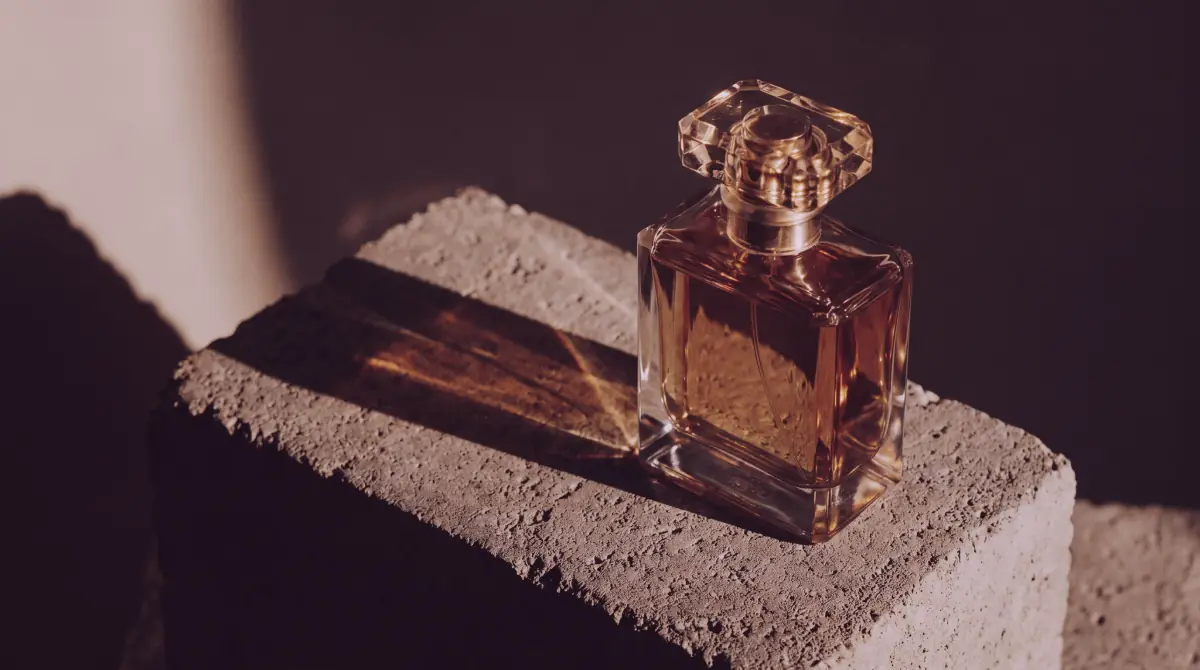
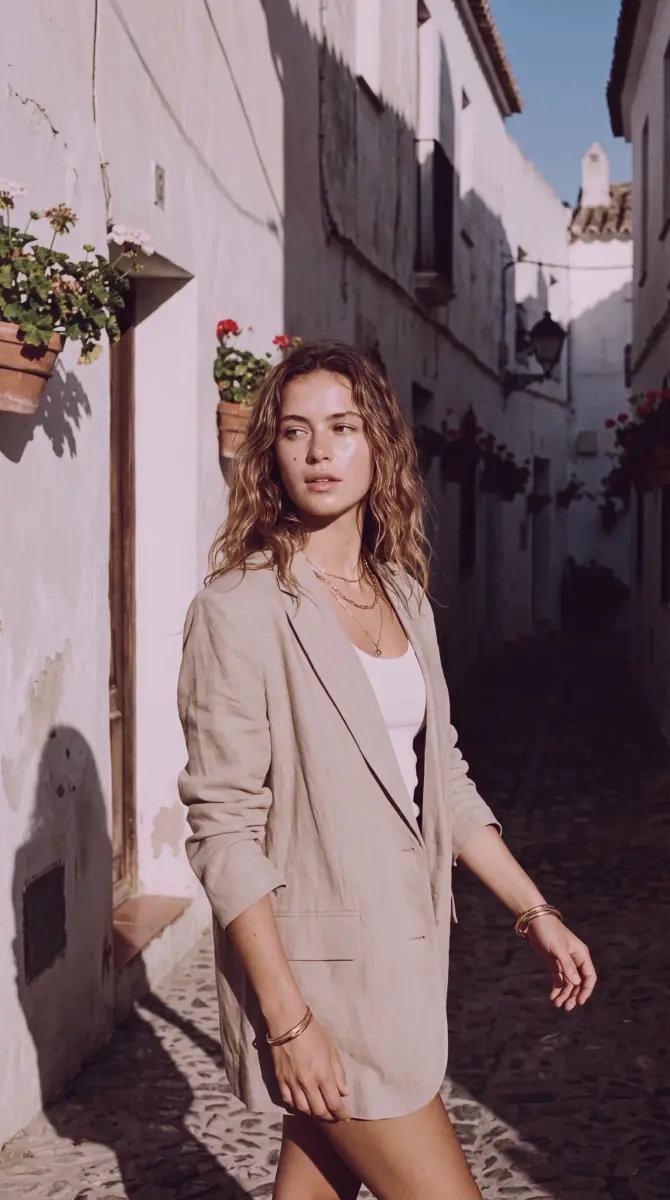
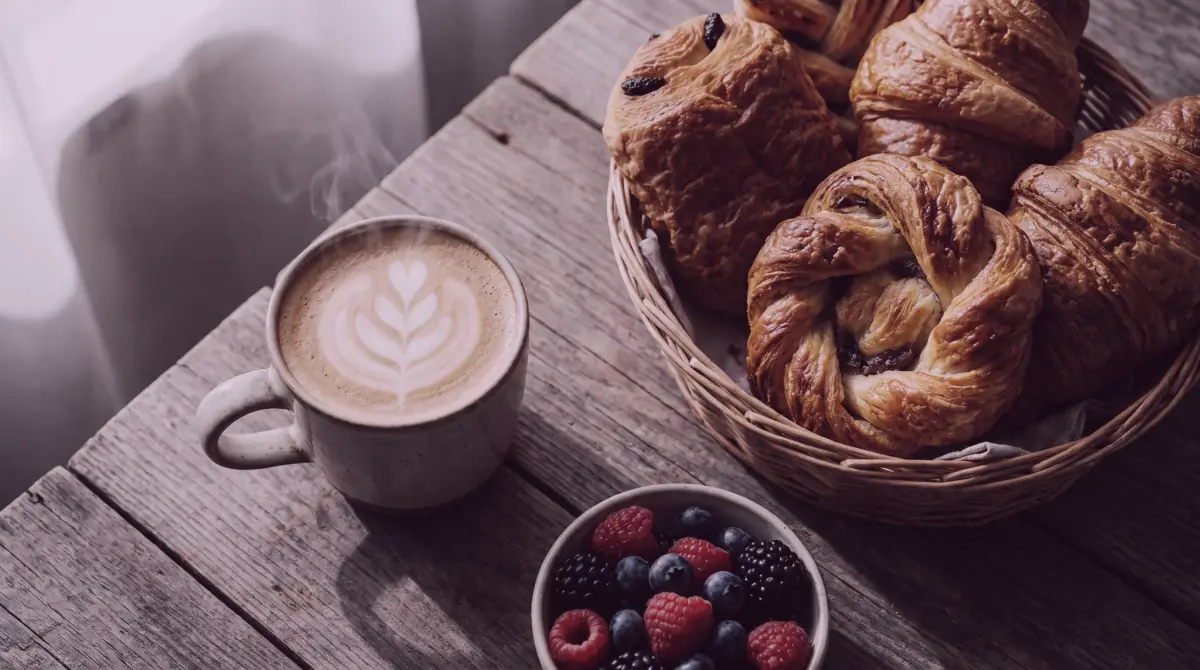
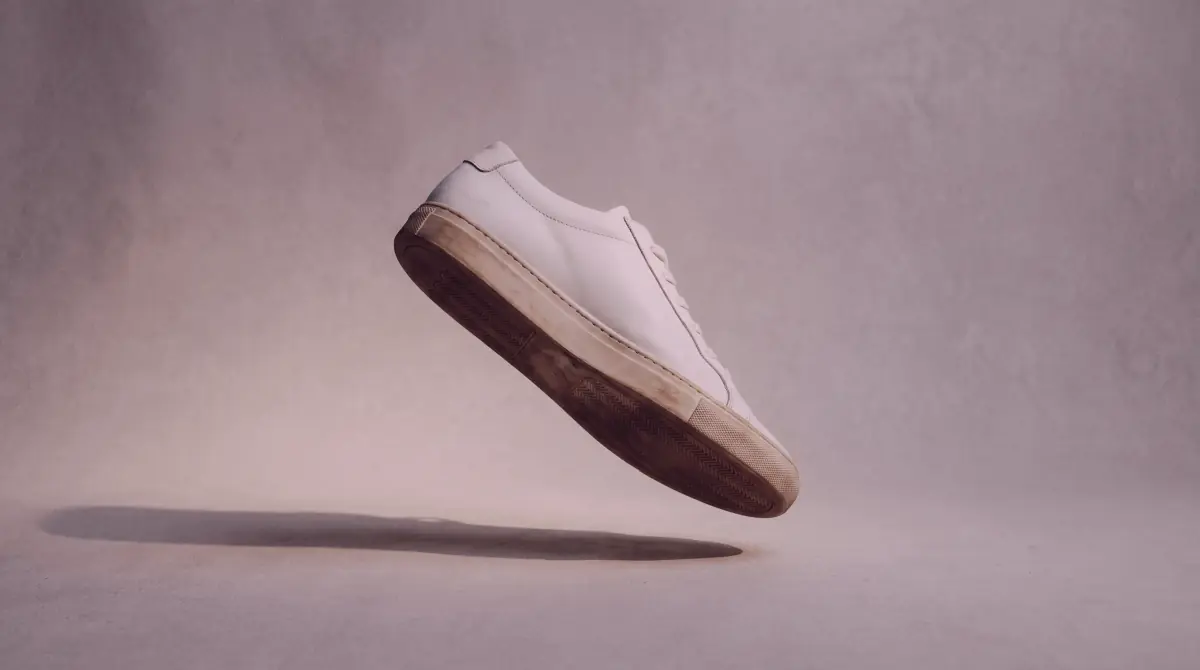
Ten frames, one model. Every image on this page is AI-generated.
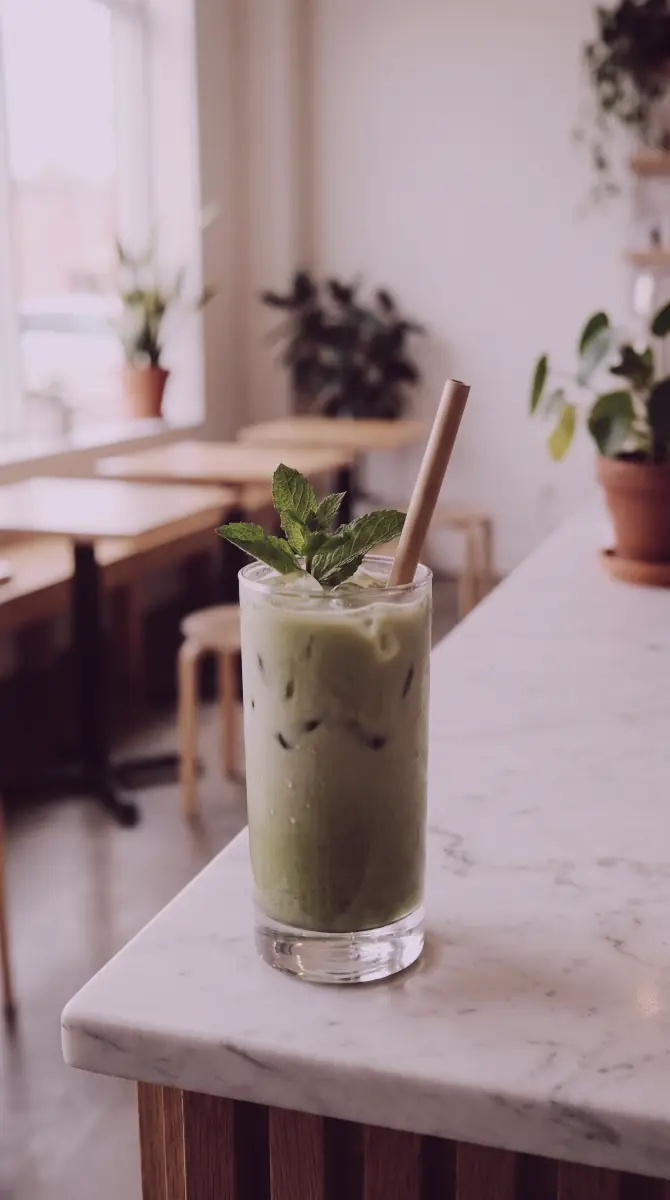
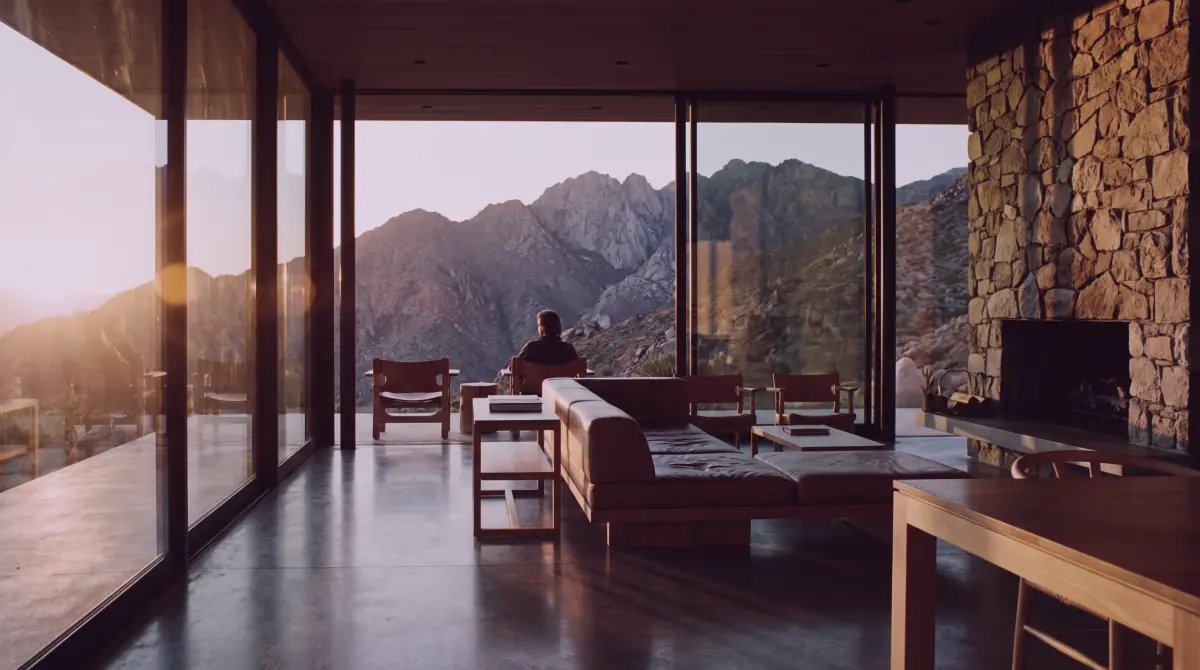
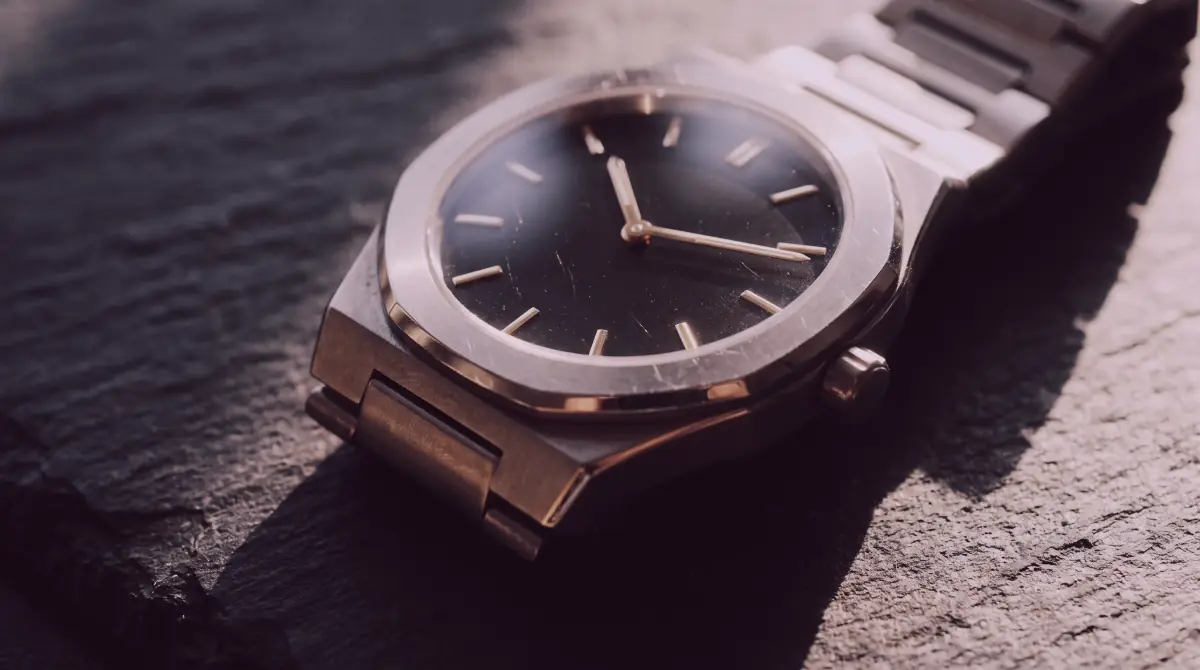
GPT Image 2.5 Fast vs GPT Image 2.5
Same prompts, the same 16-reference limit, the same 1K, 2K and 4K sizes. You are choosing speed or finish, not a different feature set.
GPT Image 2.5 Fast
10 credits at 1KThe small build, optimised for speed. Drafts, thumbnails, bulk variations and quick edits.
Open GPT Image 2.5 FastGPT Image 2.5
11 credits at 1KThe base build, optimised for finish. Final quality, text rendering and complex multi-reference edits.
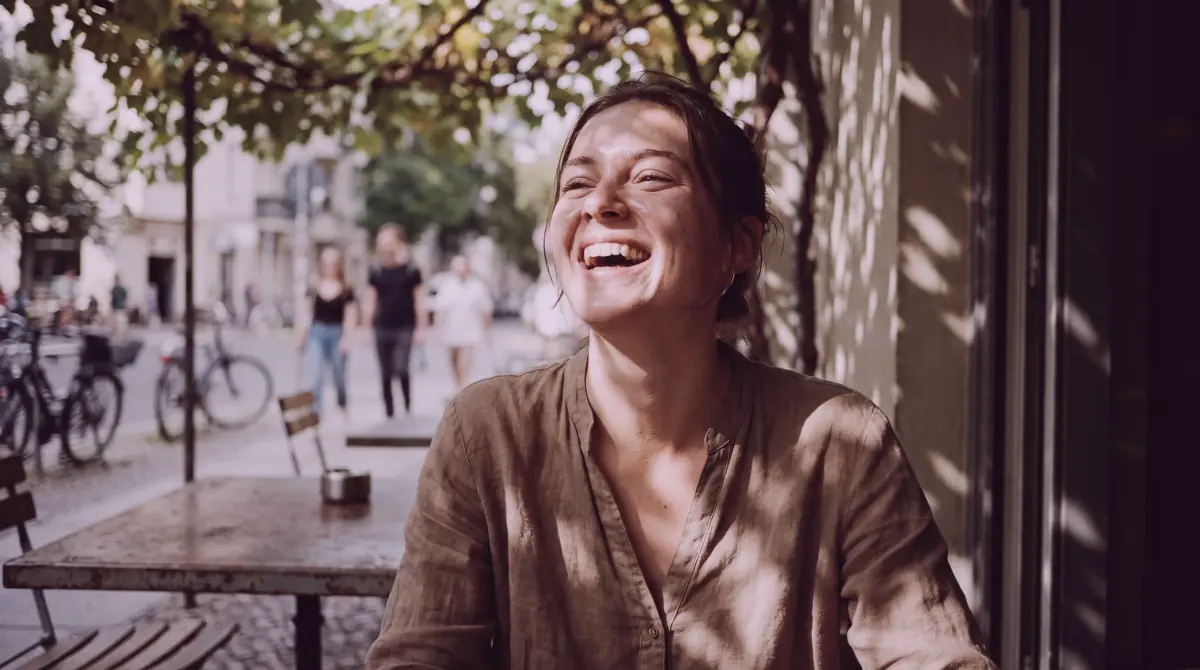
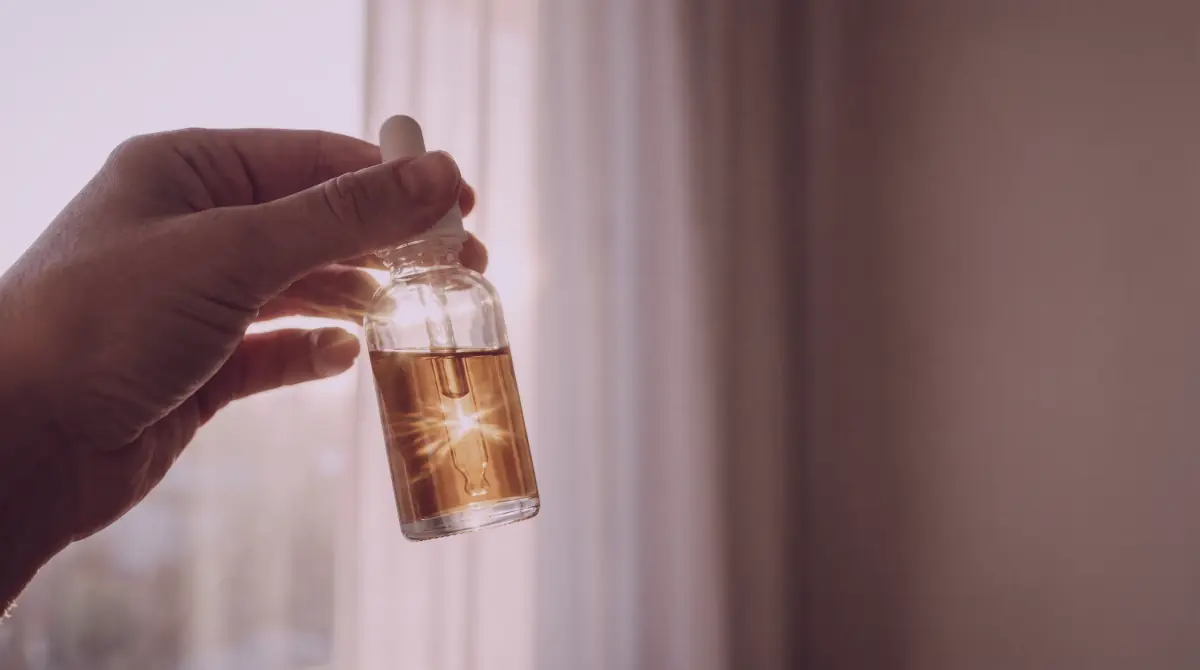
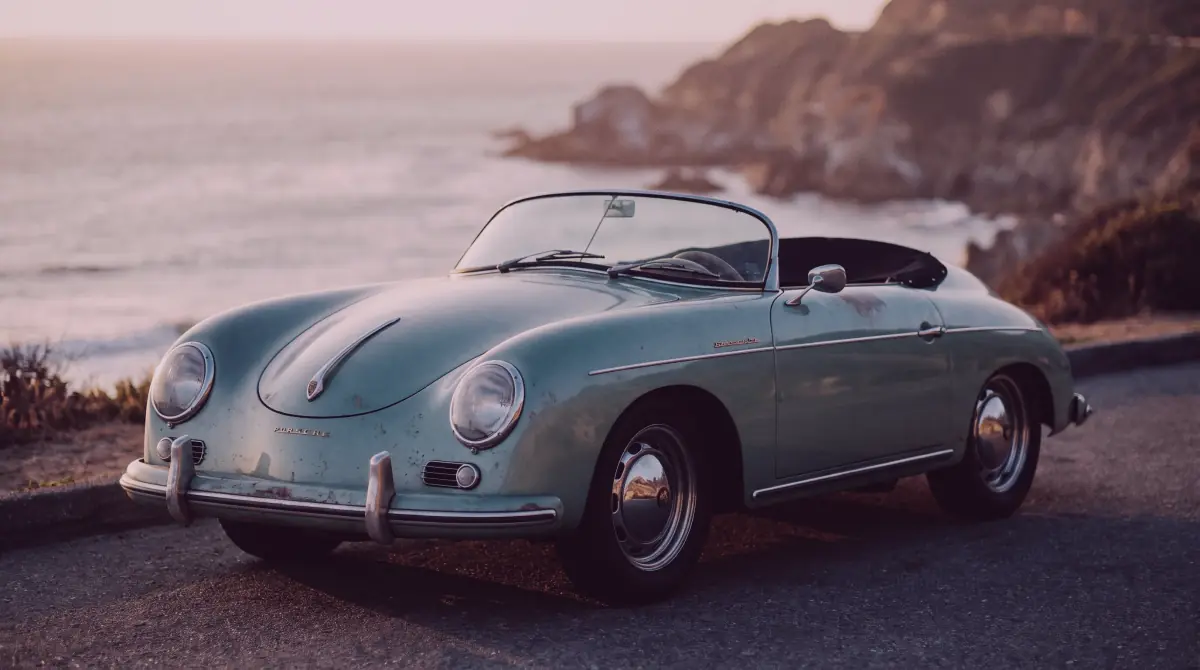
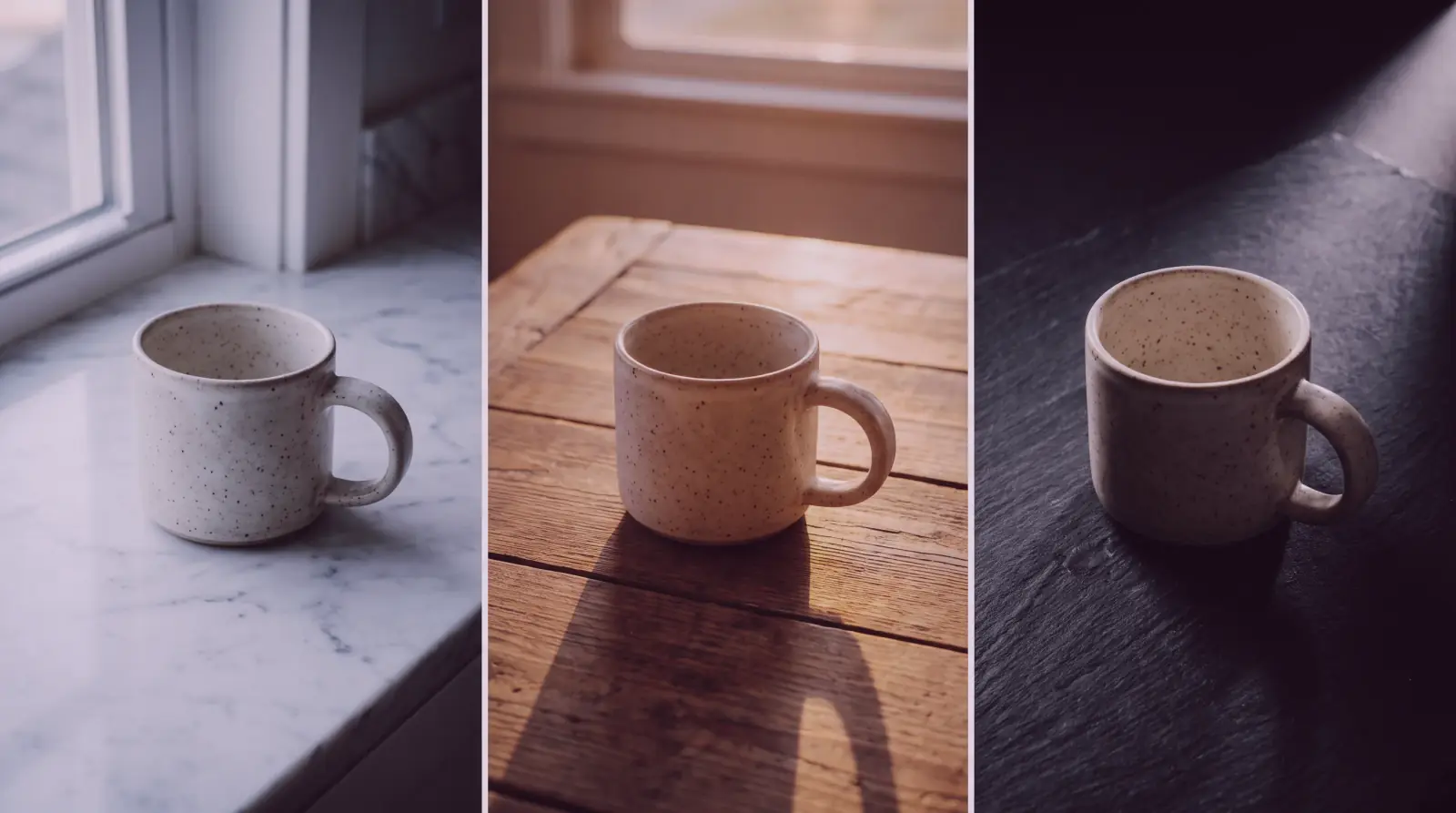
Candid photographs with film texture
Skin detail, shallow depth of field, natural grain. Both builds render the same prompt at different speed-to-finish points.
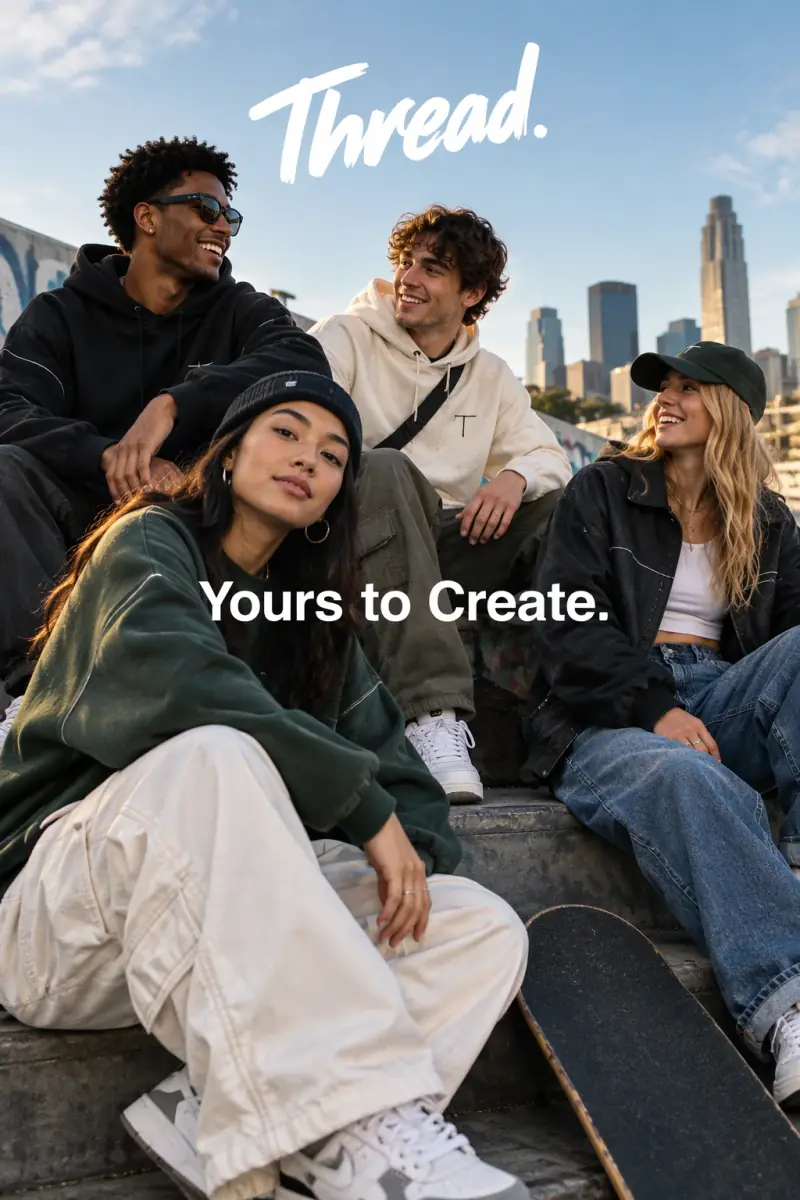
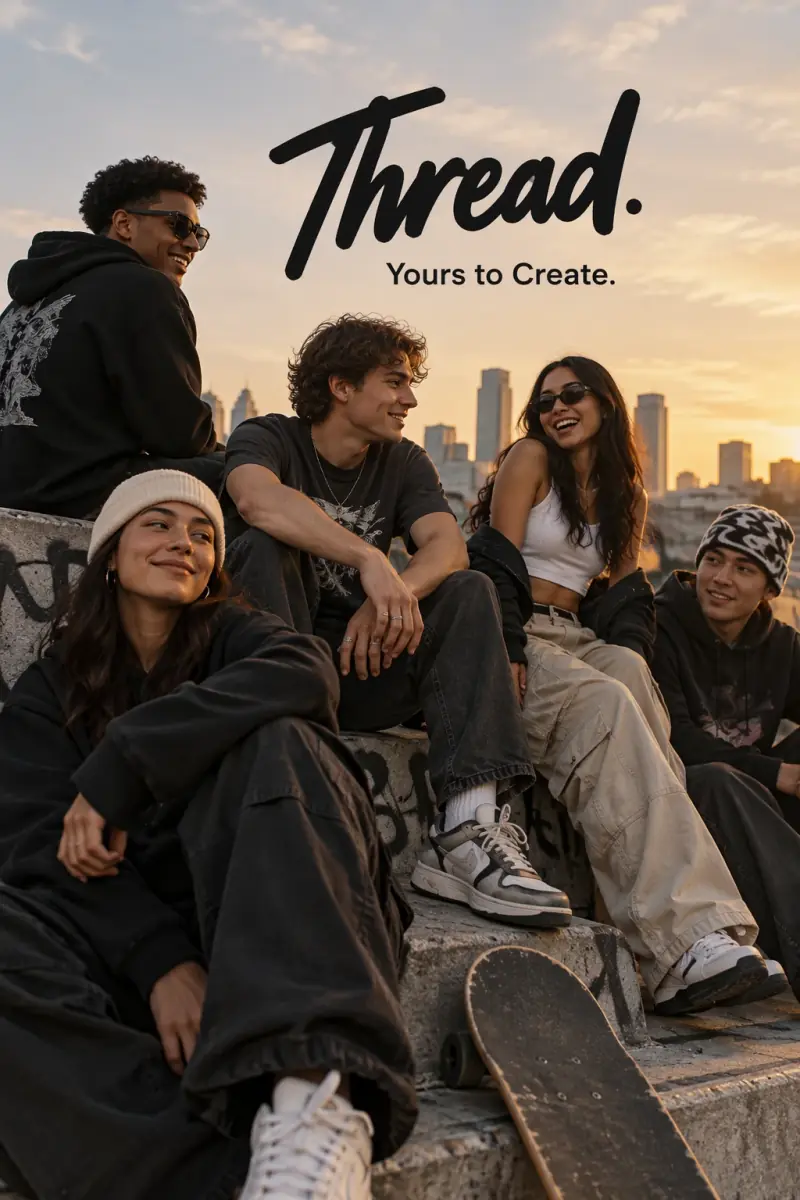
Campaign frames with rendered type
People, styling and a legible tagline composed into one polished ad frame.
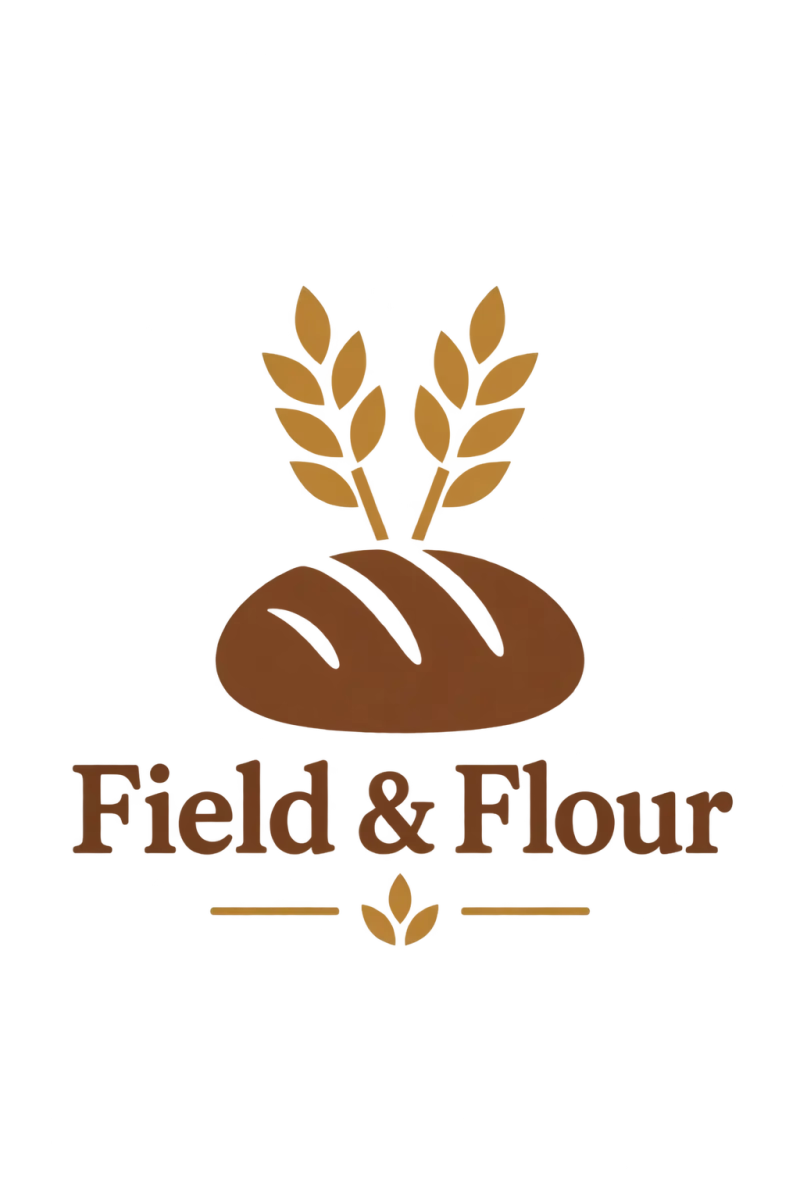
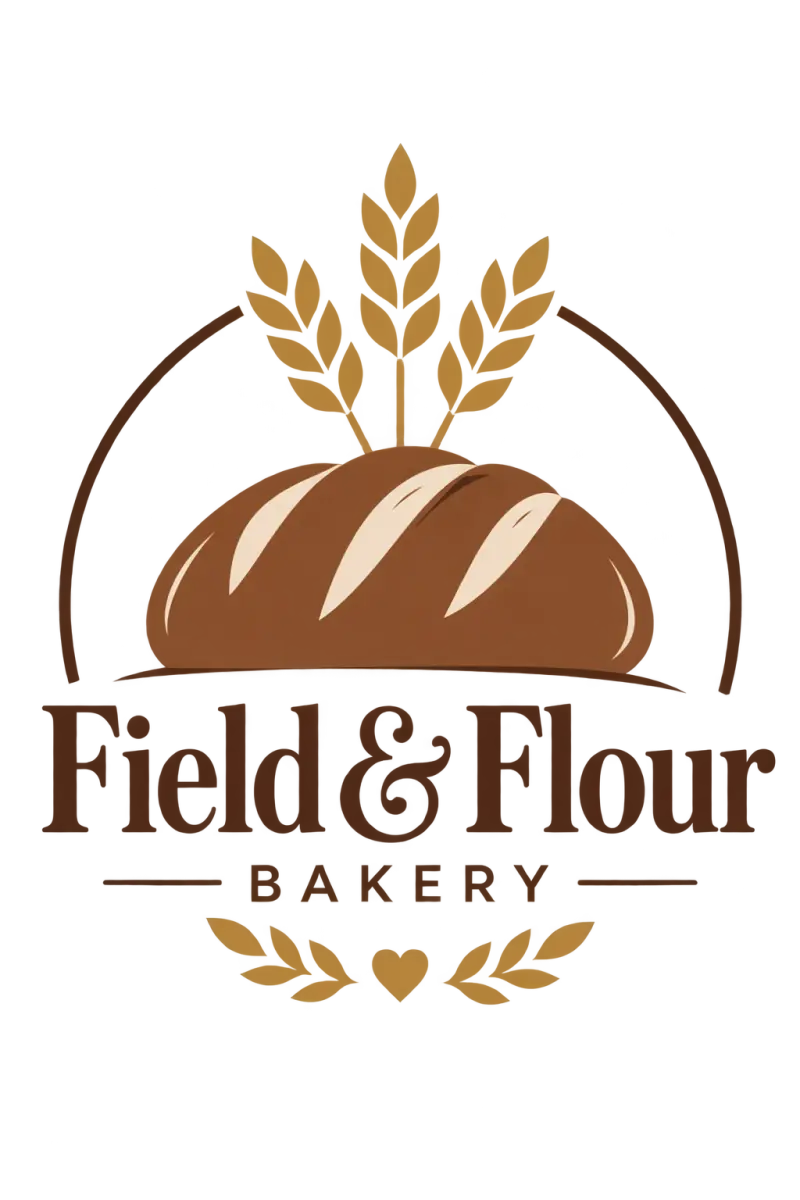
Clean marks from a text description
Vector-like shapes, a strong silhouette and balanced negative space on a transparent ground.
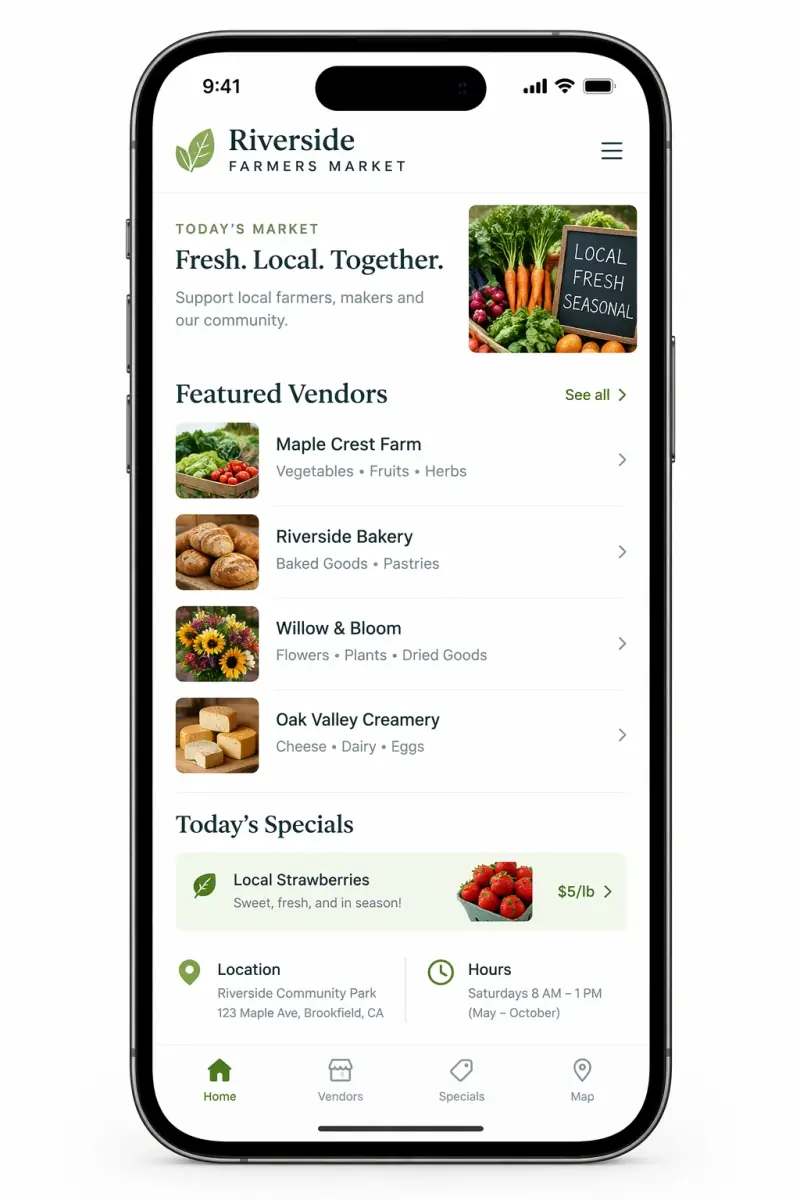
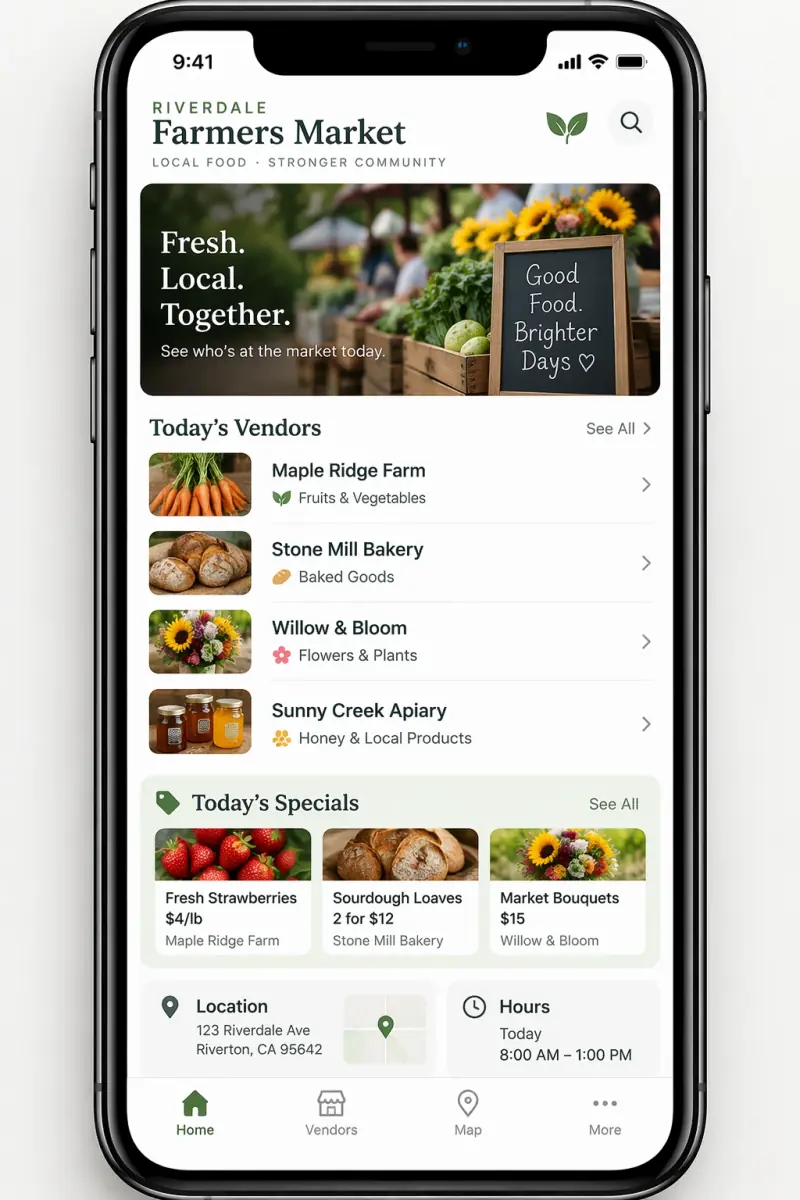
Interface previews that look shipped
Layout, hierarchy, spacing and real interface elements inside a device frame.
Input reference images: OpenAI GPT Image 2.5 prompting guide.
What GPT Image 2.5 does
Five things the model is built for, each one a lever you can reach on Popcraft today.
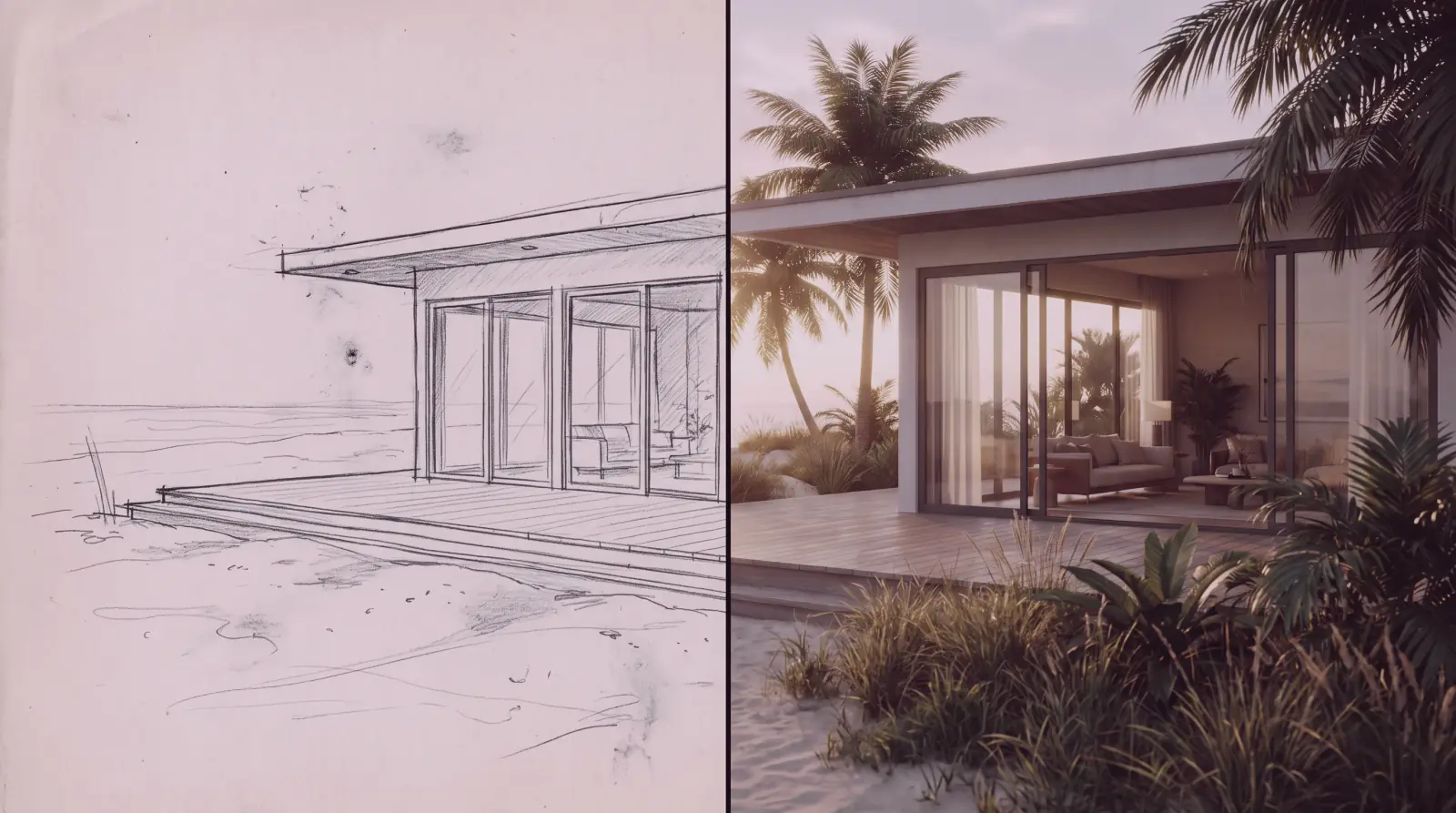
From a rough layout to a finished scene
Attach a wireframe or a napkin sketch as a reference. The model fills it in with full rendering and keeps your composition.
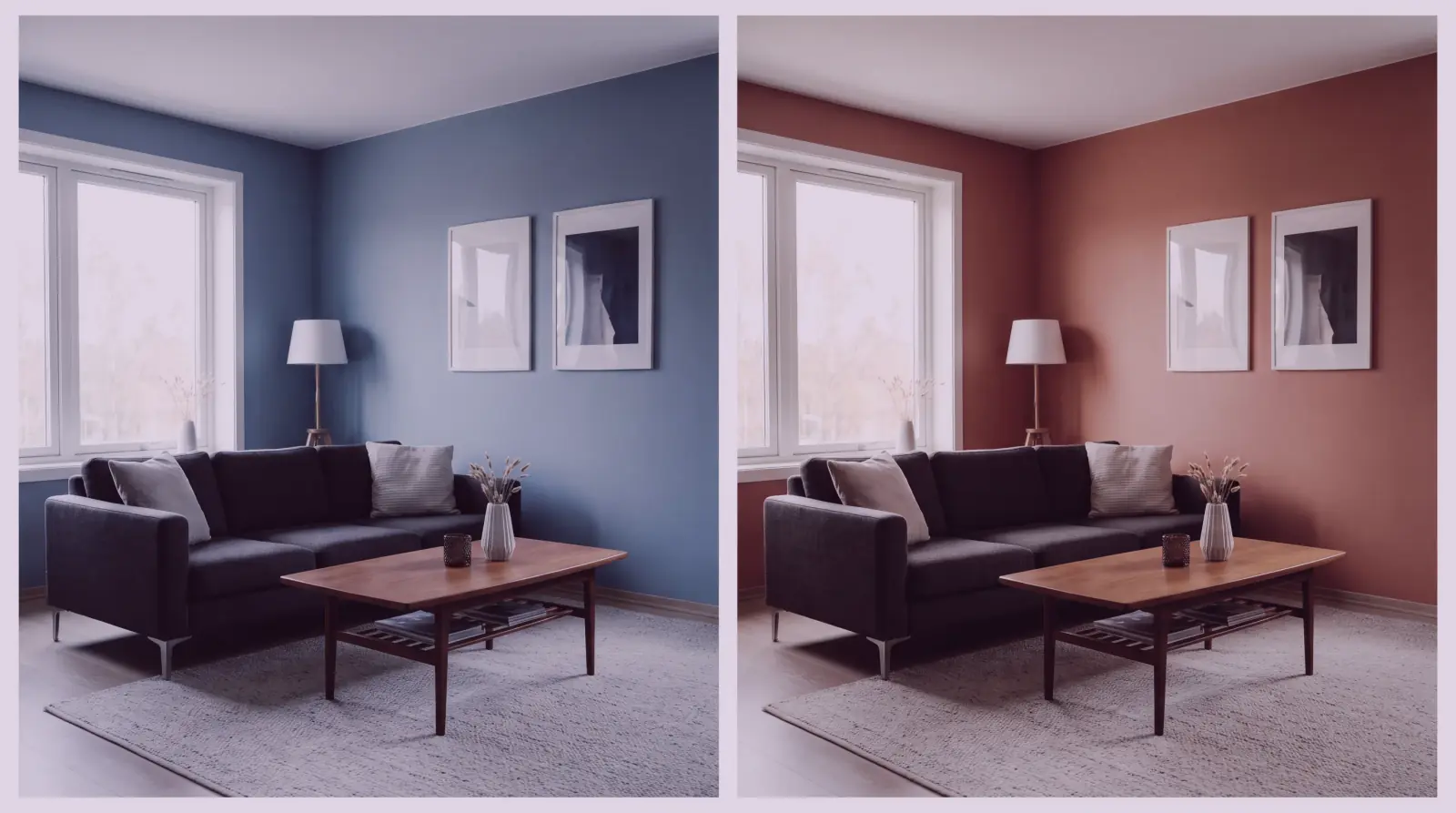
Change one thing and keep the rest
Describe the edit in plain language. The model changes what you asked for and leaves the rest of the frame untouched.
Your product, held across every variant
Attach a product photo. The model holds proportions, palette and feel while it follows a new prompt.
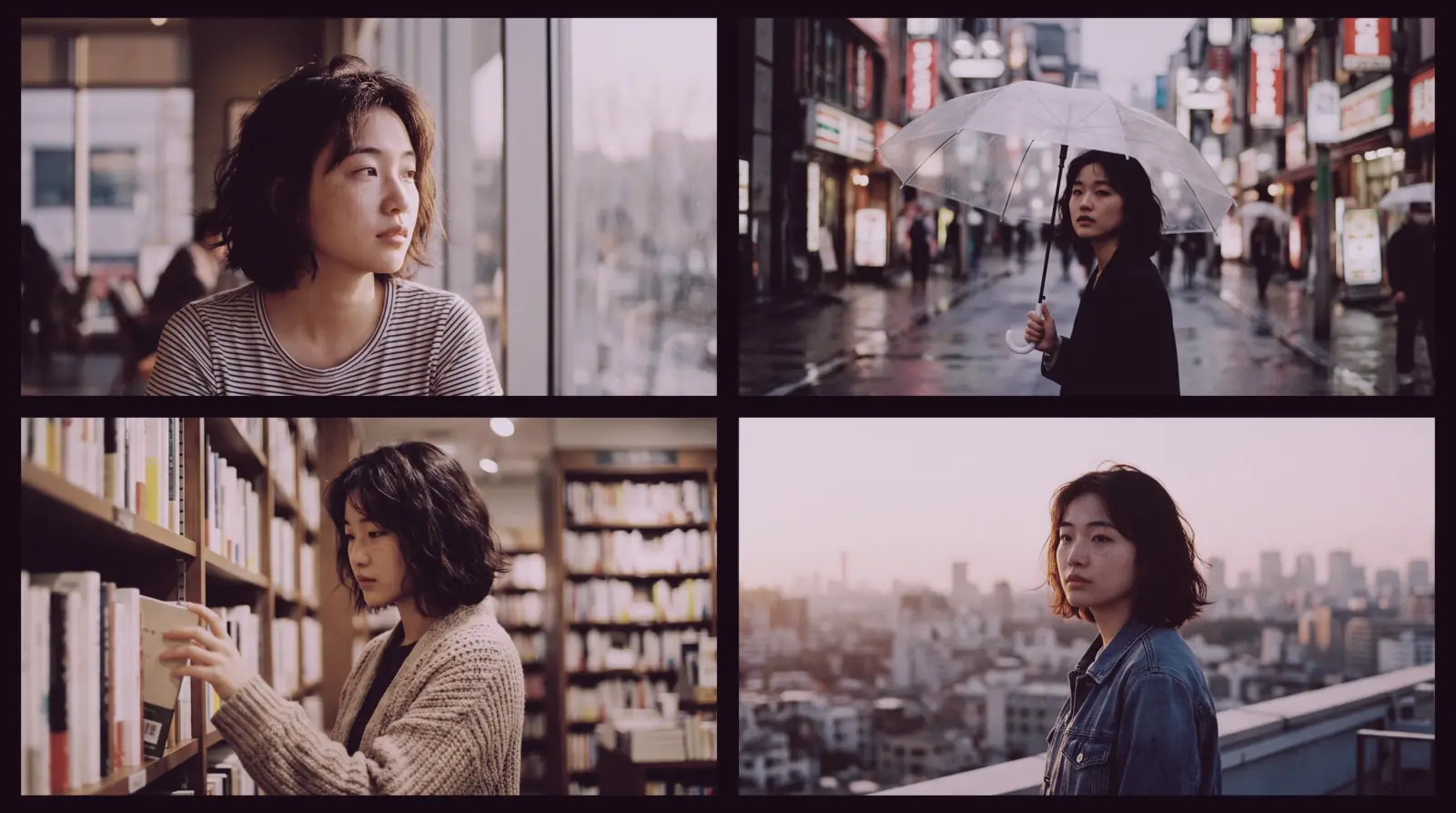
One identity across every scene
Build a character who keeps their face, build and styling across lighting, wardrobe and location changes.
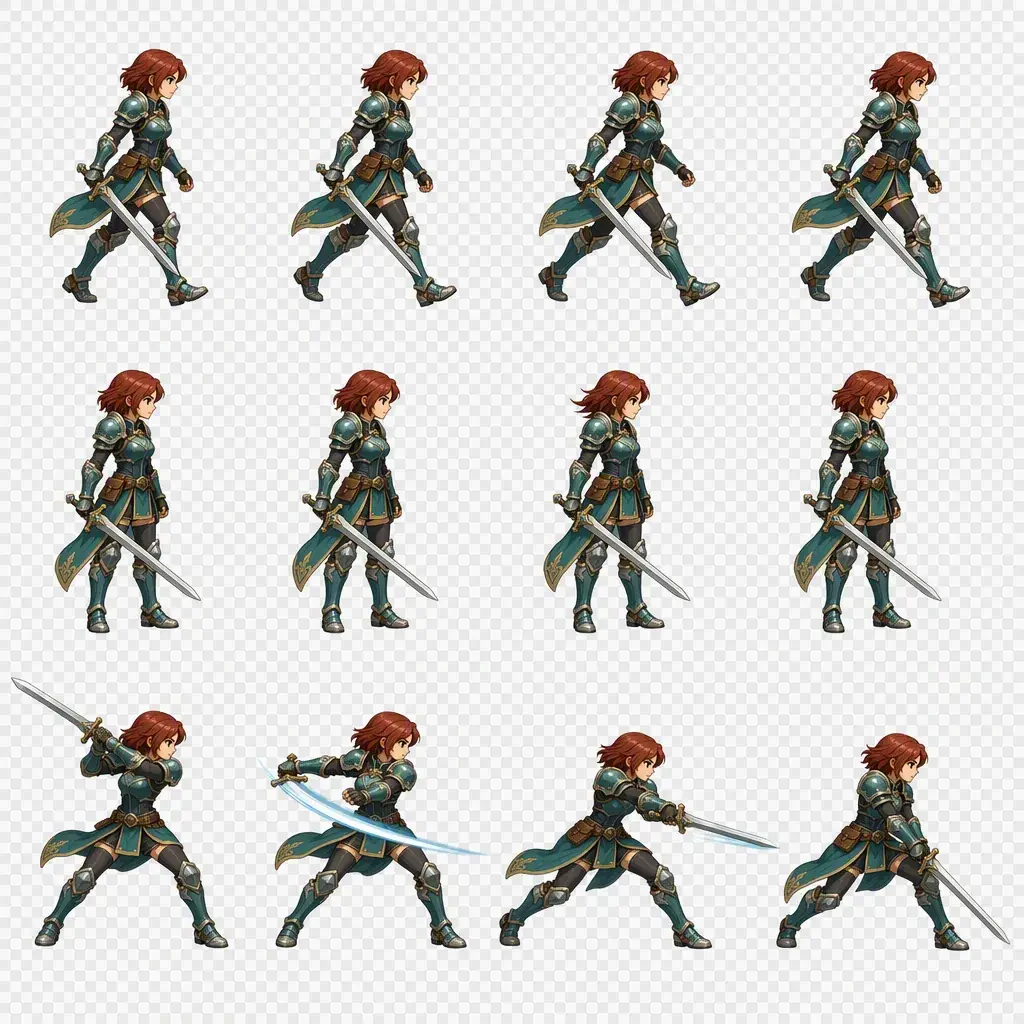
Engine-ready sheets from a prompt
Consistent characters, clean alpha, walk cycles and item grids, straight from a text description.
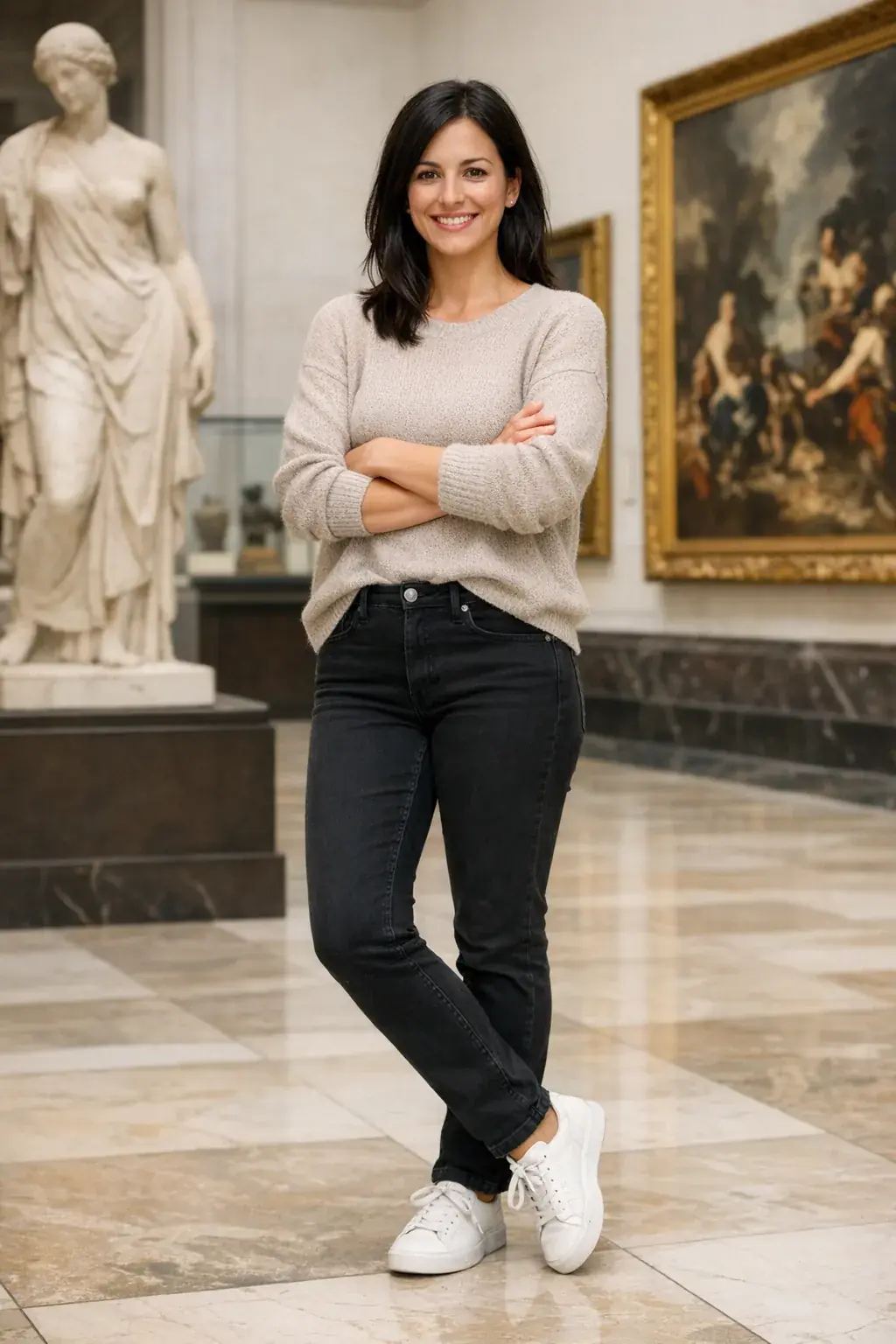
Edit with references
Attach a reference, describe the change, and the model edits the image you gave it instead of starting over. Up to 16 references in one prompt.
 Input
Input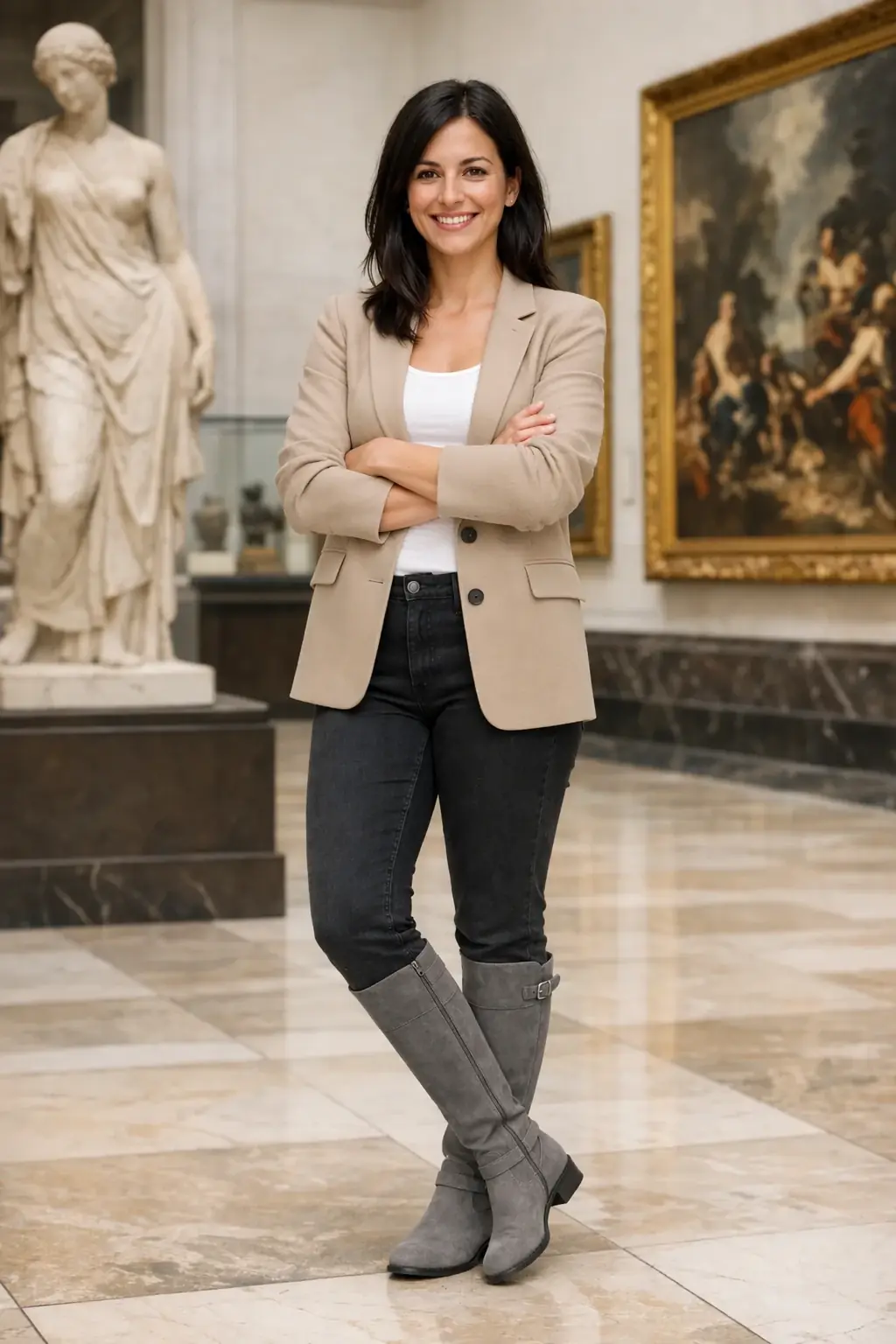 Result
Dress the woman using the provided clothing images. Preserve her exact likeness, expression and hairstyle.
 Input
Input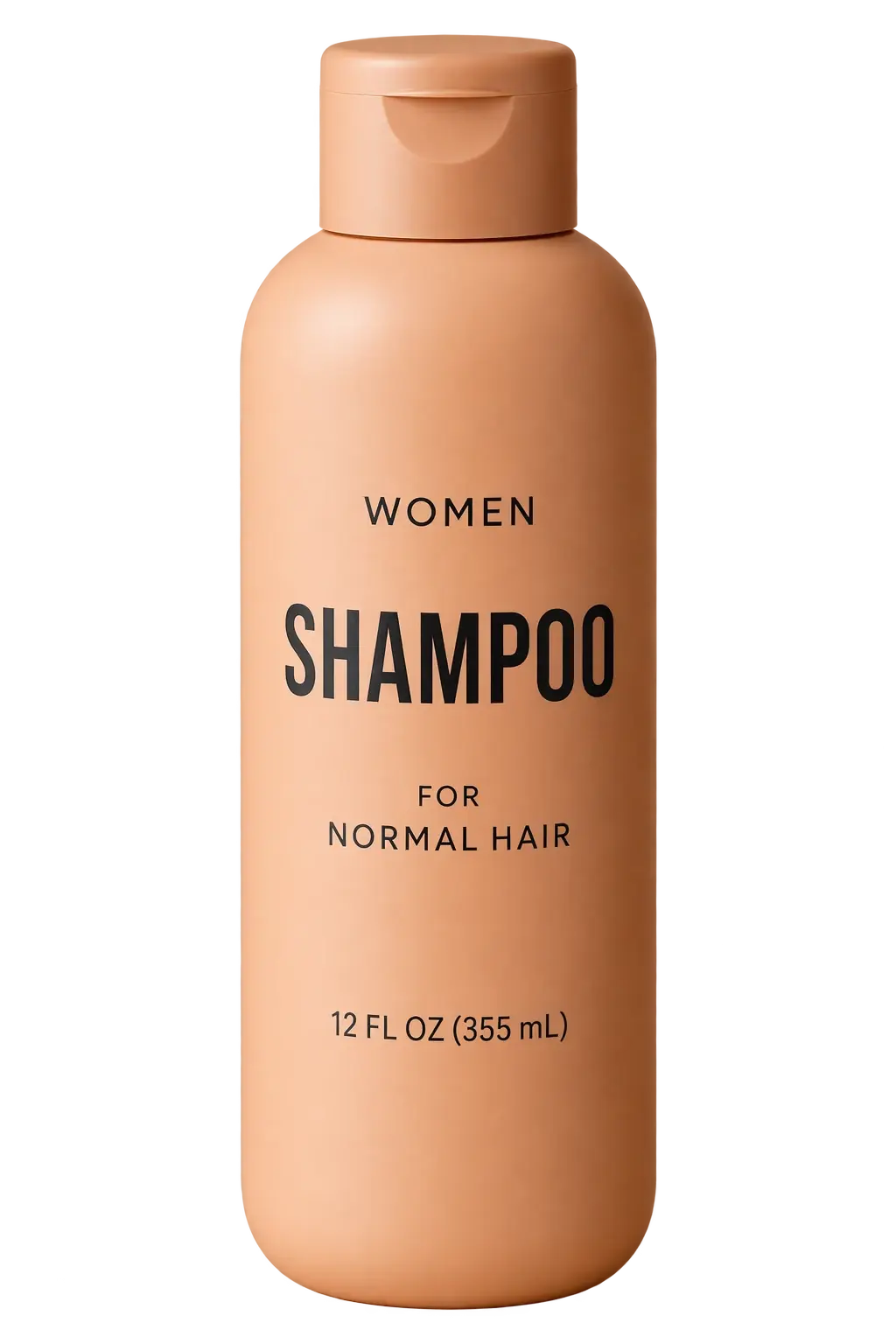 Result
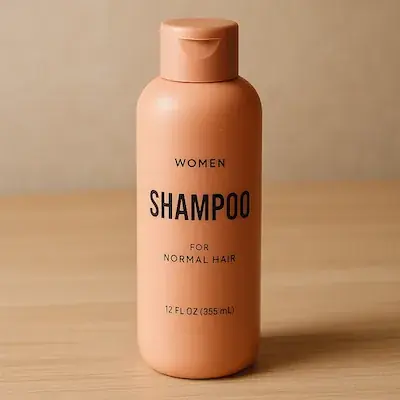
Extract the product and isolate it on a transparent background. Crisp silhouette, no halos.
 Input
Input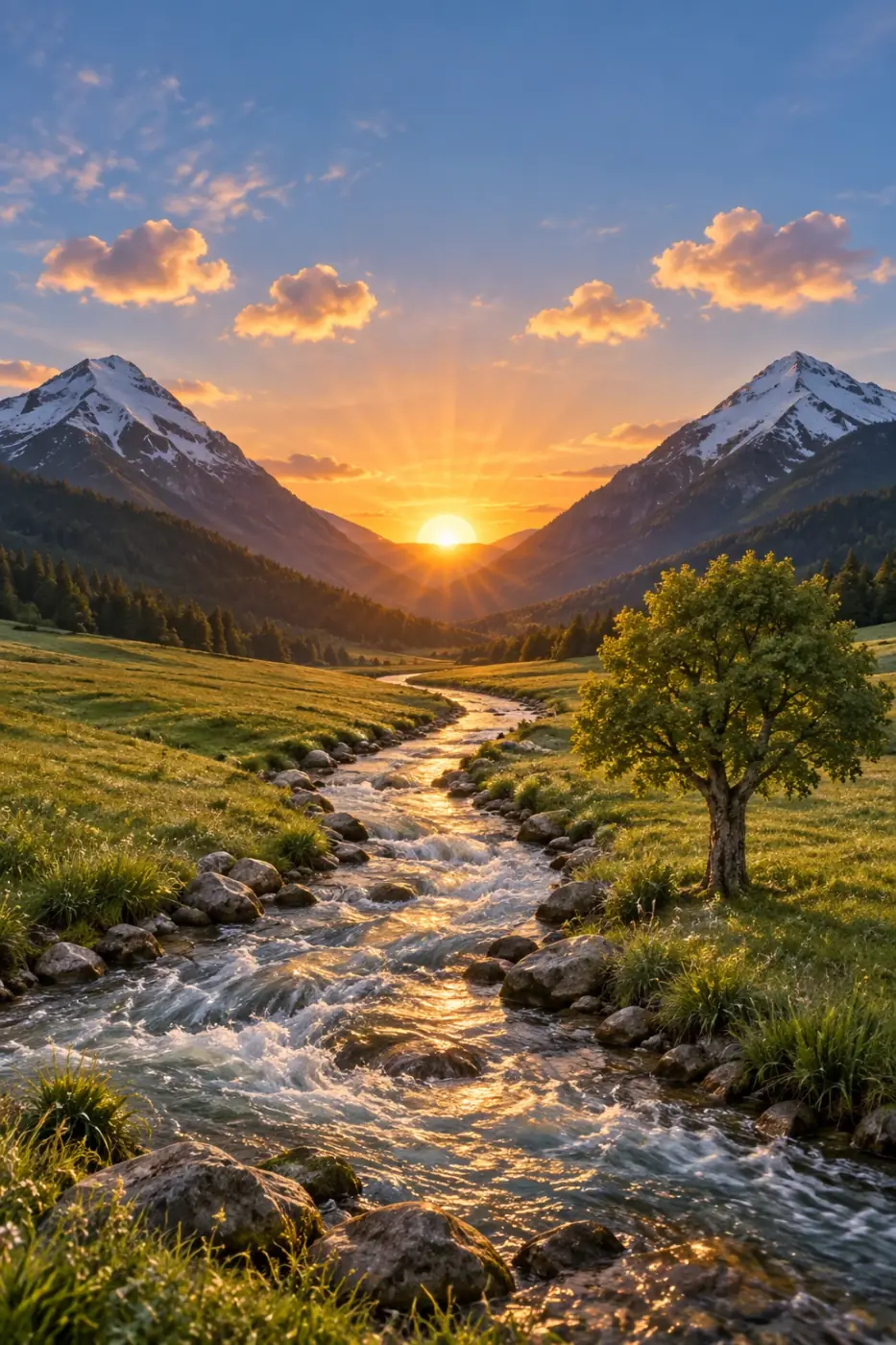 Result
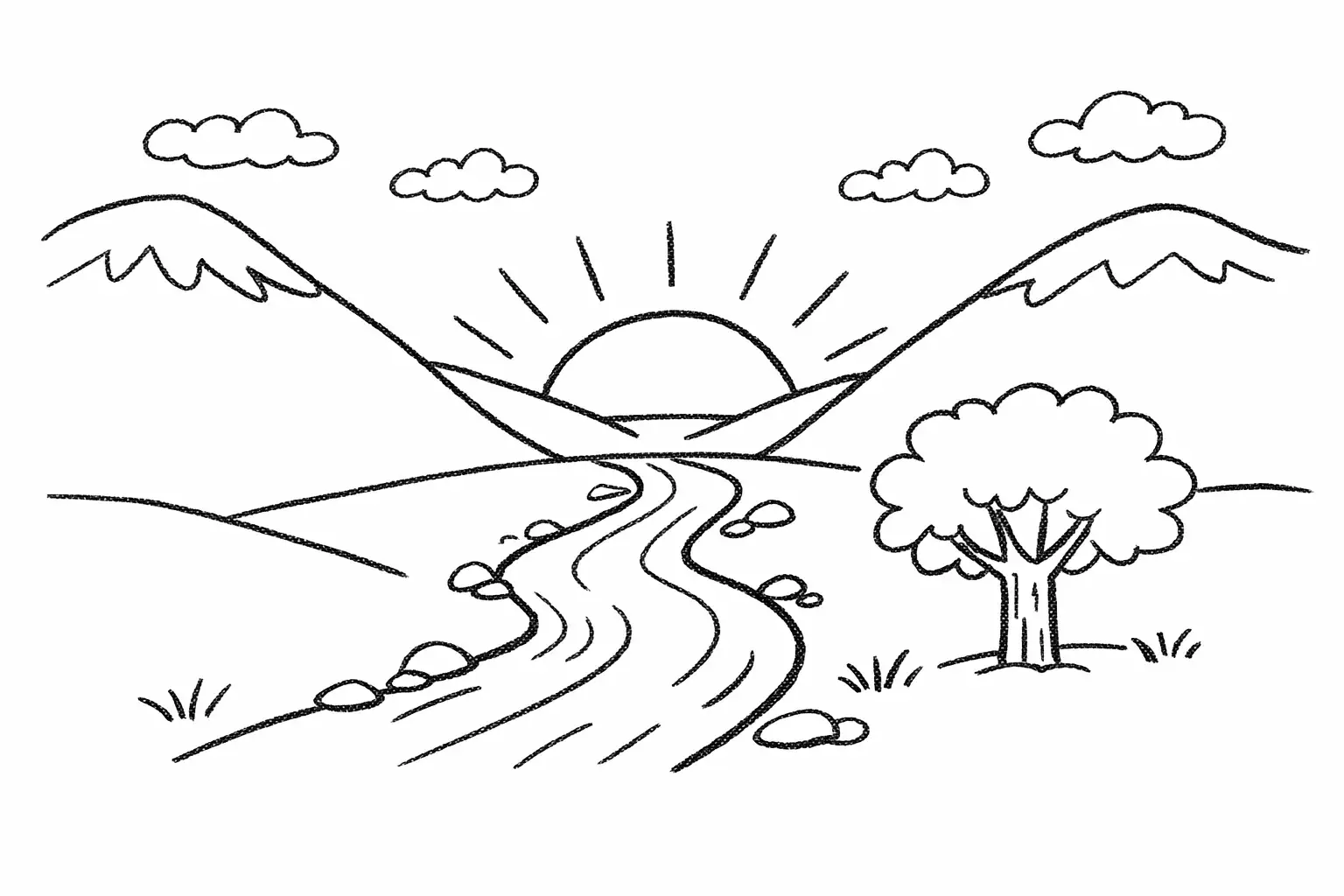
Turn this drawing into a photorealistic image. Preserve the exact layout and proportions.
 Input
Input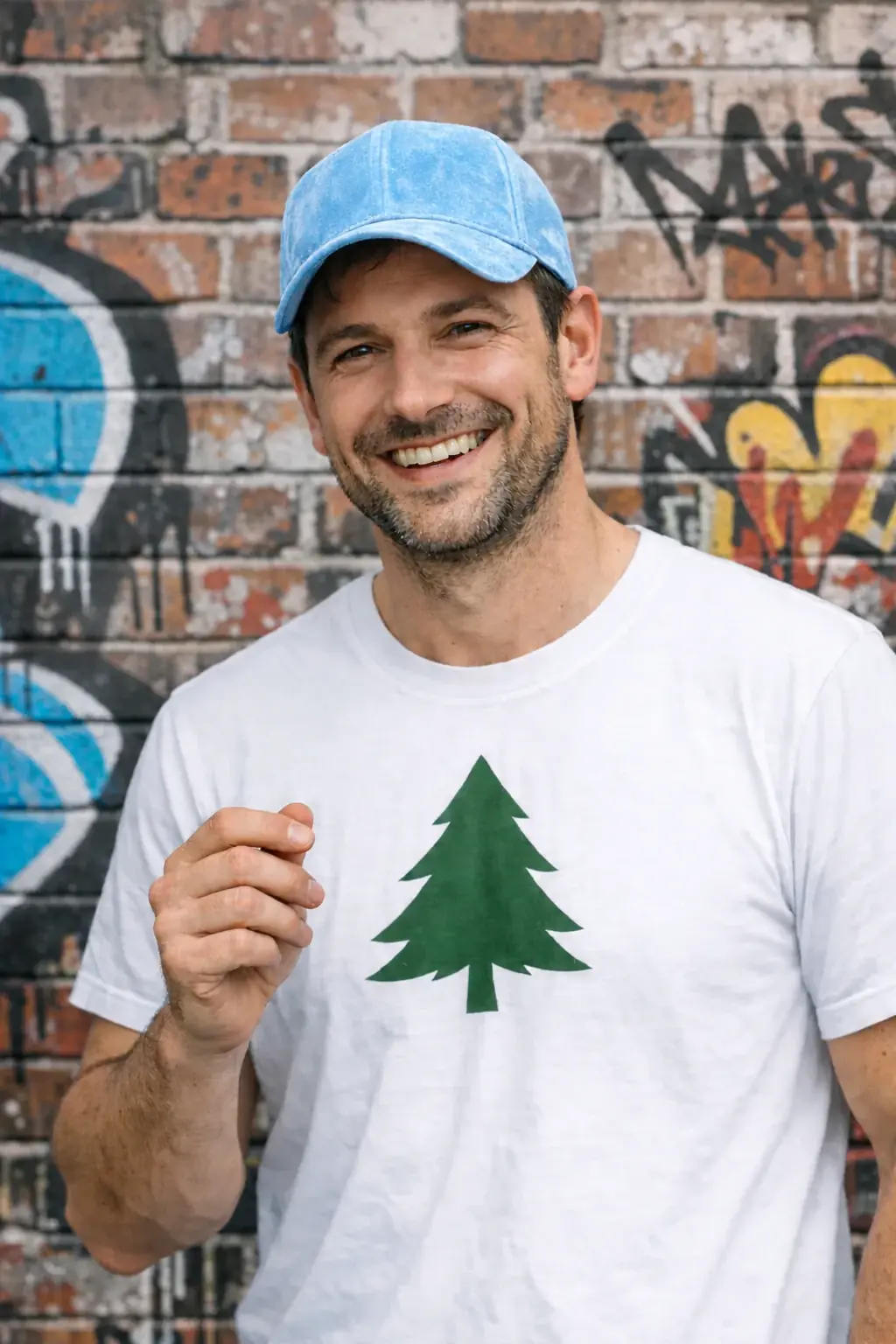 Result
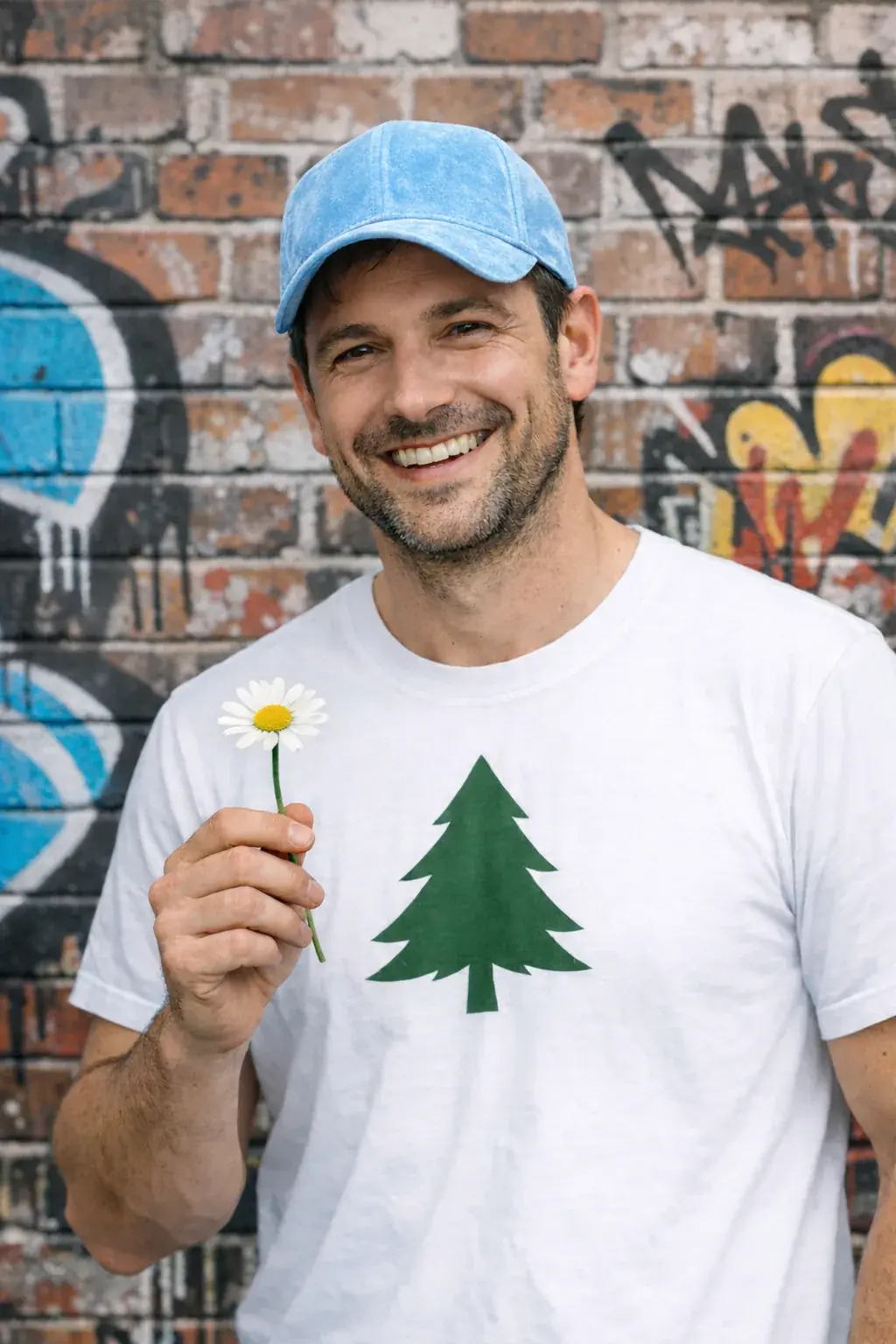
Remove the flower from the man's hand. Do not change anything else.
Input reference images: OpenAI GPT Image 2.5 prompting guide.
How to prompt GPT Image 2.5
Seven techniques, each with a real prompt from OpenAI's prompting guide.
Define the result, not the process
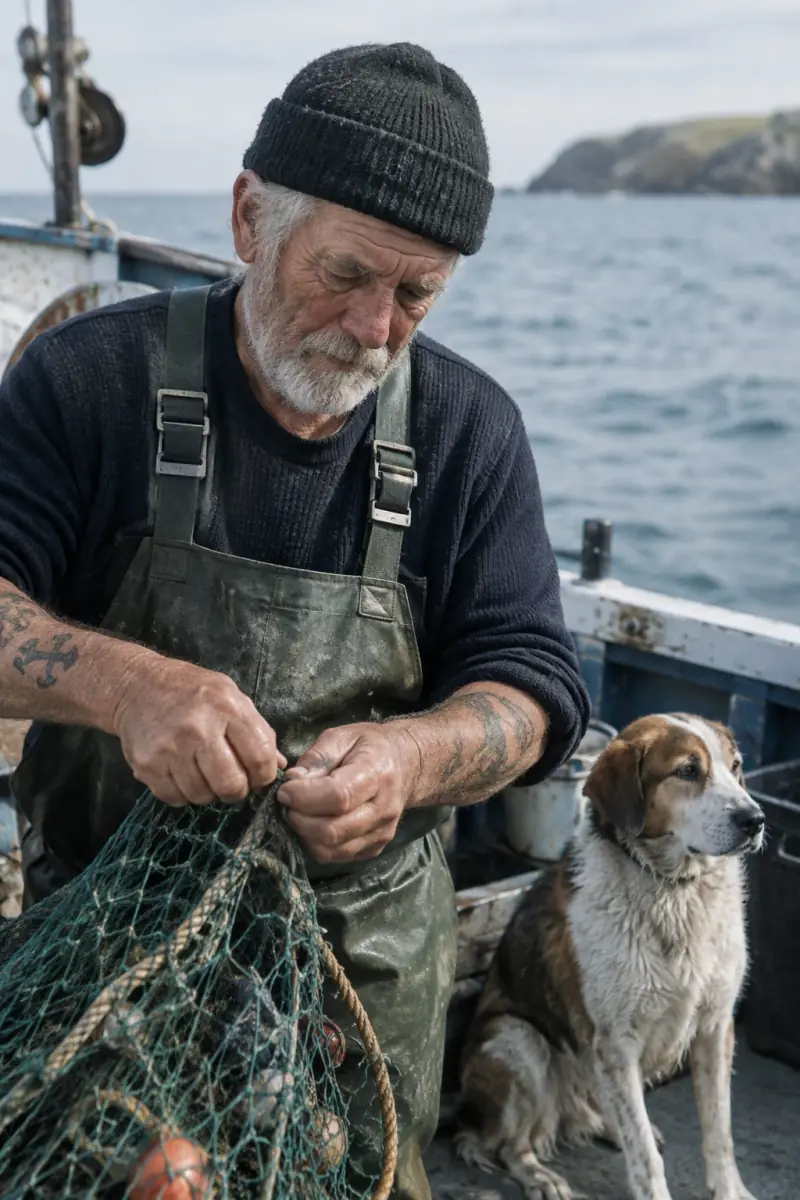
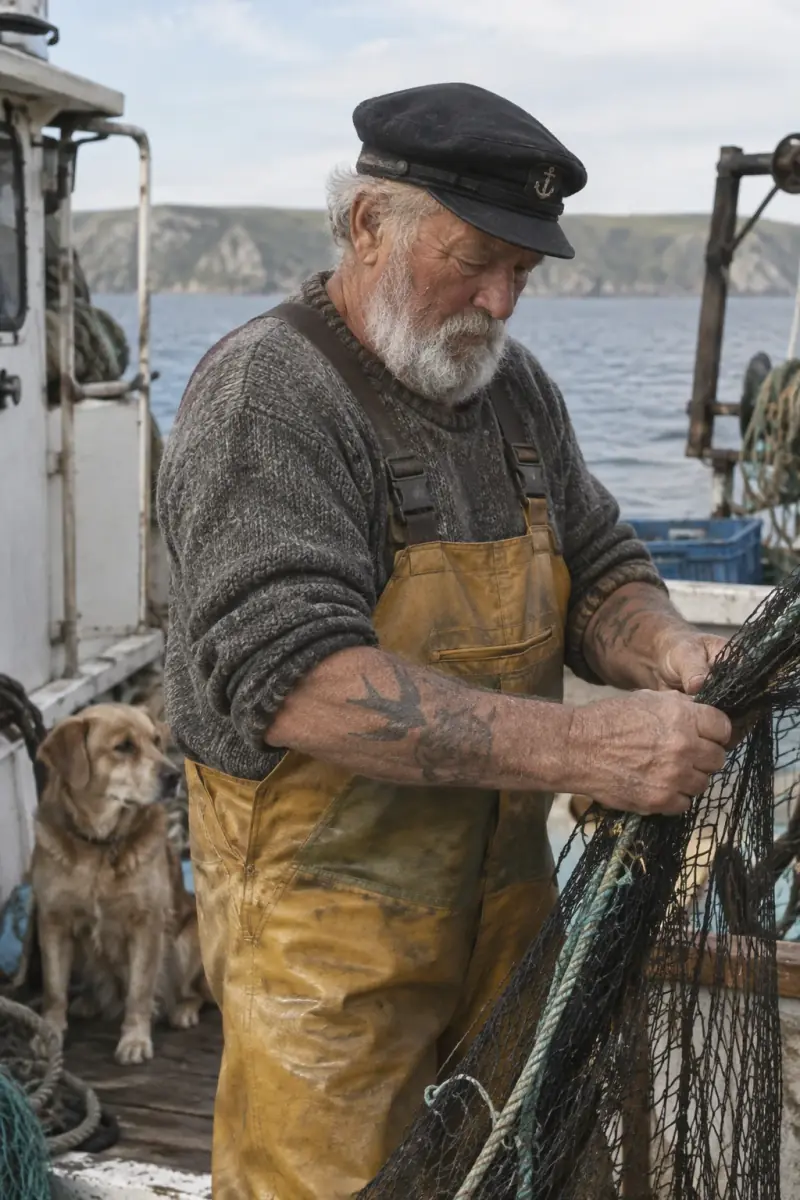
01Describe the photograph through subject, framing, light and texture. Name the lens and the film stock.
Create a photorealistic candid photograph of an elderly sailor standing on a small fishing boat. Shot like a 35mm film photograph, medium close-up, 50mm lens. Soft coastal daylight, shallow depth of field, subtle film grain.
Say what must be visible
02Name the process, the audience and the information the image has to communicate. For diagrams, check the labels as well as the look.
Create a detailed infographic of the functioning and flow of an automatic coffee machine. From bean basket, to grinding, to scale, water tank, boiler. I'd like to understand technically and visually the flow.
Name the people and the action
03Say who is in the scene, what they are doing, and quote the exact tagline you want rendered.
Give me a cool in-culture ad for a brand called Thread. A hip young street brand. The ad shows friends hanging out with the tagline "Yours to Create." Render the tagline exactly once, clearly and legibly.
Quote the exact text
04State the name first, then the mark's shapes, composition and negative space, so the model draws around the text.
Create a logo for Field & Flour, a local bakery. Warm, simple, timeless. Vector-like shapes, strong silhouette, balanced negative space. Flat design, transparent background.
Separate constraints from changes
05Give the fixed constraints — place, date, period — and let the model infer the rest. Then check what it chose.
Create a realistic outdoor crowd scene in Bethel, New York on August 16, 1969. Photorealistic, period-accurate clothing, staging, and environment.
Give every reference a role
06With several reference images, say what each one is for: which is the subject, which is the style, which supplies a detail.
Use image 1 as the subject (the product). Use image 2 as the style reference (film-noir lighting). Place the product on dark marble in that style.
Iterate deliberately
07Work in rounds: describe the finished state, judge what came back, then re-attach it as a reference and ask for one specific change.
Create a mobile app UI mockup for a local farmers market. Header, vendor list with small photos, "Today's specials" section. White background, subtle accent colours, clear typography. Place it in an iPhone frame.
GPT Image 2.5 vs GPT Image 2
Both models are on Popcraft, and both take up to 16 reference images. The shift in 2.5 is control: references hold harder and edits stay local.
| Capability | GPT Image 2 | GPT Image 2.5 |
|---|---|---|
| Builds | One model | Fast and standard |
| Reference fidelity | Style matching | Holds proportions, palette and identity |
| In-context edits | Tends to regenerate the frame | Targeted edits, the rest untouched |
| Text rendering | Good | Sharper, holds longer taglines |
| Price at 1K | 9 credits | 10 credits Fast / 11 credits |
Prices are per image at 1K. Both builds of GPT Image 2.5 are unlimited on the Pro and Max plans — see pricing. See pricing
How it works on Popcraft
Three steps, all inside the image creator.
- Step 1
Sketch or reference
Start from a rough sketch, a product photo or a brand board. Attach up to 16 references.
- Step 2
Prompt in plain language
Describe the scene, the lighting and the style, then pick a build, an aspect ratio and 1K, 2K or 4K.
- Step 3
Edit with the result
Re-attach the image you got back as a reference and describe the one change you want.
GPT Image 2.5 FAQ
GPT Image 2.5 is OpenAI's latest image model. It takes a natural-language prompt with optional sketch or reference images — up to 16 of them — and returns a finished image at 1K, 2K or 4K. To change something, re-attach the result as a reference and describe the change. It ships in two builds: GPT Image 2.5 Fast for speed and GPT Image 2.5 for finish.
GPT Image 2.5 Fast is the small build: drafts, thumbnails, bulk variations and quick edits, at 10 credits at 1K. GPT Image 2.5 is the base build, for final quality, text rendering and complex multi-reference edits, at 11 credits at 1K. Same prompts, the same 16-reference limit and the same 1K, 2K and 4K sizes — you are choosing speed or finish, not a different feature set.
Three things. References hold harder: proportions, palette and identity survive a new prompt rather than being loosely style-matched. Edits are targeted, so asking for one change leaves the rest of the frame alone where GPT Image 2 tends to regenerate it. And text rendering is sharper, so longer taglines stay legible. GPT Image 2.5 also comes in two builds rather than one, at 10 and 11 credits at 1K against 9 for GPT Image 2.
Yes. Both builds sit in the image model list, in Canvas boards and in the Popcraft MCP connector. Pick a build, an aspect ratio and a size, attach up to 16 reference images, and generate.
Product photography, ad frames with a rendered tagline, logo marks, app and interface mockups, character sets that hold one identity across scenes, sprite sheets with clean alpha, architectural visualisations, and food and lifestyle photography. Anything you would brief a photographer or an illustrator for, described in plain language.
GPT Image 2.5 Fast is 10, 14 and 30 credits at 1K, 2K and 4K. GPT Image 2.5 is 11, 15 and 33. Both are unlimited — no credits at all — on the Pro and Max plans. Every size shows its price before you generate, and every new account starts with 100 free credits.
Start creating with GPT Image 2.5
Sketch it, reference it, edit it. Both builds are on Popcraft now.
Every new account starts with 100 free credits.
Output images on this page are AI-generated. The input reference images in the edits section come from the OpenAI GPT Image 2.5 prompting guide. OpenAI GPT Image 2.5 prompting guide
Keep exploring
Related models
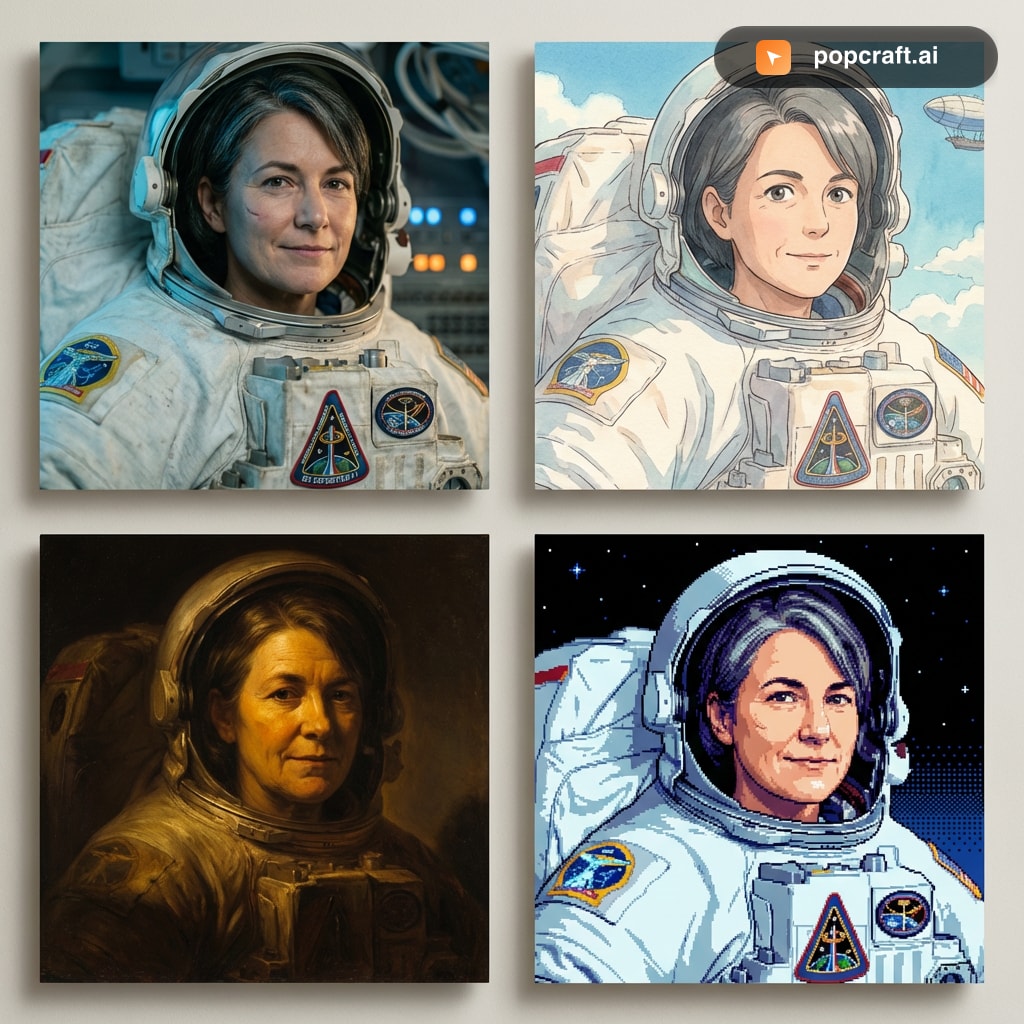
Generate images with Google Nano Banana 2 on Popcraft. Character consistency, 14 aspect ratios, 4K resolution, web-grounded knowledge — free to try.
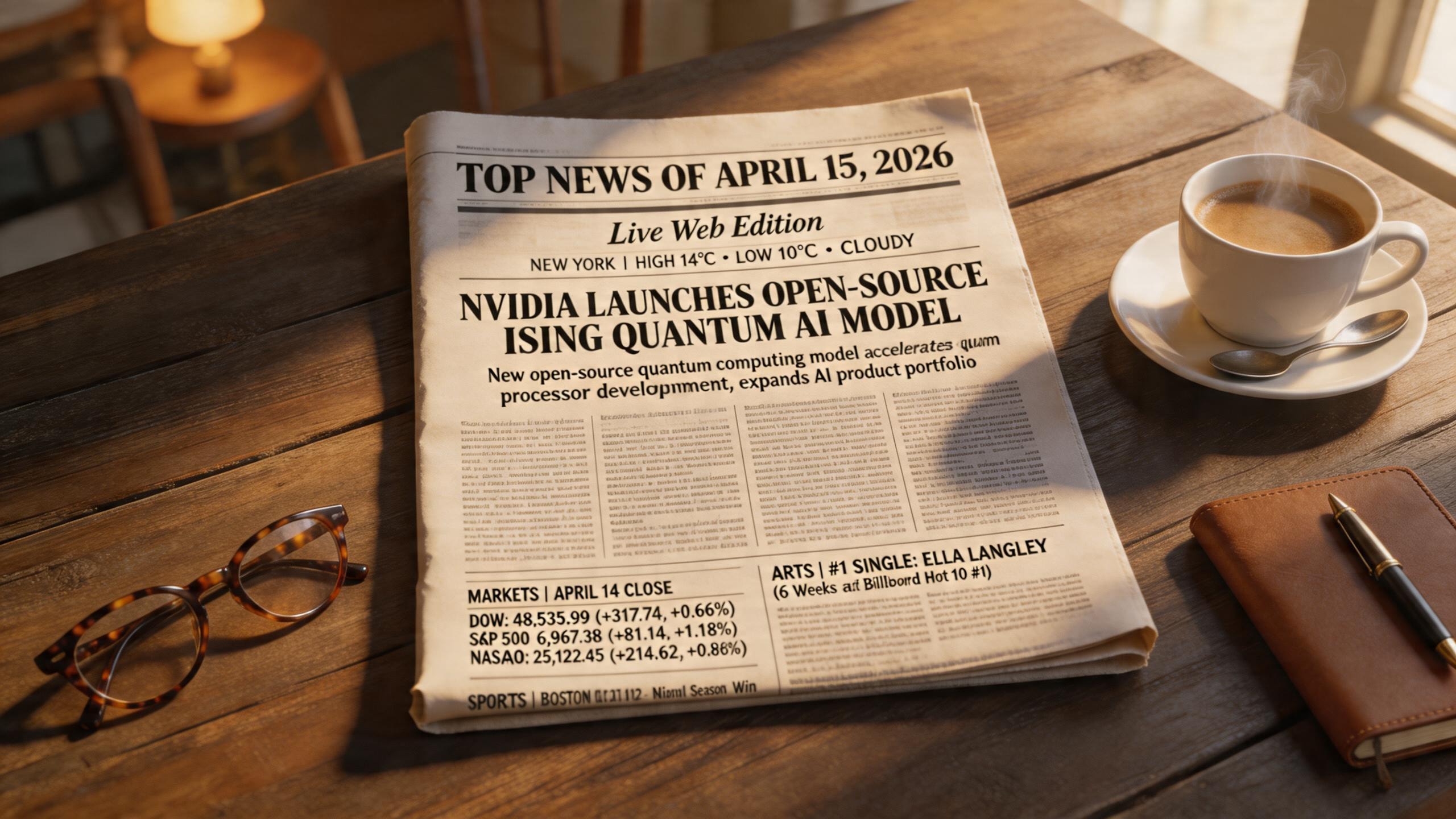
Generate images with ByteDance Seedream 5 Lite on Popcraft. Live web search, visual reasoning, 2K output in seconds — free to try.
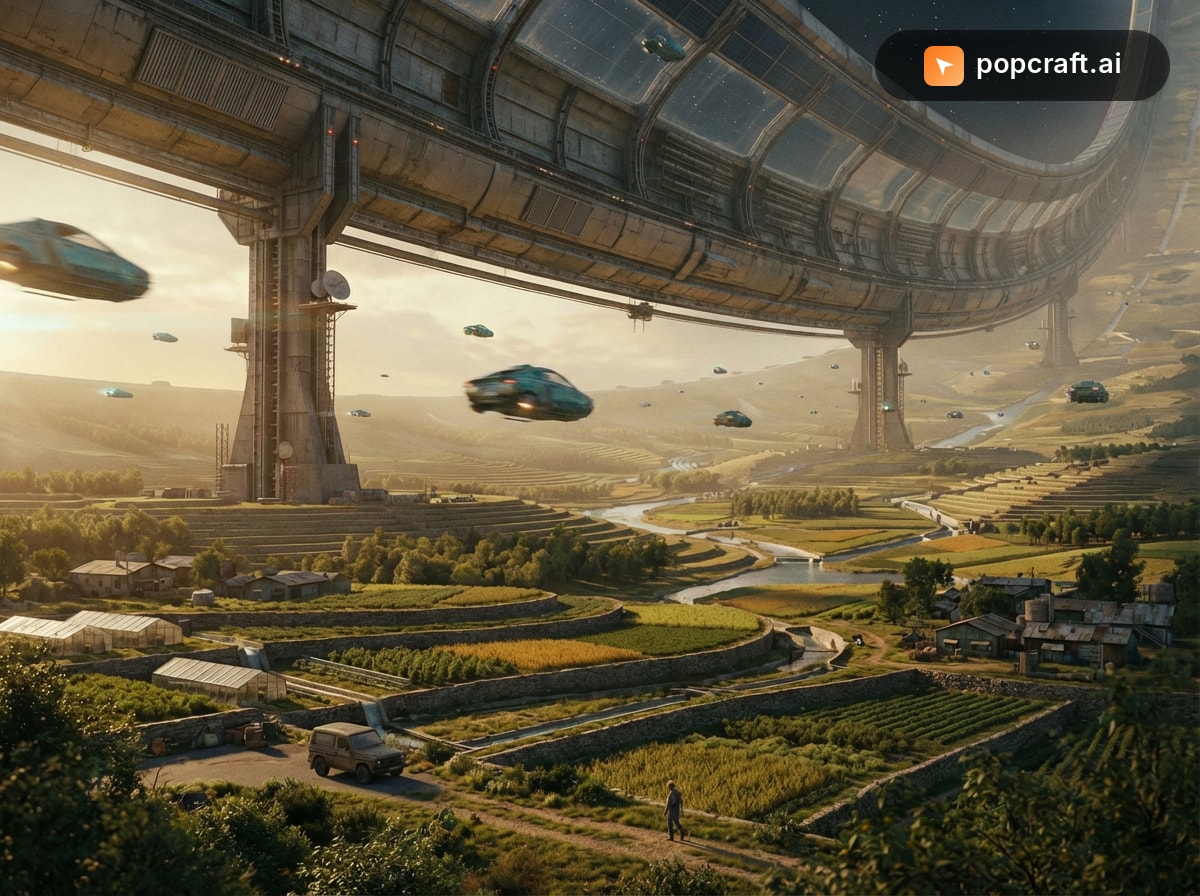
Generate premium images with Google Nano Banana Pro on Popcraft. Complex multi-element compositions, 4K output, pro-grade typography and style transfer — free to try.
Seedance 2.5 generates up to 30 seconds of video in a single job, with up to 50 reference assets, controllable video editing, high-fidelity temporal extension, any aspect ratio from 0.4 to 2.5, and native prompting in 10+ languages. Live on Popcraft.