
Seedance 2.5 · ByteDance
Thirty seconds, in one generation
A whole ad, a product demo or a scene beat comes back as one thirty-second generation rather than five clips and a join — held together by up to fifty reference assets, and edited afterwards without a re-roll.
Live on Popcraft, beside Seedance 2.0.
Thirty seconds, twice
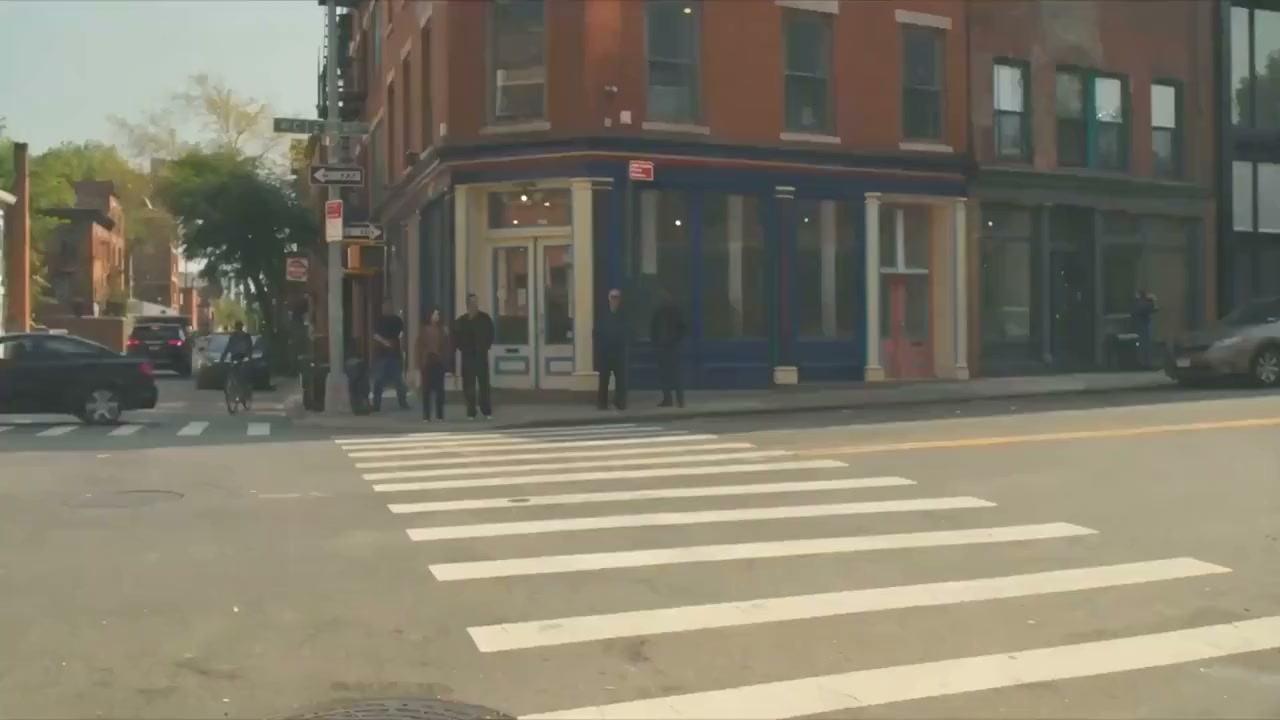
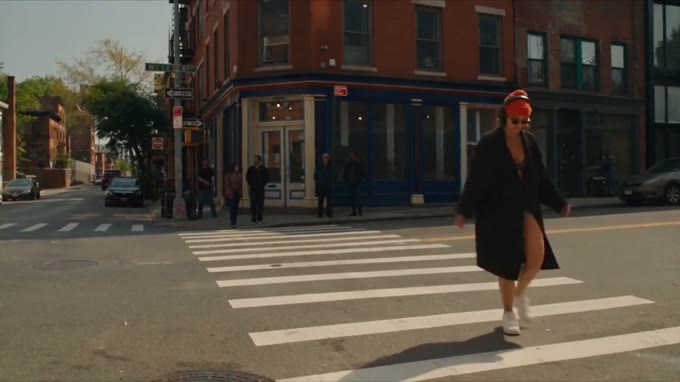
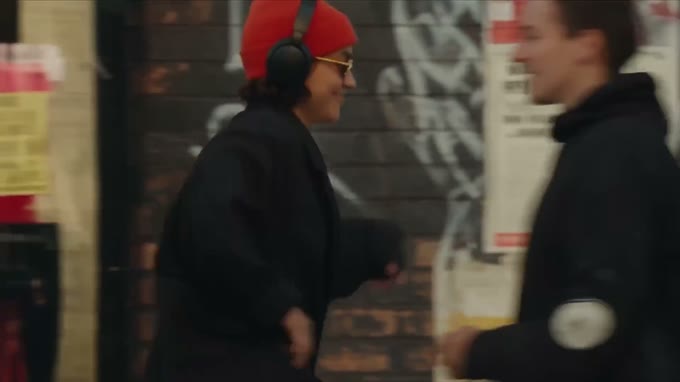
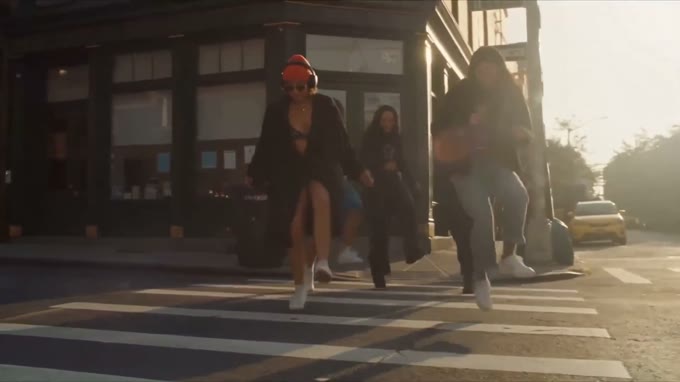
Two of ByteDance’s own demonstration films, at the length the model is built for. Each is one generation — picture, camera changes and sound arriving together, with nothing assembled afterwards.
What to look for in them
The four gains are the details that decide whether a shot reads as footage or as output.
Light that obeys the room
Catchlights in the eyes read as glass with depth in them, and direction, falloff and bounce follow the physics of the scene instead of being painted on.
Moves that hold their line
Push, pull, pan and tilt trajectories come back smoother and more stable, which is what makes a thirty-second move survive being thirty seconds long.
Expression as a curve
Micro-expressions — a tremble at the eye, a press of the lips — carried as continuous movement across a whole beat rather than snapped between poses.
Skin, hair, and the uncanny gap
Skin texture, hair sheen and small facial movement closer to how a camera records them, with less of the plastic look that gives a generated face away.
Four things change, and only one of them is the length
2.5 steps forward on four axes: longer generations, richer references, precise editing, and multilingual creation. The length is the headline. Editing is the change a working day actually feels.
Thirty seconds from one generation
Up to thirty seconds in a single generation, holding camera movement, continuity and a complete narrative arc across the whole clip. Seedance 2.0 tops out at fifteen. High-Fidelity Temporal Extension then carries a short clip forward, backward, or bridges two of them.
Everything the shot needs, in one brief
Thirty images, ten video clips and ten audio clips can go into one generation — cast, product, location, camera behaviour, music and voice together. In 2.0 that ceiling was nine images and three clips.
Change a detail, keep the clip
Controllable Video Editing holds the frame, the camera and the pacing and rewrites only what you name: a background, a garment, a product, an actor’s expression, the music. A flaw in a good thirty seconds stops being a reason to re-roll it.
Brief it in your own words
Chinese, English, Spanish, Indonesian, Malay, Thai, Arabic, Portuguese, Vietnamese, Japanese and Korean among others, natively — the prompt no longer has to be translated before the model reads it. Instruction following is stronger across the board.
2.5 beside 2.0, row by row
Seedance 2.0 stays in the line-up, and at 4K it is still the right tool for a short shot.
| Capability | Seedance 2.0 | Seedance 2.5 |
|---|---|---|
| Longest single generation | 15s | 30s |
| Reference images | 9 | 30 |
| Reference video and audio clips | 3 | 10 video + 10 audio |
| Total reference duration | 15s | 30s video, 30s audio, counted apart |
| Audio-only reference | — | Supported |
| Timestamps in the prompt | Shot numbers only | Whole-second timestamps |
| Multi-view subject images | Not advised | Supported |
| Output aspect ratio | Six fixed ratios | Any ratio from 0.4 to 2.5, set by the input |
| MOV output, for editing and extension | — | Supported — colour and audio continuity across a join |
Every asset arrives with a job
The count is the easy part. What makes it usable is that every asset is attached with an @ mark and given a stated role, so the model knows which picture is the actor and which is the light.
Up to 4K, 30 MB each. JPEG, PNG, WebP, BMP, TIFF, GIF, HEIC, HEIF. Multi-view sets of the same subject are supported in 2.5, where 2.0 advised against them.
480p to 4K, 200 MB each, 2–30s per clip, MP4 or MOV. The clips share a thirty-second total.
15 MB each, 2–30s per clip, MP3 or WAV, with its own separate thirty-second total. Audio-only references are new in 2.5 — a music bed, a voice or an effects track can drive pacing, beat matching and lip-sync on its own.
What a reference can be asked to carry
- Subject
- The appearance or the voice of a person, animal, product, prop, location or invented character — the thing that has to stay itself for the whole clip.Use the woman in @image 1 as the lead, walking a city street at dusk.
- Motion
- Action, camera movement, timing and effects lifted off a clip and applied to a different subject. It transfers across species and styles, not only across takes.Follow the camera move and running rhythm in @video 1; the subject is @image 1.
- White model
- A rough untextured 3D blockout drives the camera choreography and the staging; the finished materials, lighting and atmosphere come from stills. Coarse geometry works better here than a detailed model.Render the motion in the white-model @video 1; subject @image 1, scene @image 2.
- Style
- Palette, grade and texture taken from a picture or a clip while the cast stays yours.Use the cold blue night grade of @video 1, keeping the lead from @image 1.
- Audio
- Music, melody, dialogue or vocal timbre. Cast a voice per character and the film comes back speaking in it.The father’s voice: deep, unhurried, middle-aged. Reference @audio 1.
- Storyboard
- A multi-panel board read as a plot outline. Fifteen panels or fewer, line art in preference to a rendered board, and no text drawn into the panels. The result follows the story, not the drawing frame for frame.Follow the four panels in @image 1; the character is @image 2.
- Keyframes
- One image as a first frame, two as first and last, or a set of independent keyframes. Unlike a storyboard, the output tracks these closely.@image 1 is the first frame, @image 5 the last; walk her from indoors to outdoors.
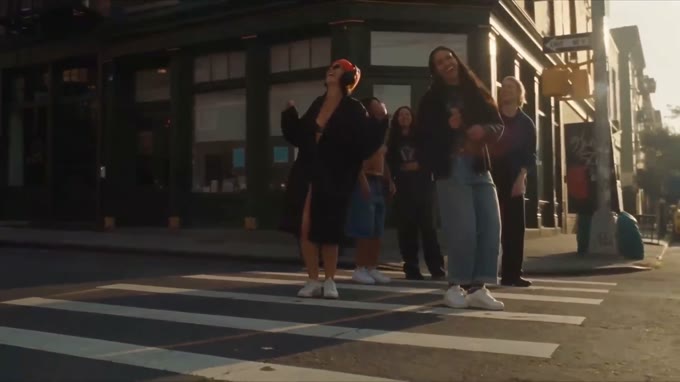
The re-roll stops being the only move
Both capabilities take a finished clip as @video 1 and leave everything you did not name alone. Editing rewrites part of what is already there. Extension writes what comes before or after it.
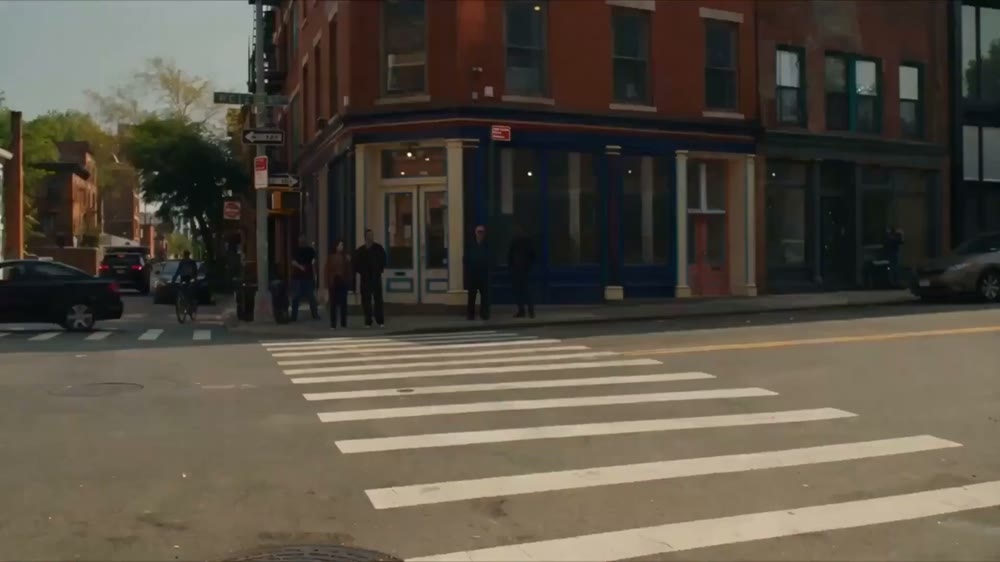
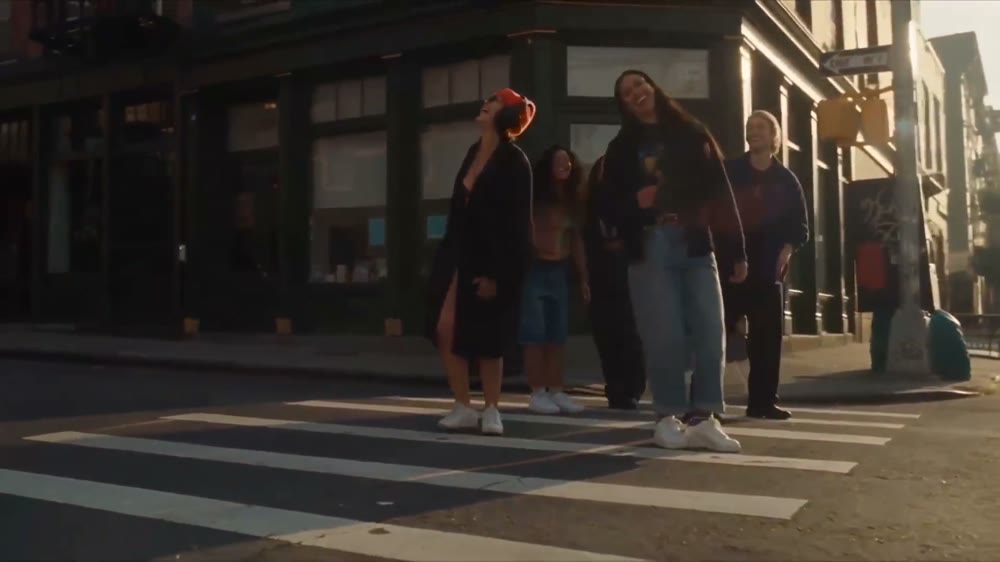
Rewrite a region, hold the rest
Add a subject, remove one, swap a garment or a scene against a reference image, or change the audio — a different music bed, an added effect, a re-voiced line. Timestamps narrow an edit to a window: 0:02–0:05 and nothing outside it moves.
The pattern that works is three parts long: point at the source, name the object and the change, then add a preservation clause so the model leaves the rest of the frame alone.
Replace the dark outfit on the man in @video 1
with the outfit in @image 2.
Keep everything else unchanged.
Write what comes before and after
Extend forward from the last frame, backward into the moment before the first, or generate the missing bridge between two clips so they cut together. Character, scene and camera carry across the seam, and the transition can be asked to be seamless in both picture and sound.
Extension is how a strong six seconds becomes a finished thirty without regenerating the part that already works. MOV in and MOV out is the recommended path — it holds colour, brightness and audio consistency across the join.
Start from the final frame of @video 1 and extend
6 seconds: she leaves frame, the sky darkens,
streetlights come on one by one. Keep it seamless.
What the input decides for you
2.5 splits jobs by whether the source assets fix the shape of the output. 2.0 draws no such line, and this is the part most likely to surprise someone moving over.
| Task | Aspect ratio | Duration |
|---|---|---|
| Editing | Locked to the source clip | Follows the source, within about a third of a second |
| First frame, or first and last | Locked to the first-frame image | Yours to set |
| Extension | Locked to the source clip | Yours to set |
| Reference generation | Open | Yours to set |
| Storyboards and keyframes | Open | Yours to set |
Where thirty seconds earns its keep
The model’s use cases fall into five families. Four of them are jobs that get shorter. The fifth only becomes possible once a generation runs this long.
A scene that plays out
A plot beat that runs its full length in one generation, with an ensemble held together by a cast of reference stills. Continuity fixes — a visible rig, a stray object — become an edit instead of a re-shoot.
One master, then every version
One master cut, then versions: swap the SKU, the model, the on-screen copy or the market, with the product’s appearance and the brand’s look locked by reference. Voiceover follows in the languages you need.
The whole idea in one take
One idea explained end to end in thirty seconds, a presenter swapped without re-recording, and the same set distributed in several languages.
A procedure, start to finish
Assembly and operating steps shown end to end, with nameplates, spec panels and packaging text rewritten per product and the shot left standing.
The work fifteen seconds refused
Game trailers and CG, virtual presenters, a short expanded into a series, a character aged or re-styled for a seasonal cut.
Write it like a shot list
Treat the model as a producer reading a structured brief. The shape below is the one that survives being handed to someone else.
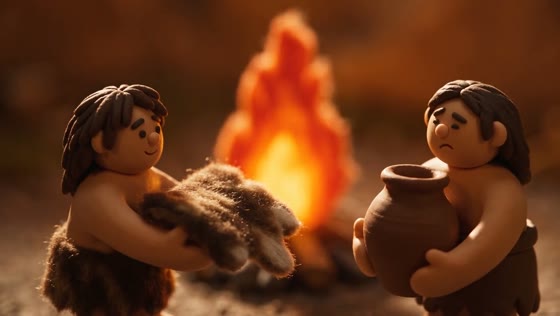


Five parts, in this order
Subject, location, event, genre and style, camera movement. Then a shot sequence — whole-second timestamps or numbered shots, either is read — describing per segment what is seen, how the camera moves, what is said and what is heard. Close with the constants: the angle, the environment, the atmosphere, the sound that runs underneath.
Keep about a second of story per second of screen. Too little in a window and the model improvises; too much and it either cuts frantically or drops half of it.
Map every one, in the text
Number assets in upload order and bind each in the prompt: which is the subject, which the voice, which the action, which the scene. Writing a name onto the image and using it in the prompt is the reliable way to get two of the same character.
Where a reference is already accurate, say to follow it and stop. Re-describing the move it contains gives the model two briefs to reconcile.
img1–2 are character 1, voiced by @audio 1;
img3–4 are character 2, voiced by @audio 2.
Follow the spell-casting action in @video 1 and the
orbit move in @video 2.
- Camera language
- Standard terms go in as they are — shot sizes, push in, pull out, pan, track, orbit, low angle, one-take, dolly zoom, handheld, speed ramp. A niche term needs a plain-English gloss after it, and a transition needs both its trigger point and its method.
- Action and expression
- Describe most action broadly and reserve the detail for the two or three beats that have to land. Expressions read better written out than named with an idiom.
- Positive over negative
- Say what should be there. Negatives are honoured where they are about subtitles and audio — no subtitles, no background music — which are also the two things a model is most likely to add unasked.
- Sound
- Ambience, effects, dialogue and score can each be cast from an audio reference and described in the brief, including which of them should give way when someone speaks.
What a second of 2.5 costs
Seedance 2.5 is billed per second of output, at the resolution you pick. Plan-tier rates apply to it automatically — the discount belongs to the plan and applies on every generation.
What a Seedance 2.5 generation costs at 720p on standard billing. 480p runs at 24 credits a second — the cheaper way to iterate before a final pass.
−20% on monthly billing. The discount applies to every Seedance generation, not once.
−40% on monthly billing. The deepest rate, and the reason a thirty-second generation is worth running twice.
Questions
Yes — Seedance 2.5 is live in the Popcraft video model picker. Choose it beside Seedance 2.0, set a duration up to thirty seconds, and generate.
No. Seedance 2.0 and Seedance 2.0 4K remain in the model list. A six-second product shot does not need a thirty-second ceiling, and 4K output is a reason to pick 2.0 for it. What 2.5 adds is length, the reference count, and the ability to edit a clip you already have.
Fifty is a ceiling, and the guidance is to stay well under it: eight or fewer image subjects, five or fewer when the main references are audio or video, clips of five to ten seconds, and storyboards of fifteen panels or fewer. Past those, stability drops and generations start needing repeats.
Take a clip you already like and extend it. Extension is the cheapest test of the claim, because it starts from footage you have already judged. If the seam holds — the face, the grade, the camera speed — the rest of the model’s promises are worth spending a longer generation on. If it does not, you have learned that for the price of a few seconds.
Thirty seconds is the whole ad
The join between two fifteen-second clips is where a generated film gives itself away. Seedance 2.5 makes that join optional.
Keep exploring
Related models
Generate 2 to 30-second AI videos in one pass with Wan 3.0, Alibaba's video model: 1080p at 30 fps, dialogue and music included, up to 4 images, 5 clips and 5 voices as references. From 11 credits a second on Popcraft.
Gemini Omni 1.1 Flash is Google's video model that creates and edits video from any input. Up to 40 seconds by scene extension, 1080p and 4K output, first-and-last-frame interpolation, up to 10 reference images, and speech, music and sound effects generated with the picture. Live on Popcraft.
MiniMax H3 generates 2K video at 24fps with a synchronised stereo soundtrack — effects, ambience and dialogue in one job. Multi-shot from a single prompt, 5 to 15 seconds, first and last frame control. Live on Popcraft.
Generate cinematic 4K video from text, images, or clips with Seedance 2.0 on Popcraft. Native synced audio, multi-shot sequences, and razor-sharp detail at up to 4K (2160p).