
01 / PRECISE EDITING
Change what matters.
Direct edits to an element or region while maintaining the subject and surrounding areas across iterations.
Generate detailed images, refine specific elements and bring references together with Seedream 5.5.
Explore Seedream 5.5 ↓Seedream 5.5 brings image creation and editing together. Generate from a prompt or reference, then develop an idea through successive edits.
Direct edits to an element or region while maintaining the subject and surrounding areas across iterations.
Work with detail in faces, materials and lighting, and combine references with coherent scale and perspective.
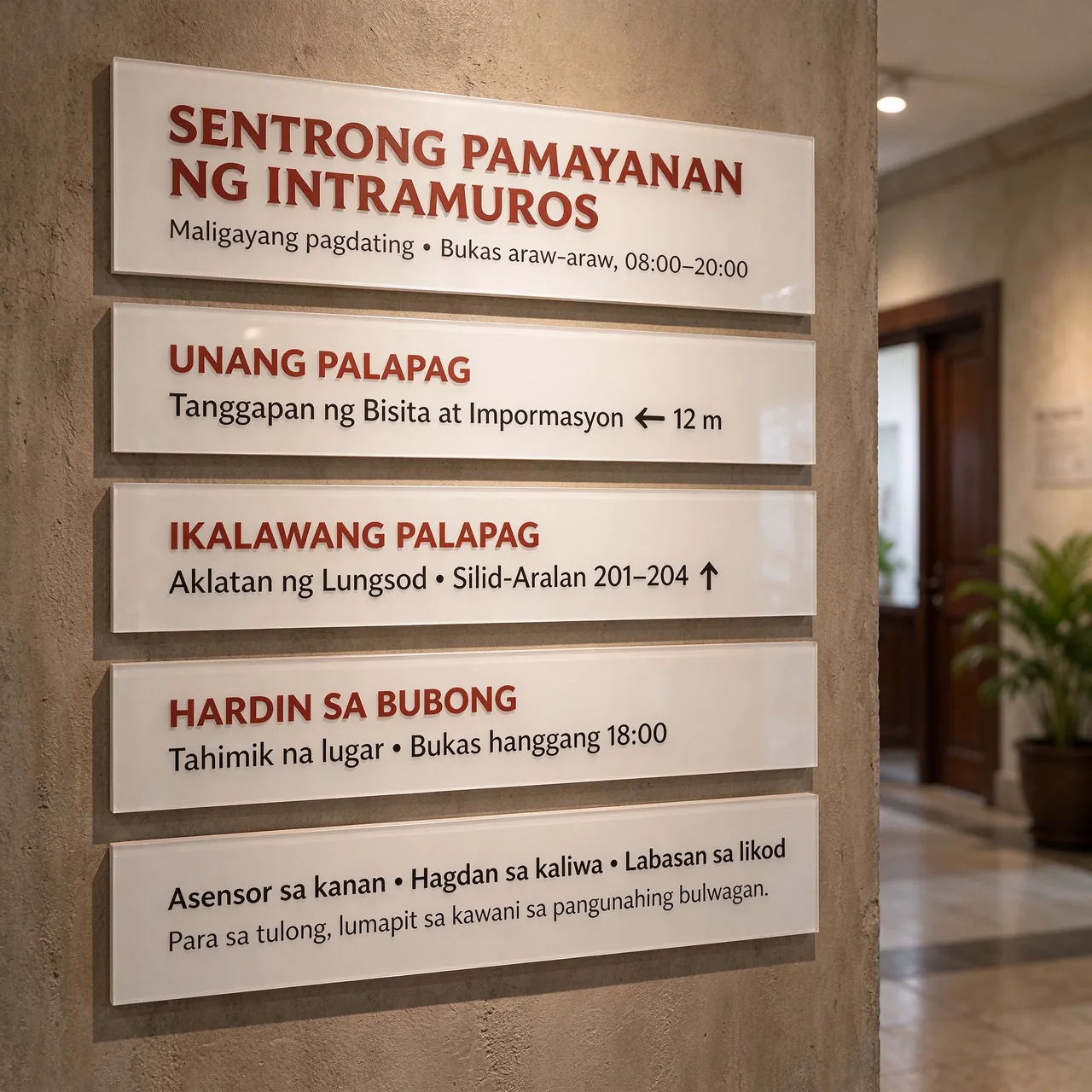
Explore small text and multilingual layouts for labels, posters, signage and other visual assets.
Generate transparent or semi-transparent images and separate elements for further compositing.
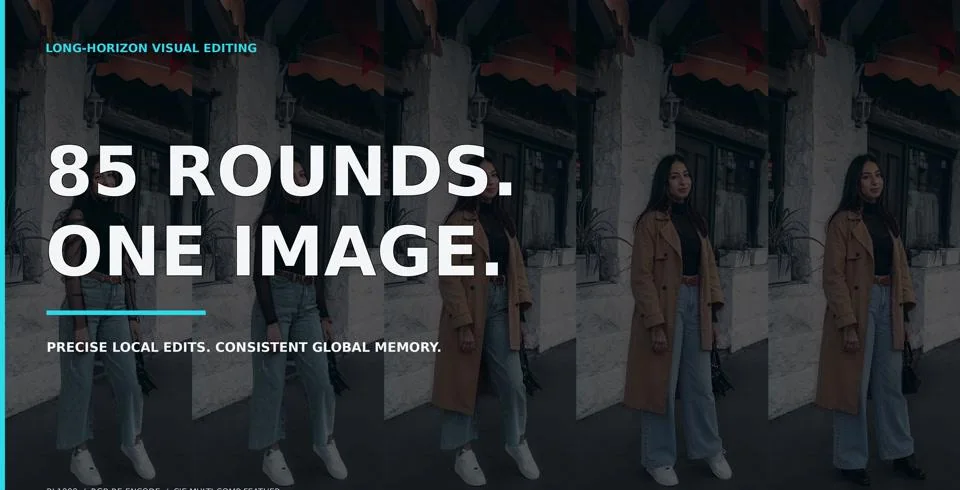
A silent source demonstration of changes to clothing, accessories and footwear across one image. The on-screen prompts are in Chinese.
From a portrait to a character sheet, the model’s examples show the texture, expression and form that make an image feel considered.
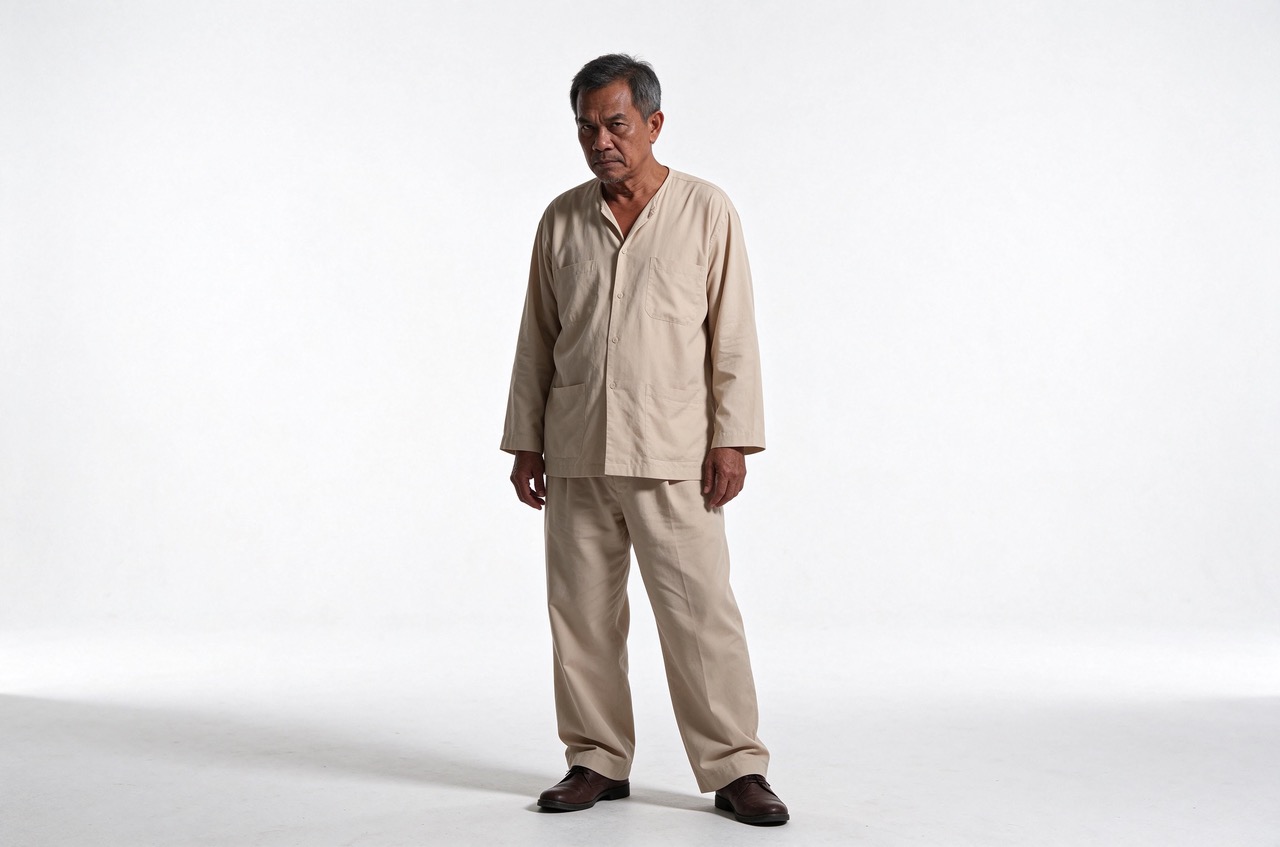
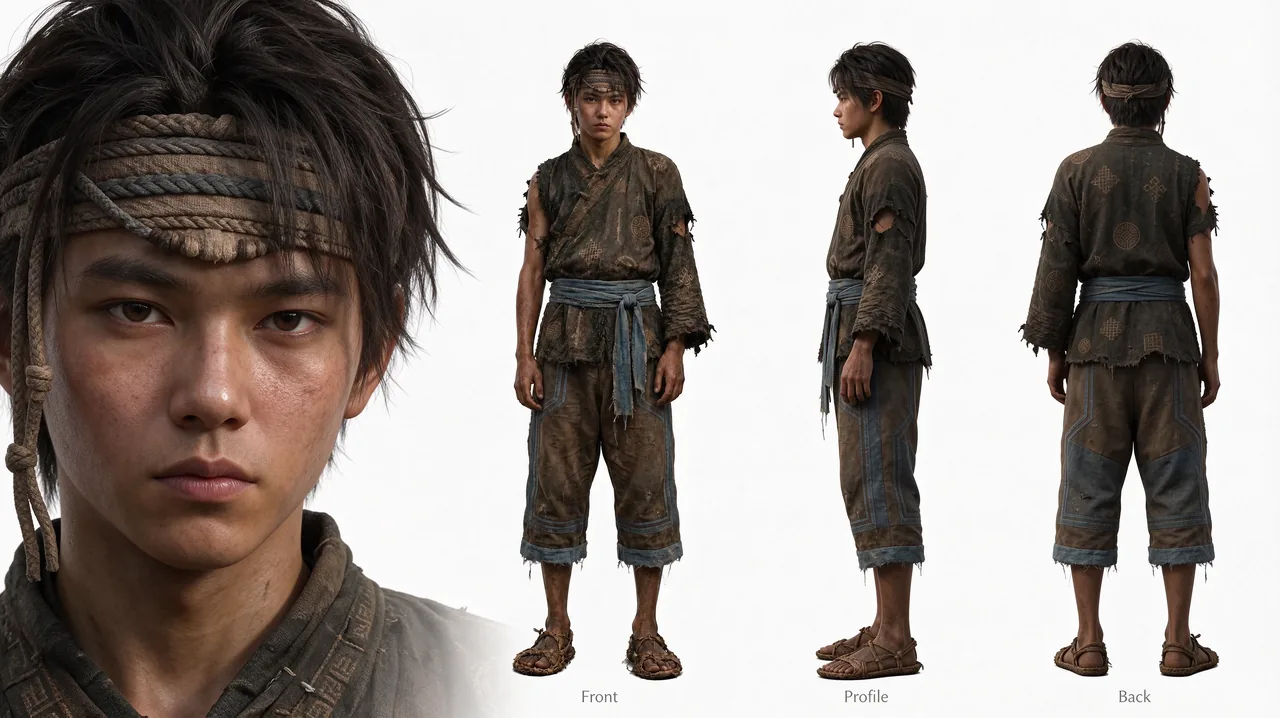
These example prompts are adapted from the Seedream guide as starting points; results will vary.
Create a half-length portrait of an elderly woodcarver with silver-streaked hair and reading glasses, wearing a textured linen jacket. Use soft light, natural skin detail and a simple light-gray background.
Text-to-image prompt idea.
Using a character reference, create a landscape sheet with a face close-up and front, profile and back views. Keep facial features, proportions and clothing consistent across the views.
Reference-based prompt idea.
Create a Japanese-language poster for a community craft event. Organize the title, date, venue and activity descriptions into a readable hierarchy with small illustrations for each workshop.
Text-to-image prompt idea for a multilingual layout.
Design a Thai-language coworking flyer that compares daily, monthly and team packages. Use distinct columns for benefits and prices, with a clear heading and compact supporting text.
Text-to-image prompt idea for a structured information layout.
Put text into the scene, from a headline on a poster to the smaller lines on a sign. Seedream 5.5 is designed for detailed and multilingual text rendering.
Use visual text for layouts, signage and creative concepts across languages.
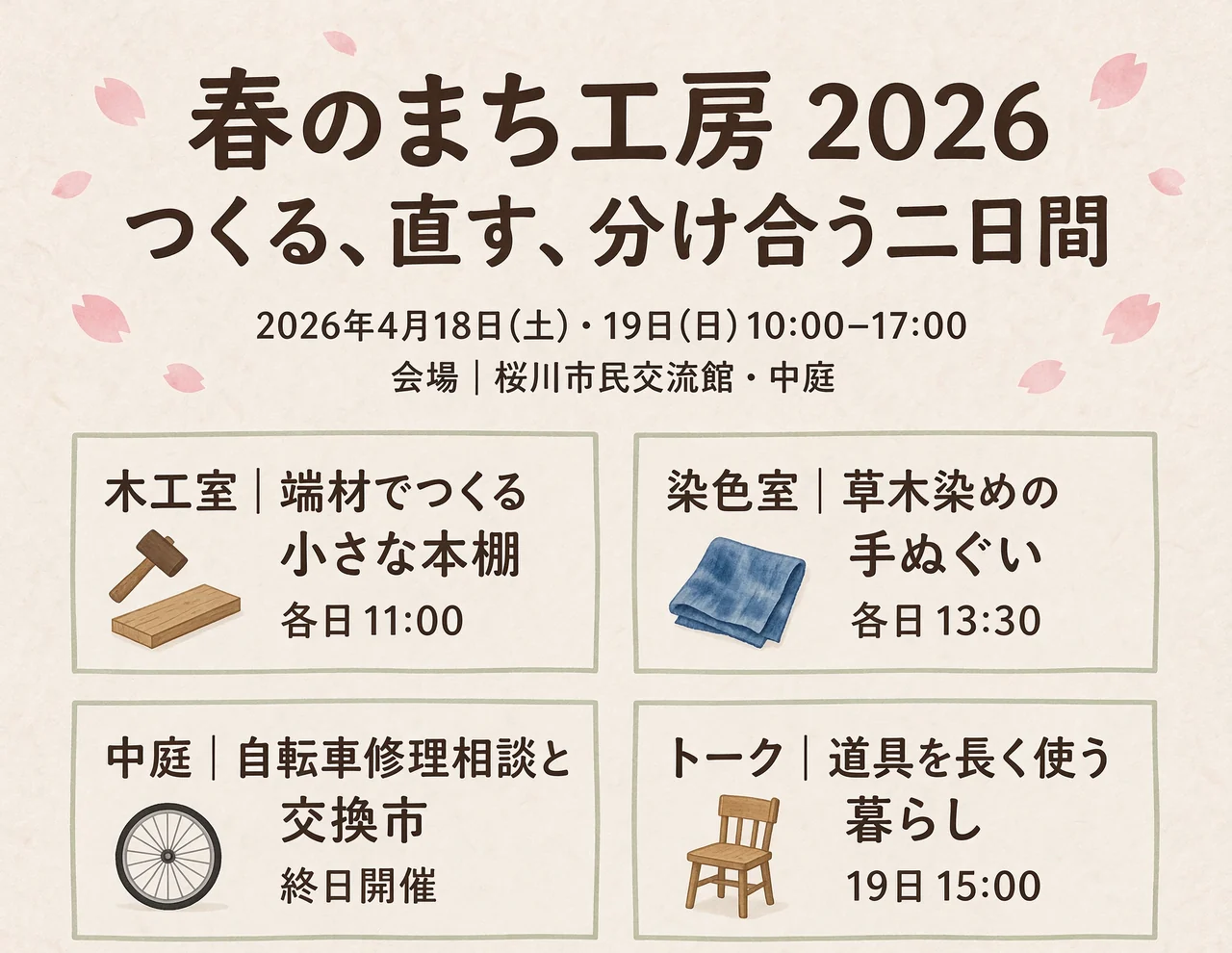
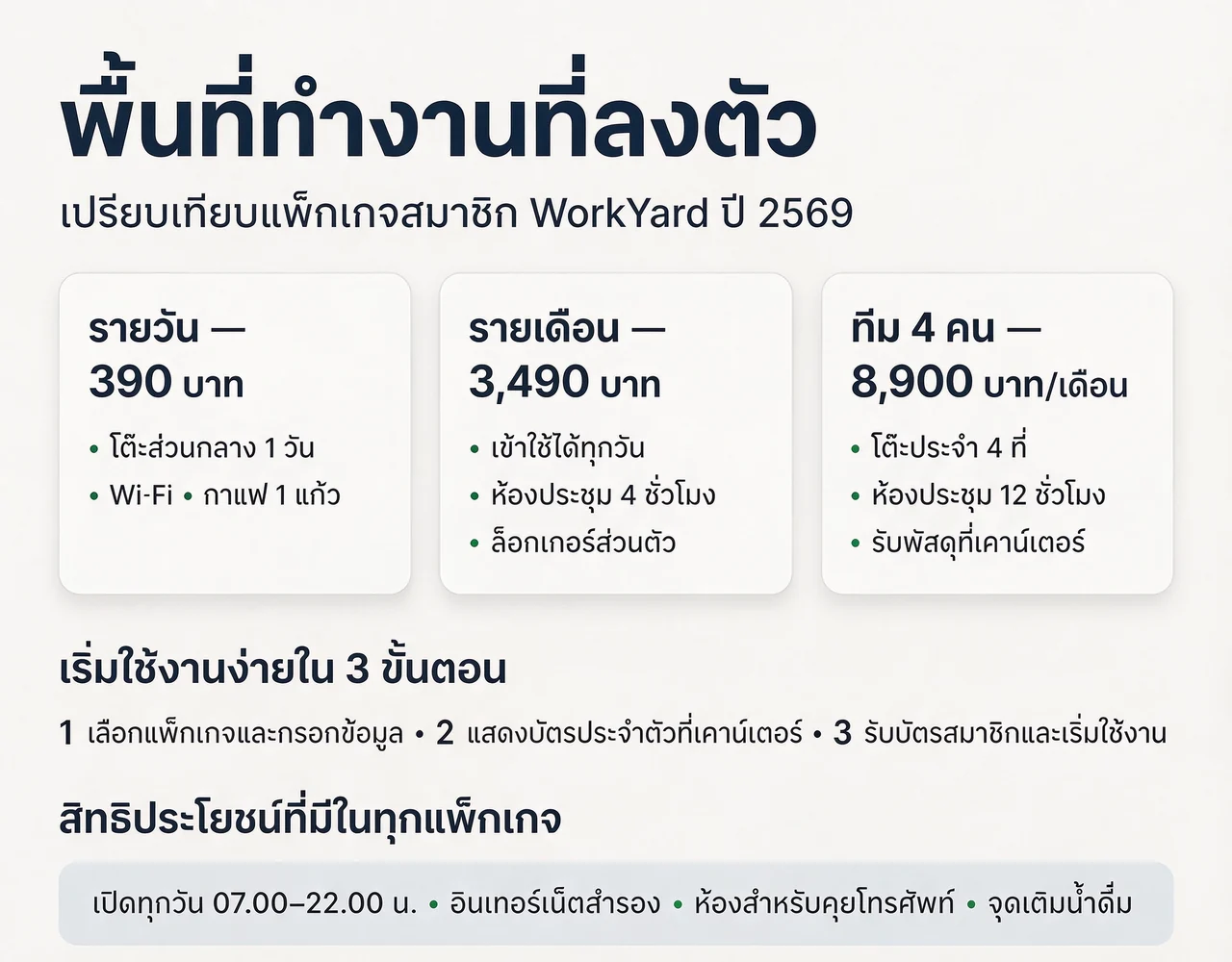
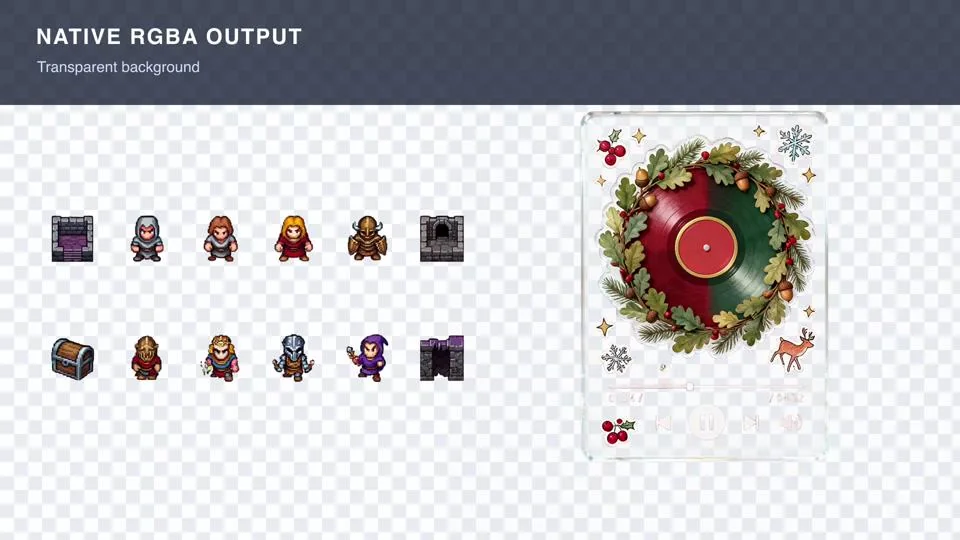
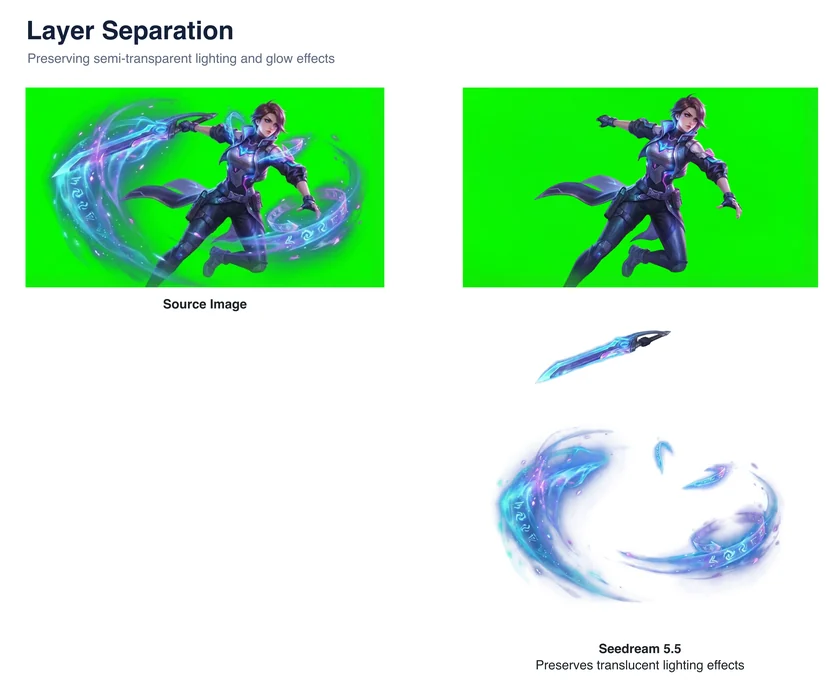
Create with transparent or semi-transparent backgrounds, then bring assets into a larger composition. Layer separation can turn an image into reusable elements.
The model supports transparent backgrounds in text-to-image and image-to-image workflows, opening up new possibilities for product, design and game assets.
Separate backgrounds, elements and text into layers. Text recognition returns structured information; editing that text requires a compatible downstream tool.
See poster elements separated and text recognized in the source demonstration.
Use references to shape a scene, create high-resolution images and separate reusable elements.
Use reference images for image-to-image generation.
Up to 100 output layers through layer separation.
Custom dimensions up to 8.29 megapixels, including 3840 × 2160.
Image sizes and layer workflows depend on the tools used to access the model.
Seedream 5.5 is coming soon and is not available for generation on Popcraft yet. The launch date and pricing for Seedream 5.5 on Popcraft have not been confirmed.
Seedream 5.5 generates and edits images from prompts and references. Its capabilities include targeted edits, multilingual text rendering, transparent backgrounds and layer separation.
Yes. The model supports image-to-image generation using reference images. Available controls depend on the product used to access it.
Yes. The model supports transparent and semi-transparent backgrounds in text-to-image and image-to-image workflows.
Custom dimensions can reach 8.29 megapixels, including 3840 × 2160 pixels at a 16:9 aspect ratio. Available size controls depend on the product used.
Layer separation can return text recognition data alongside image layers. Editing that text requires a compatible downstream tool.
Explore image creation and editing with Popcraft.
Explore the examples ↑Examples courtesy of the supplied Seedream guide. Popcraft features and limits will be confirmed at launch.
Keep exploring
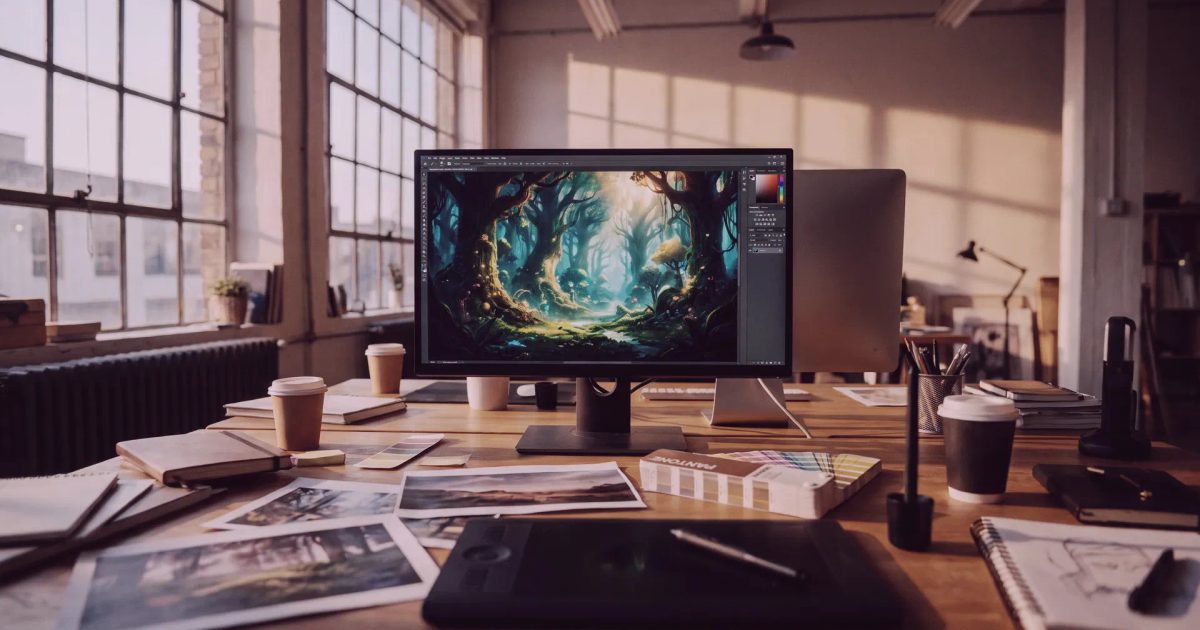
OpenAI GPT Image 2.5, Fast and standard builds: sketch to render, reference fidelity, in-context edits, 16 references, 4K. From 10 credits an image on Popcraft.
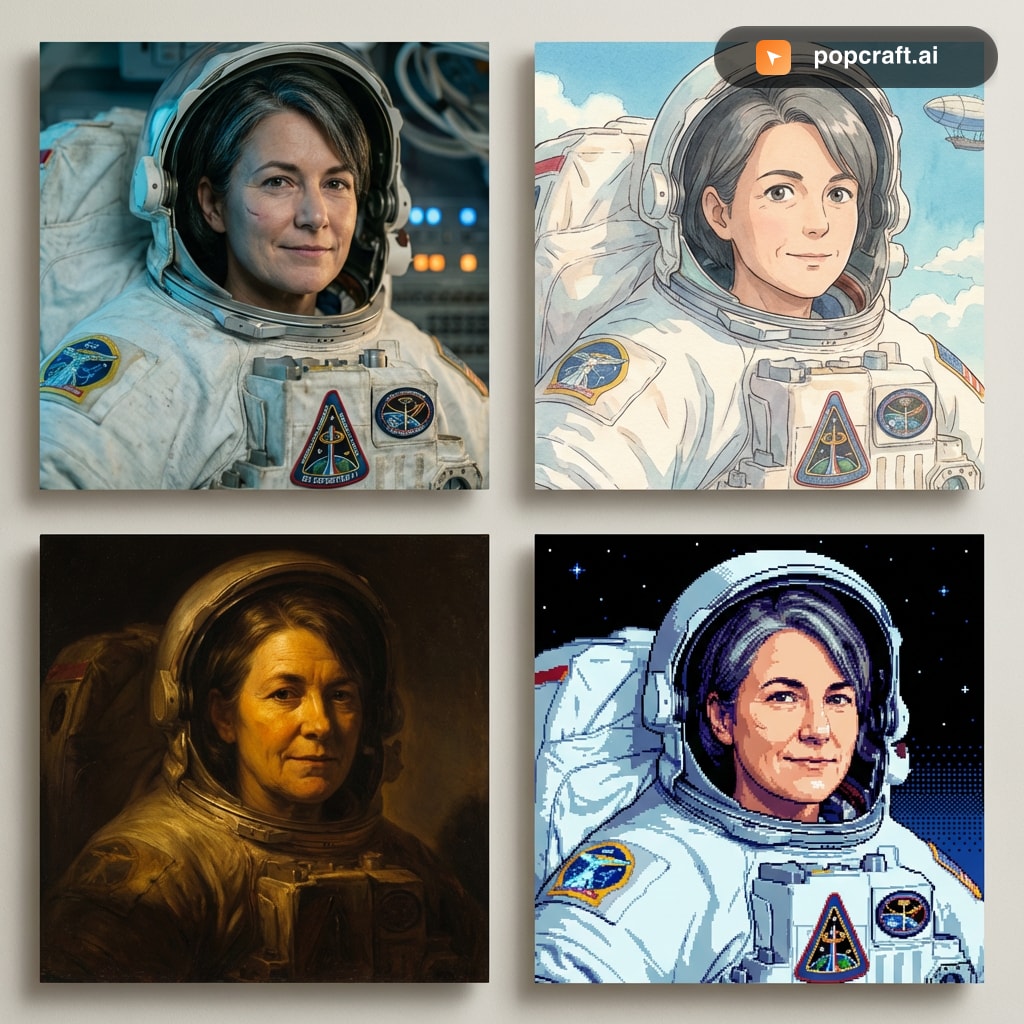
Generate images with Google Nano Banana 2 on Popcraft. Character consistency, 14 aspect ratios, 4K resolution, web-grounded knowledge — free to try.
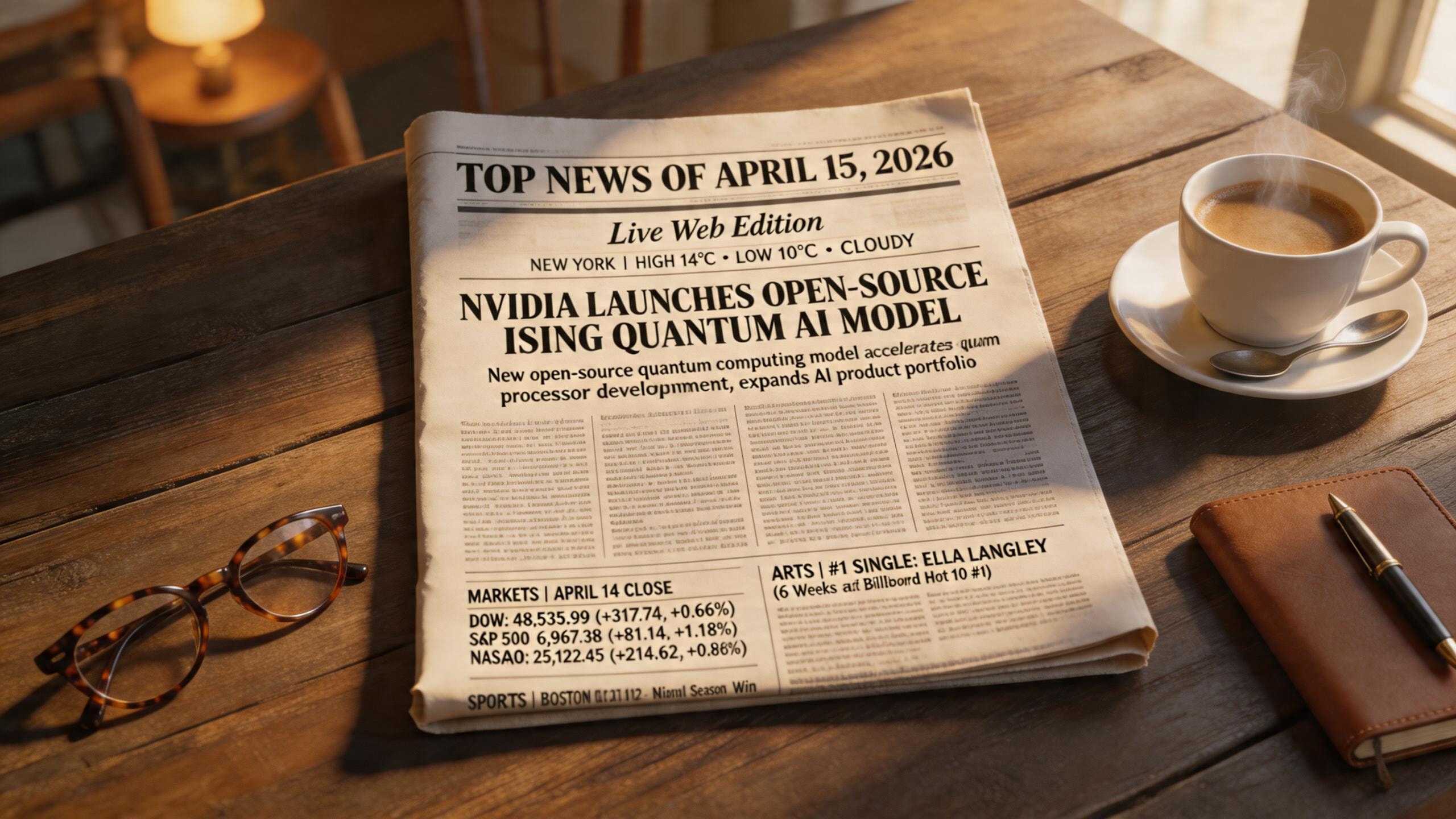
Generate images with ByteDance Seedream 5 Lite on Popcraft. Live web search, visual reasoning, 2K output in seconds — free to try.
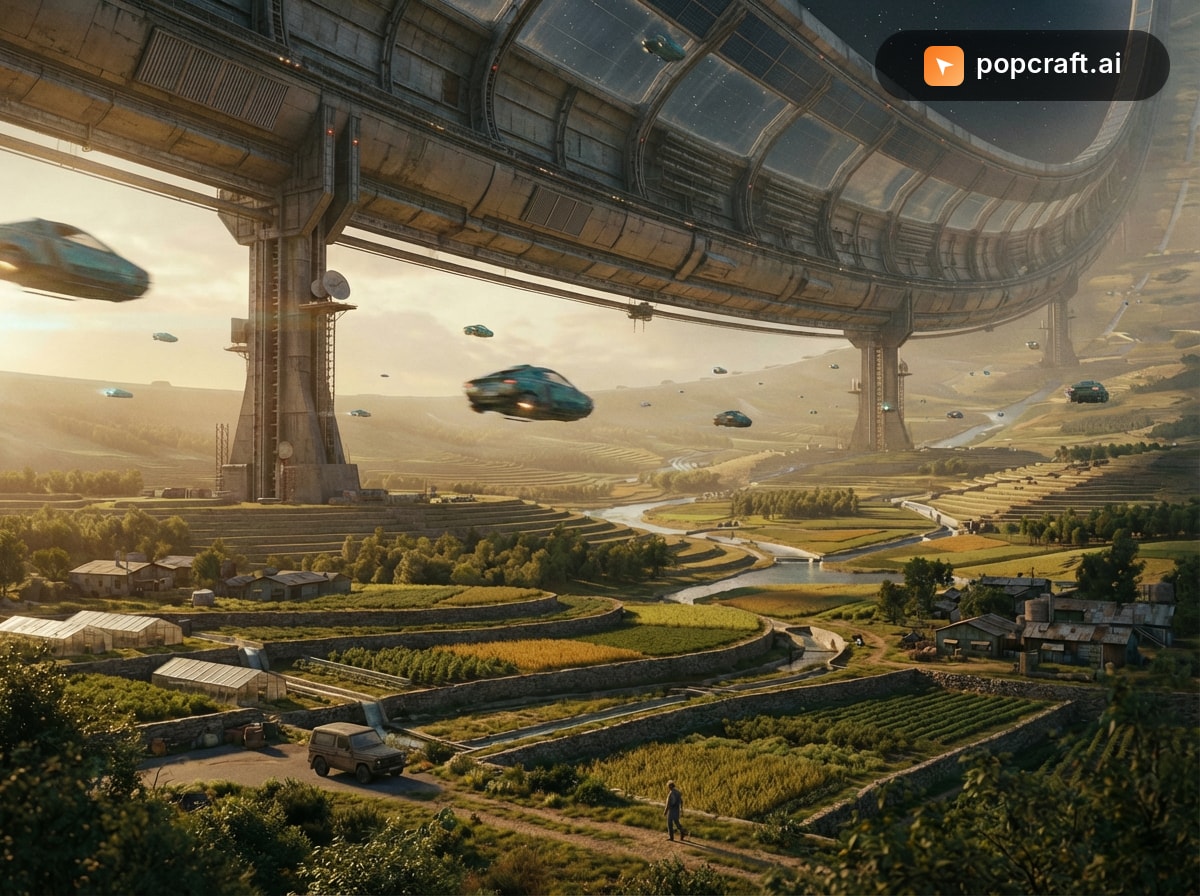
Generate premium images with Google Nano Banana Pro on Popcraft. Complex multi-element compositions, 4K output, pro-grade typography and style transfer — free to try.