Great audio transforms good video into great video. But finding the right music and sound effects has always been a pain — licensing fees, limited selection, and tracks that never quite fit the cut. AI audio generation solves all three problems at once: you describe what you want, and you get something unique, royalty-free, and shaped to your project.
Why Is Sourcing Audio So Hard?
Traditional ways of finding music and effects all come with trade-offs:
- Stock music libraries charge ongoing licensing fees, offer limited customization, and put the same tracks in your competitors' videos
- Custom compositions are expensive and slow, and require finding and briefing a composer
- Free music tends to be lower quality, comes with restrictive licenses, and gets overused to the point of being recognizable
AI music and AI sound effects sidestep all of this. Every track is generated for your project, it's royalty-free, and you can regenerate until it fits. Because it's part of the broader AI audio workspace, the music and effects you create drop straight into the same timeline as your voiceover. You can start on the free tier with 100 credits and no card, and what you generate is cleared for commercial use.
How Does AI Music Generation Work?
You describe the music you want in natural language, and the model returns a complete track. The clearer the brief, the closer the first result:
- "Upbeat electronic track with a driving beat, suitable for a product launch video"
- "Gentle acoustic guitar melody, warm and intimate, for a brand story"
- "Epic cinematic orchestral piece with building tension, for a trailer"
The five controls that shape a track are:
- Genre and style — pop, electronic, cinematic, ambient, jazz
- Mood — energetic, calm, mysterious, triumphant, melancholic
- Tempo — a specific BPM or a general pace
- Instruments — piano, guitar, strings, synthesizers
- Duration — generate to your video's length so the track and the edit line up
A useful habit: write the brief in that order — genre, then mood, then tempo, then instruments, then duration. It forces you to make the decisions that matter most before the ones that matter least, and it makes regenerating a single variable (say, swapping the mood from "calm" to "mysterious") much easier to reason about.
How Do You Refine a Track After Generating?
The first generation rarely needs to be the final one. After a track is created you can typically:
- Trim it to an exact length
- Loop sections to extend or tighten
- Adjust intensity or energy and regenerate
- Tweak one parameter at a time and regenerate to compare
Change one thing per pass. If you rewrite the whole brief between generations, you can't tell which change produced the improvement.
How Do You Generate the Right Sound Effects?
The AI can generate effects across every category a video needs:
- Environmental: rain, wind, ocean waves, forest ambiance, city traffic, cafe chatter
- Action: footsteps, a door opening, glass breaking, a car engine, typing
- Interface: button clicks, notifications, success chimes, error tones
- Cinematic: whooshes, impacts, risers, transitions, explosions
Best Practices for SFX
- Be specific about material and character. "Heavy wooden door creaking open slowly" beats "door opening" every time — the material, weight, and speed all change the sound.
- Specify the environment. A footstep in a large stone hall is a different sound from the same footstep in a small carpeted room. Naming the space gives the model the reverb and tone cues it needs.
- Generate variations and layer them. Two or three takes of the same effect, stacked and slightly offset, read as richer and more real than a single clip.
- Adjust timing to sync with the visual. The effect should land on the frame where the action happens, not before or after it.
Music vs. Sound Effects: Which Carries the Scene?
It's worth being deliberate about what each layer is doing, because they solve different problems:
| Music | Sound effects | |
|---|---|---|
| Job | Sets mood, energy, and pace across a whole section | Punctuates specific on-screen moments |
| Duration | Continuous, matched to the edit length | Short, tied to individual actions |
| When to lead with it | Brand stories, montages, trailers | Demos, tutorials, anything with discrete actions |
| Risk if overused | Drowns out narration | Feels busy and distracting |
Most strong videos use both, but one usually carries the scene while the other supports. Decide which before you start placing clips.
How Should You Layer and Mix Audio in a Video?
Layering
Professional video audio typically runs three to four layers, and the multi-track timeline keeps each on its own track:
- Dialogue / voiceover — the primary track everything else serves
- Background music — sets mood and energy, mixed lower than dialogue
- Sound effects — punctuate actions and transitions
- Ambient sound — environmental audio that grounds the scene in a place
Timing
- Music should hit its beats at visual transitions, so cuts feel intentional
- Sound effects should sync to the exact frame of the on-screen action
- Silence is a tool — a brief drop to near-nothing before a reveal lands harder than constant sound
Mixing
- Keep the voiceover clearly audible above everything else
- Duck the music — lower its volume under speech, then bring it back up in the gaps
- Let sound effects feel natural, not overwhelming; if you notice them, they're probably too loud
- Fade music in and out at scene boundaries rather than cutting it abruptly
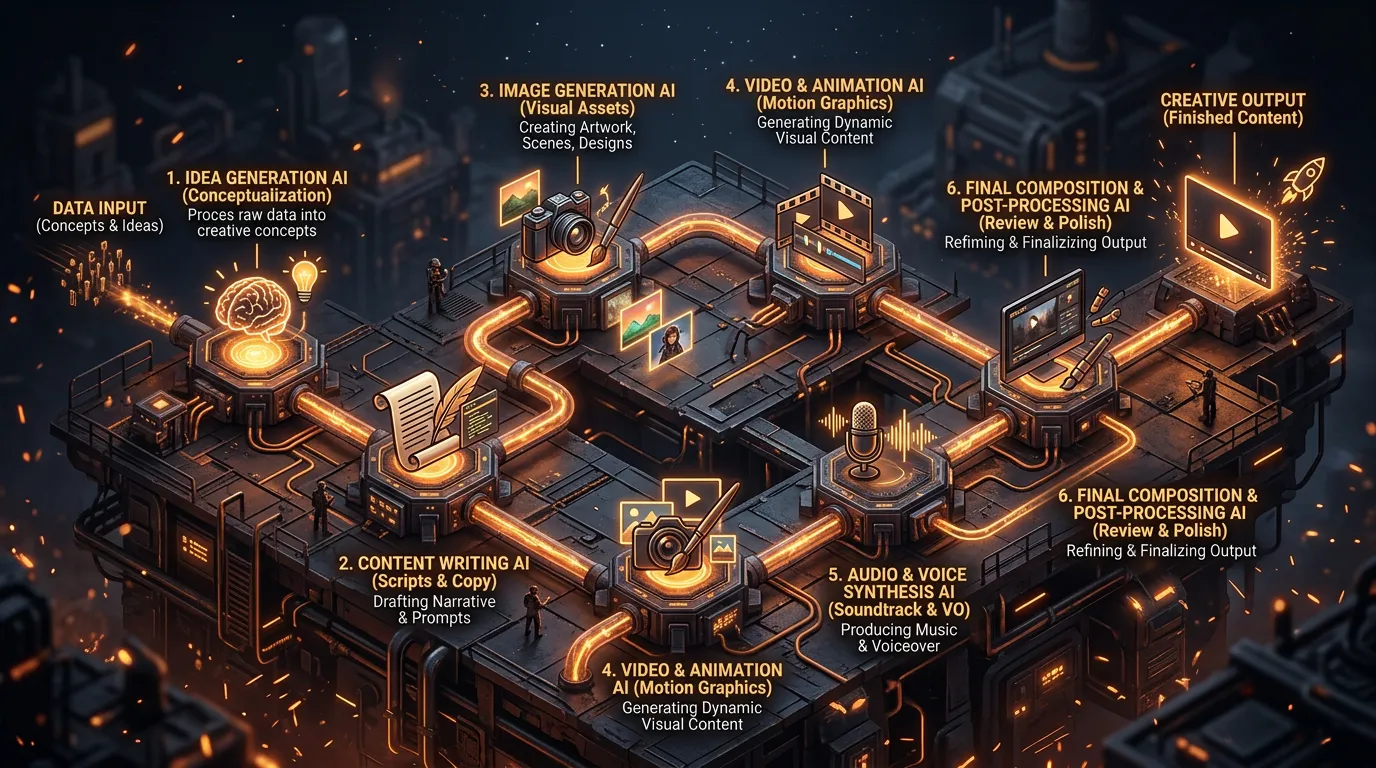
What Does a Full Audio Workflow Look Like?
The most efficient approach plans audio alongside the video instead of bolting it on at the end:
- Write the script and plan the visual sequences
- Generate the voiceover from the script
- Create background music matched to the video's mood, pace, and length
- Add sound effects on the key moments and transitions
- Assemble everything in the timeline, one layer per track
- Set levels — duck the music, balance the effects — and export the final mix
Done in this order, audio stops being the afterthought that flattens a good edit and becomes the layer that makes it feel finished. Start with one track, get the voiceover right, then build the music and effects around it.