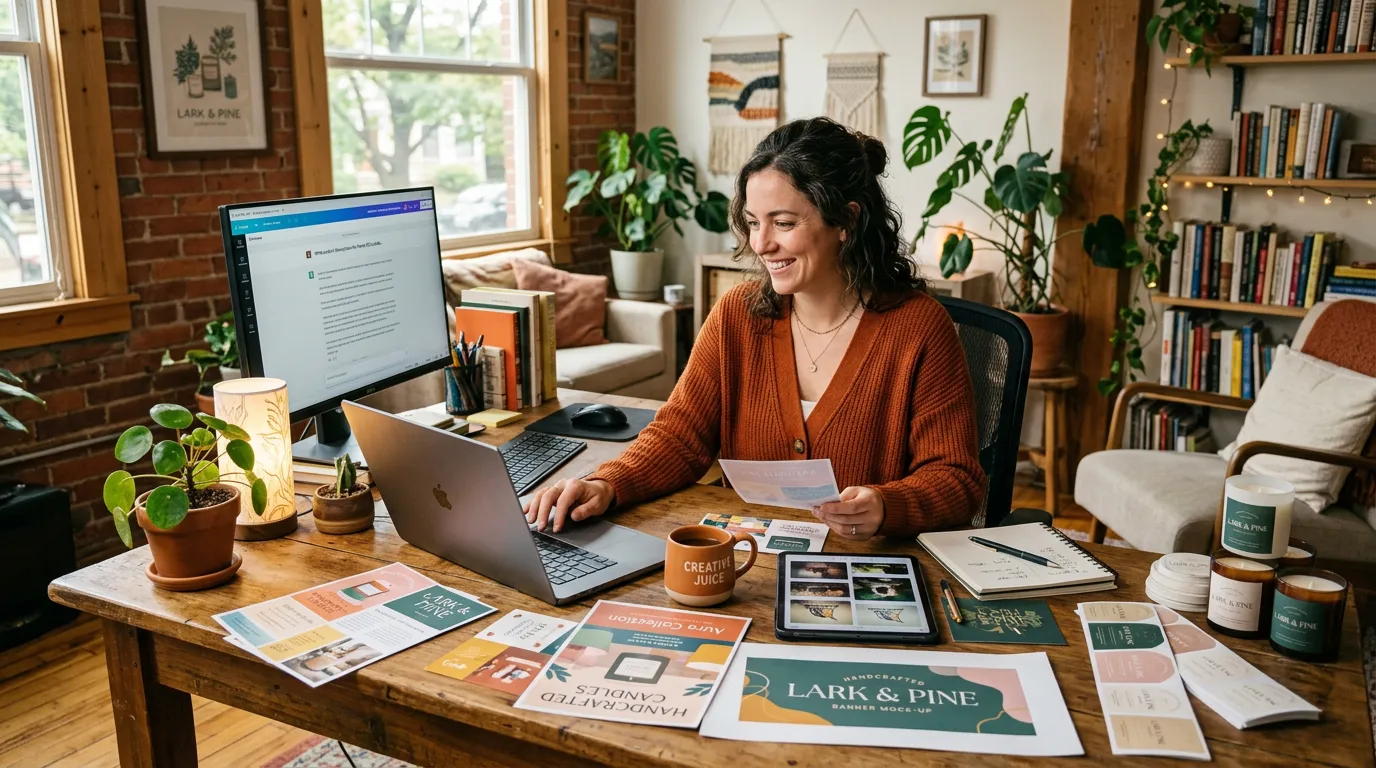
You're running a small business. You know content matters — social media, product photos, videos, website images. But you don't have a marketing team, a designer, or a video editor. AI levels the playing field, letting one person produce work that used to require a studio.
Why is content so hard for small businesses?
Small businesses need the same quality content as big brands, but with real constraints:
- A fraction of the budget
- No dedicated creative team
- Limited time, because you're busy actually running the business
- Multiple platforms to feed at once — Instagram, TikTok, a website, email
Each of those constraints used to mean a trade-off. Skip the product shoot and your listings look amateur. Skip video and you lose reach on platforms that reward it. AI tools are the great equalizer here: they give a one-person operation access to the same quality of output that previously required agencies and production teams. The skill that matters shifts from operating the camera and the editing software to knowing what you want and describing it clearly.
Where should a small business start?
Don't try to do everything in week one. Start where the payoff is most direct, then expand once the first habit sticks.
Priority 1: Product images
Your product photos drive sales more directly than anything else you post. A clear, well-lit image is often the difference between a scroll-past and a click. With an image generator you can turn basic smartphone photos into clean, professional product imagery:
- Clean backgrounds with proper, consistent lighting
- Lifestyle context — the product shown in use, in a real setting
- Multiple angles and variations from a single source shot
- Seasonal and promotional versions for sales and holidays
A practical first project: photograph one product on a plain surface near a window, then use it as a reference to generate three background variations (white studio, lifestyle, seasonal). You now have a small library from a single five-minute shoot. Models like Nano Banana 2 are well suited to this kind of fast, iterative work.
Priority 2: Social media content
Consistency on social media is what builds brand awareness — showing up reliably beats showing up perfectly once. AI helps you:
- Generate a week's worth of visuals in roughly an hour
- Maintain a consistent look across posts so the feed feels coherent
- Produce platform-correct sizes and formats without manual resizing
- Add short video, which generally earns more reach and engagement than static images on most social platforms
Priority 3: Video content
Video tends to convert and hold attention better than any other format, and it's the part small businesses most often skip because it feels expensive. It no longer has to be. Start small with a video generator:
- Product showcase clips built from your existing photos
- Short-form content sized for TikTok and Reels
- Simple how-to and tutorial clips that show your product solving a problem
If video feels intimidating, templates such as the Product Video Generator give you a finished structure to drop your assets into, so you're editing a starting point rather than facing a blank timeline.
What does a realistic weekly routine look like?
The goal isn't to spend more time on content — it's to spend it deliberately. Here's a routine that produces a full multi-platform calendar in a few focused hours:
Monday (about 30 min): Plan your content themes for the week. Which products to feature? Any promotions or seasonal angles? Write it down so the rest of the week is execution, not deciding.
Tuesday (about 1 hour): Batch-generate images. Create the product photos, lifestyle shots, and social graphics for the whole week in one sitting, while your style and prompts are fresh.
Wednesday (about 1 hour): Create video. Generate two or three short clips from your product images or a template.
Thursday (about 30 min): Write captions and schedule posts. You can use AI to draft captions, then edit them in your own voice.
Friday (about 30 min): Review last week's analytics. What got saves, comments, or clicks? Let that shape Monday's plan.
That's roughly 3 to 4 hours a week for a complete content calendar across multiple platforms. The single biggest lever is batching: generating everything in one focused session reuses your setup and context, so it's far faster than making one piece at a time across scattered moments.
How much does this actually cost?
The honest answer is far less than the alternatives it replaces. AI content subscriptions generally land in the range of a couple of hours of freelance design work per month — and you can do far more than two hours of work with them. For perspective on what you're replacing:
- A freelance designer typically bills by the hour, and a single hour often costs more than a month of an AI tool
- A professional product photoshoot is usually a several-hundred-dollar commitment per session
- Custom video production is typically the most expensive line item of all
- A social media agency is usually a recurring monthly retainer
Treat those as illustrative ranges, not promises — rates vary widely by market and quality. The point is the order of magnitude: AI tooling sits well below the cost of any of these, which is why the return shows up quickly for most small businesses. Popcraft is free to start with 100 credits and no credit card, so you can test the workflow on your own products before deciding whether a paid plan fits. Commercial use is allowed even on the free tier, and paid plans simply add more credits and higher limits as you scale.
How do you keep quality high without a creative team?
Speed only helps if the output is good. A few habits keep the bar high:
- Develop a house style. Save the prompts and reference images that produce your look, and reuse them. Consistency is what makes a small brand feel established.
- Review before you publish. AI gets you 90% of the way fast; the last 10% — a caption tweak, a cropped frame, a color check — is where your judgment earns its keep.
- Let data lead. After a few weeks you'll see which formats your audience responds to. Make more of that and less of the rest.
Common mistakes to avoid
- Don't automate everything. Add your own voice to captions and strategy; the human layer is your advantage, not your bottleneck.
- Don't skip the quality review. Always look at AI output with fresh eyes before it goes live.
- Don't ignore analytics. Without the Friday review, you're guessing instead of improving.
- Don't try every tool at once. Master product images first, then add social, then video. One habit at a time.
- Don't lose your brand. Build a small set of go-to prompts and references that reflect who you are, so every piece feels like you.
The takeaway: you don't need a studio, an agency, or a hire to look professional. You need a simple weekly rhythm, the right tools, and the discipline to review before you publish. Start with one product photo this week and build from there.