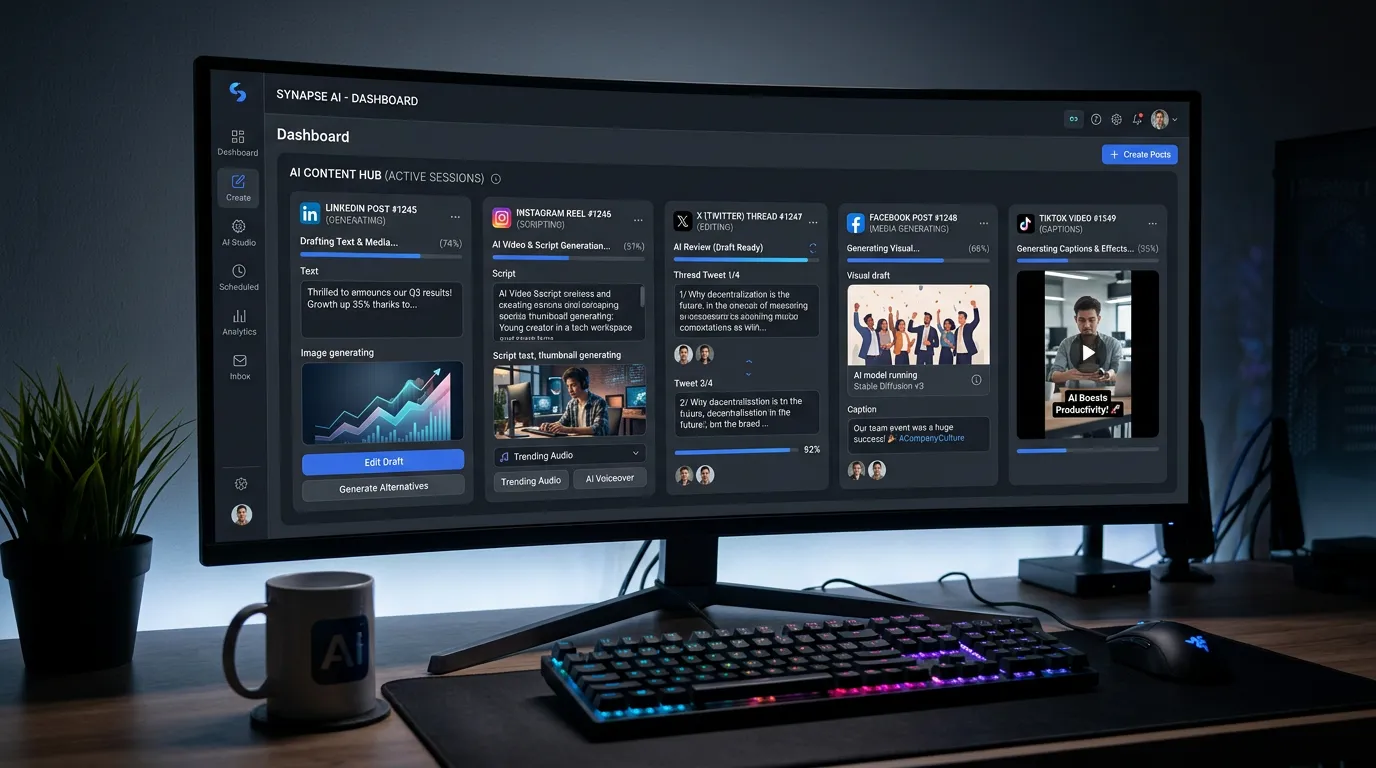
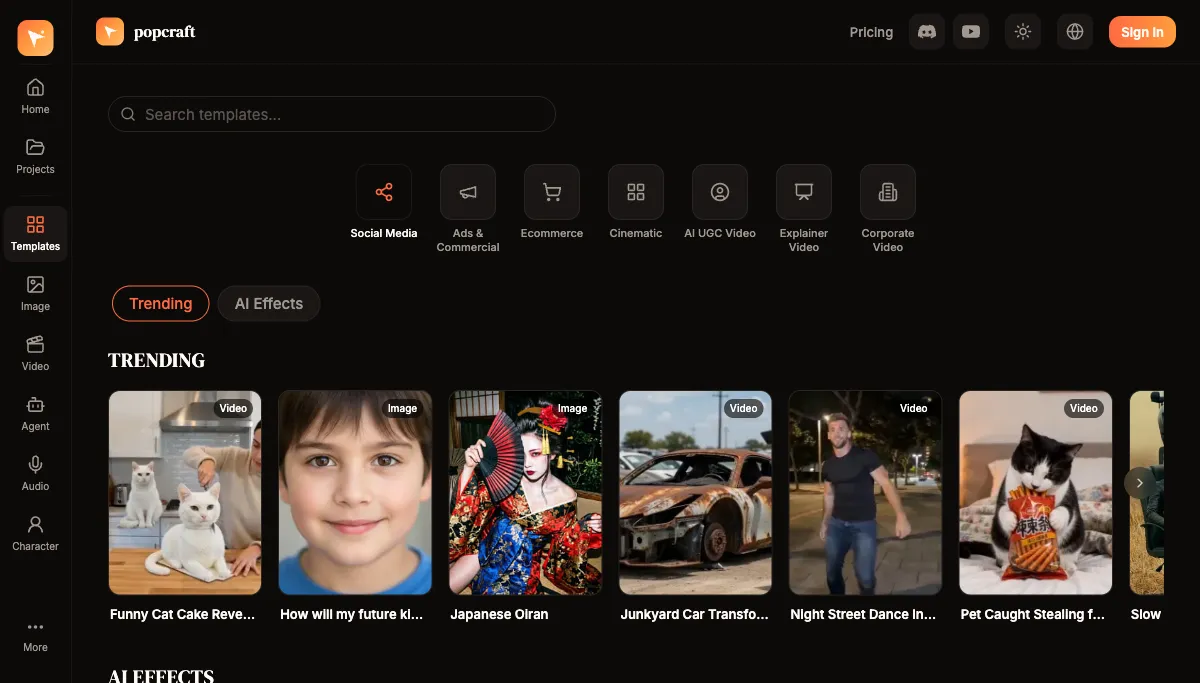
Social media never stops asking for more content. A brand that's serious about presence usually wants several posts a week on each platform it cares about — Instagram, TikTok, YouTube, LinkedIn — and the math adds up to dozens of pieces every week. Producing that volume by hand means a big team, an agency, or burnout. AI makes the volume manageable without letting quality slide, by changing how you produce rather than just speeding up the old process. The templates gallery is a good starting point for turning a single concept into platform-ready assets fast.
Why is producing social content at scale so hard?
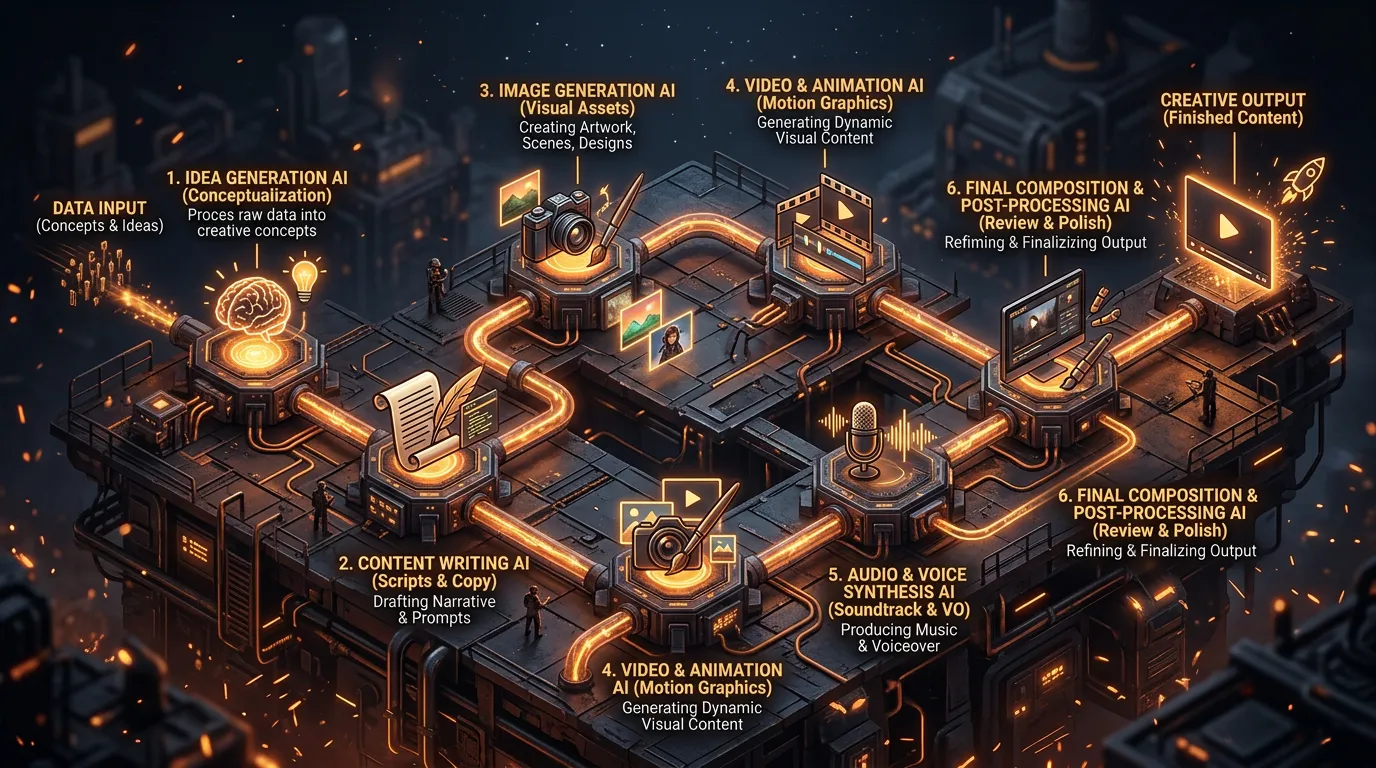
Traditional content creation is a slow, linear cycle: ideation, scripting, production, editing, then scheduling. Each piece can eat hours from concept to publish, and every piece restarts the cycle from scratch. Stacked across multiple platforms and a full week, that linear model is what forces brands into large teams or expensive outsourcing — and it's why content output is usually the first thing to slip when a small team gets busy.
AI compresses the cycle. The steps that used to need specialists — a designer, a video editor, a copywriter, a voice actor — can be handled in one session by a single content manager. What changes isn't just speed on any one task; it's that you stop creating one item at a time.
How do you build an AI content engine?
The shift in mindset is from making posts to running a production line. Here's the structure.
Step 1: Plan around content pillars
Start with your content pillars — the three to five themes that define what your brand talks about. Pillars keep volume from turning into noise: every piece still ladders back to a theme your audience expects from you. For each pillar, AI can generate a long list of ideas, hooks, and angles, so you're never staring at a blank calendar.
Step 2: Batch your production
This is the core move. Instead of taking one idea all the way to publish before starting the next, produce in batches:
- Generate a week's worth of images in one session.
- Create multiple video variations from a single concept rather than one-off clips.
- Produce the week's audio — voiceovers and music — together.
- Write captions and copy for every piece in the same pass.
Batching works because you stay in one mode at a time. Writing all your captions in a row is faster and more consistent than context-switching between writing, designing, and editing for every individual post. For video, a reference-to-video model like Seedance 2.0 lets you spin several motion variations from one product photo, and the video generator handles the lengths and aspect ratios each platform expects.
Step 3: Adapt for each platform
The same core concept rarely fits every feed natively, but you don't have to rebuild it for each one. Reframe and retime instead:
- Resize images for Instagram (1:1), Stories and Reels (9:16), and LinkedIn (1.91:1).
- Adjust video length to suit short vertical feeds versus longer placements.
- Shift copy tone to match each platform's audience — a LinkedIn caption and a TikTok caption come from the same idea but speak differently.
One concept, several native expressions, is far more efficient than one concept reshot per platform.
Step 4: Schedule, then learn
Schedule the batch, then watch what performs. Use engagement signals to identify which pillars, hooks, and formats land, and feed those insights back into the next round of generation. Because producing more of a proven format is cheap, the loop is: publish, read the data, make more of what worked.
Which content types are worth automating?
Some formats lend themselves especially well to AI batch production.
Product showcases. Generate product videos and images across multiple settings and styles. AI handles the visual variety while your templates keep everything on-brand, so a single product can fill a week of varied posts.
Behind-the-scenes. Lifestyle and process content humanizes a brand. AI can generate contextual imagery that tells your story without staging a real shoot for every angle.
Educational content. Tips, tutorials, and how-tos travel well across platforms. Pair AI-generated visuals with a natural-sounding voiceover and you've got a repeatable format that's genuinely useful to your audience.
UGC-style content. AI can produce the casual, authentic look of user-generated content. That informal style often connects better on social than glossy corporate production — the key is that it feels real, not staged.
How do you keep quality consistent as volume grows?
This is the real risk of scaling: more output, less consistency. The fix is to build guardrails once and reuse them, so quality is a property of your system rather than something you re-fight on every post.
- Create brand templates. Lock your visual style, colors, and typography into reusable settings so every batch starts on-brand instead of drifting.
- Build a prompt library. Save the prompts that reliably produce on-brand results. A good library means your fifth piece of the week is as solid as your first.
- Establish a review workflow. Batch-review before scheduling. Human review is the step that separates "AI-assisted" from "unedited AI," and it's where you catch the off-brand or just-wrong outputs.
- Monitor performance. Track engagement so you can spot if quality — or relevance — starts slipping as volume climbs.
- Refresh regularly. Update templates and prompts on a cadence so your output evolves and doesn't start to feel repetitive or stale.
What does a realistic weekly batch session look like?
It helps to see the engine running, because "batch production" can sound abstract until you map it to an actual block of time. A workable rhythm for one content manager:
- Plan (short). Pull a week of ideas from your pillars. You're choosing, not inventing from scratch, because the pillar list and your prompt library already give you a running start.
- Generate visuals (one block). Produce the week's images and video variations in a single sitting. Staying in "visual mode" keeps the look consistent and avoids the cost of context-switching.
- Generate audio (one block). Create the voiceovers and music for anything that needs sound, all at once.
- Write copy (one block). Draft every caption and hook back to back. Writing in a row keeps voice consistent and is faster than per-post writing.
- Review and schedule (one block). Batch-review the whole week against your brand guardrails, fix or regenerate the misses, and load the calendar.
The order matters less than the principle: group like work, finish a whole week's worth of each task before moving on, and end with a single review pass. That's what turns "post every day" from a daily scramble into a weekly session.
Will AI content hurt your engagement?
It can, if you publish raw output and hope. It usually doesn't when the content is relevant, on-brand, and human-reviewed. UGC-style AI content in particular tends to perform well precisely because it feels native to the feed. The deciding factor isn't whether AI was involved — it's whether you added strategy, judgment, and a review pass on top of the generation. AI handles the production volume; you supply the taste.
You can build out a full week of content before paying anything: Popcraft is free to start with 100 credits, no card required, and the output is cleared for commercial use, so everything you generate is ready to schedule and publish. Start by batching one pillar across one platform, prove the workflow to yourself, then scale the same loop across the rest of your calendar.