Online fashion retail has always faced one fundamental problem: shoppers can't try things on before they buy. That uncertainty is what drives high return rates, hesitation at checkout, and customer frustration. AI virtual try-on tackles the problem directly by letting a buyer see how an item actually looks worn — and it lets sellers create that imagery at a scale that traditional photoshoots never could. With Popcraft's Virtual Try-On you generate product-on-model images from a garment and a model photo, no studio required.
How does AI virtual try-on work?
From the shopper's side it feels almost trivial:
- Upload a photo of a person — yourself, or a model.
- Select a clothing item or accessory.
- The AI generates a realistic image of that item being worn.
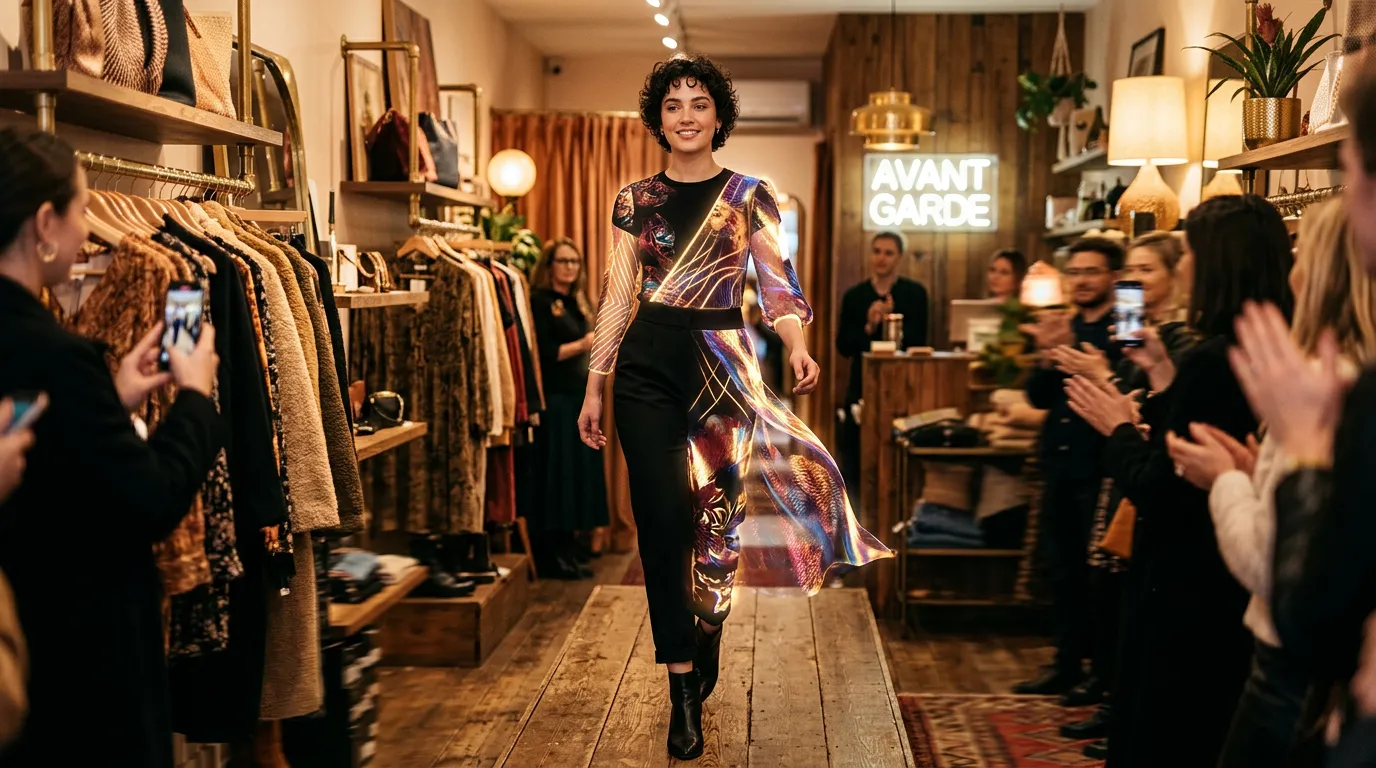
Behind that simplicity, the model has to understand body proportions, how fabric drapes and folds, where shadows fall, and how lighting wraps around a form. The output is increasingly photorealistic: textures read correctly, the garment sits naturally on the body rather than looking pasted on, and the result holds up as a listing image. For sellers, the same engine runs in reverse — instead of one shopper trying one item, you generate many product-on-model images across your catalog from a single model reference.
What are the benefits for e-commerce?
Fewer fit-driven returns
Returns are a structural cost in fashion, and a large share of them come down to fit and "it didn't look like the photo." Try-on lets a shopper see an item before it ships, which raises purchase confidence — and confident, well-informed buyers are the ones least likely to send things back. It won't eliminate returns, but it can reduce the uncertainty that causes the avoidable ones.
More confident conversion
When a customer can see how an item looks on a body — ideally one similar to theirs — the decision gets easier. Removing that "I can't tell how this will actually look" doubt is one of the most direct ways to help a hesitant shopper move from browsing to buying.
Deeper engagement
Try-on is interactive, and interactive features keep shoppers exploring. People try more items, mix outfit combinations, and share results — which can spill over into organic reach on social platforms. The experience itself becomes a reason to stay on the page.
Visual merchandising at scale
This is the quiet superpower for sellers. You can generate product-on-model images across an entire catalog without booking photographers, models, or studio time. New arrivals can launch with complete, consistent visuals on day one instead of waiting in a shoot queue. And once you have a strong on-model still, the same asset can feed a video generator to turn it into a short clip — extending one try-on render into both your listing image and a motion ad without any extra production.
What products work with virtual try-on?
The approach extends well beyond apparel.
Accessories
Watches, jewelry, sunglasses, hats — any wearable benefits, because the shopper's real question is about scale and proportion. Seeing a watch on a wrist or sunglasses on a face answers "how big is this and does it suit me?" in a way a flat product shot can't.
Beauty
Makeup shades, hair colors, and cosmetic looks let customers experiment before they commit. Color and finish are notoriously hard to judge from a swatch, so visualizing the applied look reduces a lot of guesswork.
Home and product staging
Technically this is "virtual staging" rather than try-on, but the principle is identical: seeing furniture, art, or decor in a realistic setting helps a buyer picture it in their own space and builds the same purchase confidence.
Virtual try-on images vs. a traditional model shoot
If you're deciding how to produce on-model imagery, it helps to weigh the two approaches honestly.
A traditional model photoshoot gives you full creative control, real fabric on a real body, and the credibility of authentic photography. The costs are booking models, a photographer, a studio, styling, and turnaround time — and every new SKU or color variant means another shoot. That's why coverage usually gets rationed to hero products.
AI virtual try-on images generate on-model visuals fast and cheaply, scale across a full catalog, and make diverse model representation easy to produce. The trade-off is that you're directing a model rather than capturing a real garment, so for hero campaigns or hard-to-render materials a real shoot may still win. The realistic middle ground for most sellers: use AI to give every listing solid on-model imagery, and reserve traditional shoots for flagship campaigns.
A practical tip — review AI try-on outputs the way an editor reviews proofs. Check that the garment's fit, length, and key details (logos, prints, hardware) render faithfully before publishing, and regenerate anything that misrepresents the product.
How should different sellers put this to use?
For Shopee / Lazada sellers: Generate listing images showing your products on a range of models. You get a richer, more trustworthy listing without the cost of multiple photoshoots — and consistent framing across your catalog makes your storefront look more professional.
For DTC brands: Build try-on into product pages so shoppers can see themselves, or a model like them, in your products. The interactive moment does more than inform a purchase; it builds affinity with the brand.
For social commerce: Create shareable try-on content for Instagram and TikTok. Try-on visuals are naturally shareable, which feeds organic discovery and adds a layer of social proof that's hard to buy. A try-on still can also become the opening frame of a vertical ad — drop it into the TikTok Ad Creator and you've turned a product image into a feed-native clip.
How does try-on fit a wider content workflow?
Virtual try-on rarely lives in isolation. Most sellers want the same product to show up as a listing image, a paid ad, and an organic social post — and try-on is the asset that seeds all three. A single product-on-model render can be the hero image on a Shopee or Lazada page, the still that anchors a vertical ad, and the post that lives on your grid. That reuse is what makes the economics work: you're not generating one image for one purpose, you're generating a flexible source asset.
There's also a consistency benefit. When every channel pulls from the same try-on render, your product looks identical across the listing, the ad, and the social post — same fit, same model, same lighting. Shoppers who see the ad and then land on the product page get a coherent experience rather than three different-looking versions of the same item, which quietly reinforces trust at the moment of purchase.
How do you get started?
Don't try to convert your whole catalog on day one. Start where the signal will be clearest:
- Begin with best sellers. Generate try-on images for your top ~20 products. These already get the most traffic, so any change in shopper confidence shows up fastest.
- Keep a consistent look. Use a steady set of models, framing, and lighting so the new imagery feels cohesive across the storefront rather than stitched together.
- Watch conversion and returns. Track how the try-on-enabled listings perform against their old versions on the metrics that matter to you — confidence at checkout and fit-related returns.
- Expand from what works. Once the top products prove the workflow out, roll it across the catalog, including the long-tail items that never justified a real shoot.
You can produce your first try-on images before paying anything: Popcraft is free to start with 100 credits and no card required, and the output is cleared for commercial use, so the product-on-model images you generate are ready to go straight onto your listings. The goal isn't a single impressive render — it's giving every product the kind of confident, see-it-worn presentation that used to be reserved for your bestsellers.