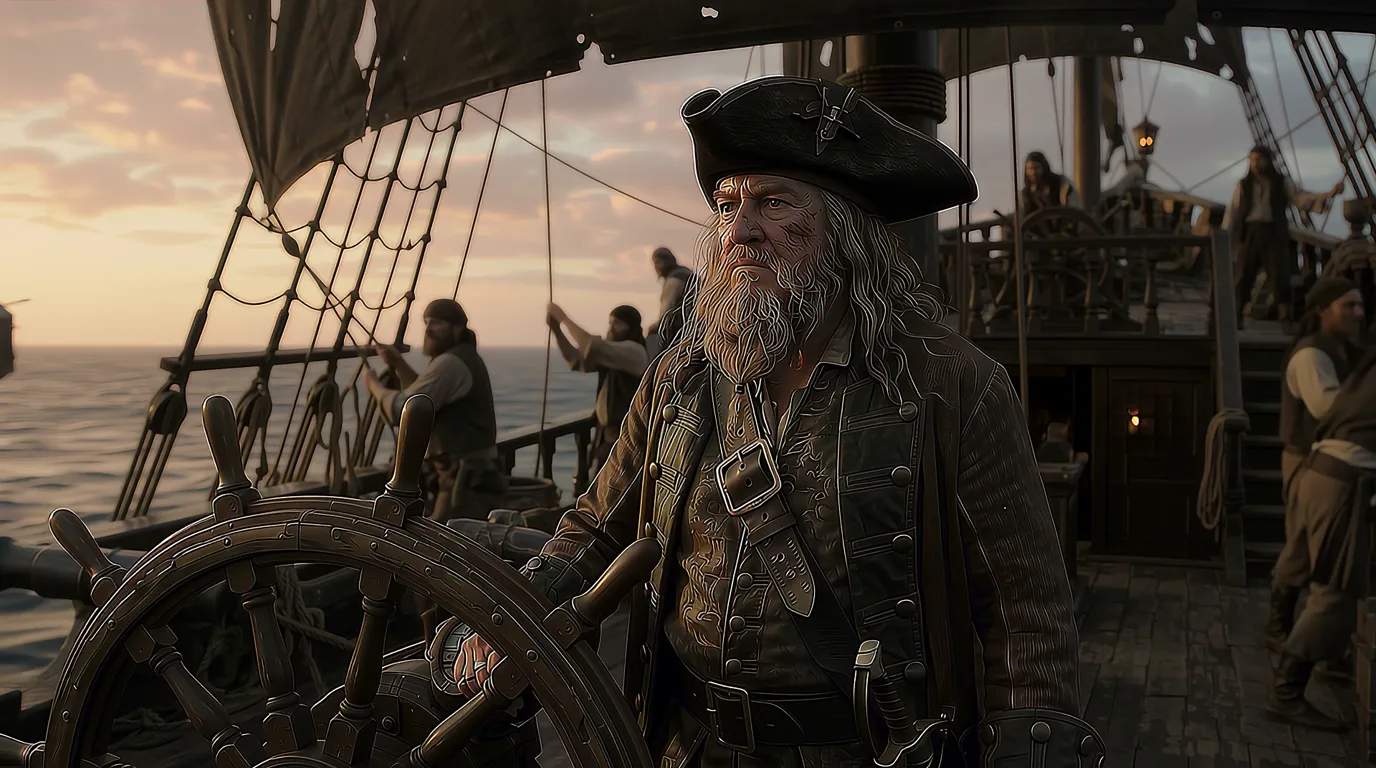
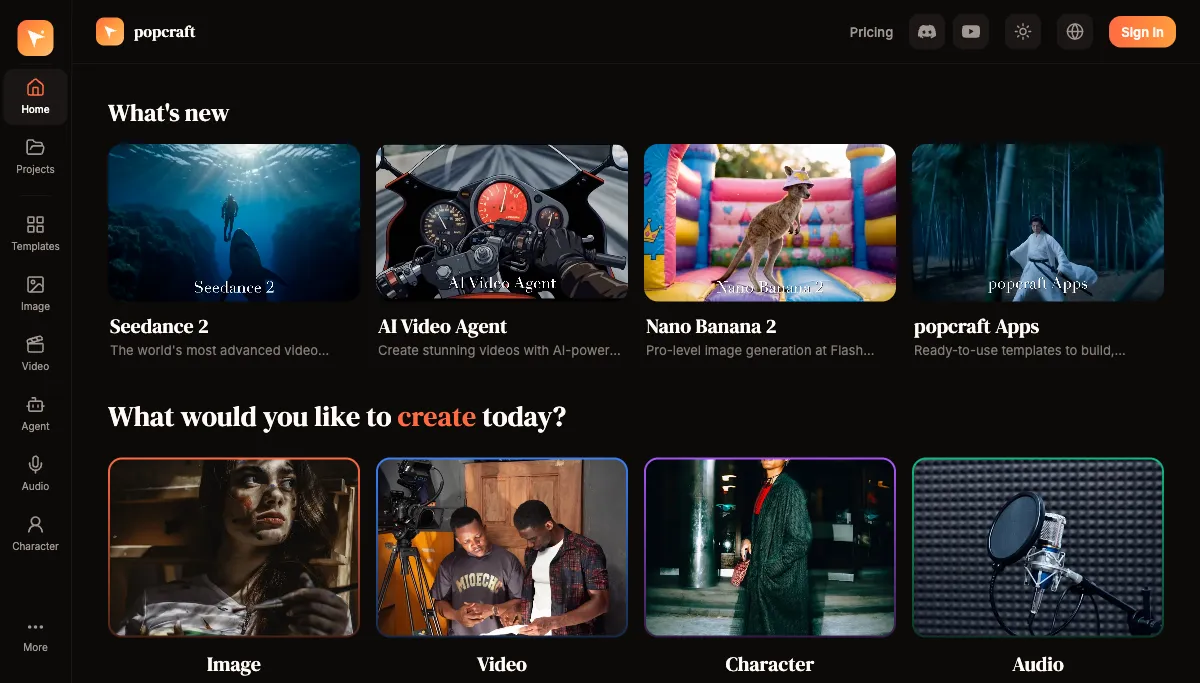
Seedance 2.0 represents a significant leap in AI video generation. With improved temporal coherence, better motion dynamics, and higher visual fidelity, it's setting new standards for what AI-generated video can look like.
What is Seedance 2.0?
Seedance 2.0 is a multimodal AI video model from ByteDance built for strong temporal coherence, natural motion, and high visual fidelity. It supports both text-to-video — where you describe a scene in words — and reference-to-video, where you supply a still image and the model animates it. It also offers first- and last-frame conditioning, which lets you fix the exact frame a clip starts on, the frame it ends on, or both.
You can try it inside any video generator that hosts it; on Popcraft it sits alongside models like Veo 3.1 so you can pick the right tool per shot rather than committing to one.
What Makes Seedance 2.0 Special
Temporal Coherence
The biggest challenge in AI video has always been consistency between frames. Characters morph, backgrounds shift, and physics break down. Seedance 2.0 addresses this with advanced temporal modeling that maintains consistent subjects, lighting, and environments throughout the entire clip — so a person stays the same person from the first frame to the last.
Motion Quality
Natural motion is hard. Seedance 2.0 produces fluid, realistic movement — whether it's a person walking, water flowing, or fabric rippling in the wind. Camera movements are smooth and cinematic, not jittery or unnatural, which matters most for the slow orbits and push-ins that sell a product shot.
Visual Fidelity
Detail quality is high. Textures stay sharp, skin tones read naturally, and environmental details are rich and varied. Because the model can render up to 1080p, the footage holds up even on large screens.
Versatility
Seedance 2.0 handles a wide range of content:
- Product demonstrations with controlled camera orbits
- Lifestyle scenes with natural human movement
- Abstract and artistic visual effects
- Nature and landscape footage
- Action and dynamic sequences
What resolutions, durations, and formats does Seedance 2.0 support?
Knowing the specs up front saves a lot of trial and error:
- Resolution: 480p, 720p, or 1080p. Use 480p or 720p while you iterate on a prompt — generation is quicker — then render the final at 1080p.
- Duration: roughly 4–15 seconds per clip. For anything longer, chain clips together in the timeline rather than expecting one clip to carry a whole story.
- Aspect ratios: a wide spread including 9:16 (vertical for TikTok and Reels), 1:1 (square for in-feed posts), 16:9 (landscape for YouTube and landing pages), and 21:9 (cinematic widescreen).
- Variants and 4K: when you need speed over polish, Seedance 2.0 Mini drafts faster at lower cost; final clips can be upscaled to 4K for delivery.
How long can a Seedance 2.0 clip be?
A single clip runs about 4–15 seconds. That's deliberate — short clips keep motion coherent and physics believable. To build a 30- or 60-second piece, generate several clips and assemble them on a multi-track timeline alongside voiceover, music, and sound effects.
How do you write an effective Seedance 2.0 prompt?
Be descriptive but focused. A strong prompt names four things:
- Subject and action — what's happening, e.g. "a barista pours steamed milk into a flat white."
- Camera movement — pan, zoom, orbit, push-in, or a locked tracking shot.
- Style and mood — cinematic, documentary, commercial, moody.
- Lighting — natural window light, studio softbox, dramatic rim light, warm ambient glow.
A worked example: instead of "coffee shop video," write "slow push-in on a barista pouring latte art into a flat white, warm window light, shallow depth of field, cinematic commercial look." Specific direction consistently beats a long, vague description.
Can Seedance 2.0 animate a still image?
Yes — reference-to-video is one of its strengths. Upload a still and describe how it should move, and the model preserves the original composition while adding natural motion and camera work. You can also use first- and last-frame conditioning to bracket the motion: set where the clip begins and ends, and let Seedance fill the movement in between. Try it through reference-to-video.
Tips for reference images:
- High-quality, well-lit images work best; low-resolution inputs limit the output.
- Clean or simple backgrounds produce more predictable results, especially for products.
- Put the motion you want in the prompt — the image sets the look, the prompt sets the movement.
- Experiment with different motion descriptions; small wording changes shift the result a lot.
Seedance 2.0 vs. Veo 3.1: which should you use?
They solve different problems, so the choice usually comes down to one question — do you need sound inside the clip?
- Choose Seedance 2.0 when you're animating an existing image, need first/last-frame control, want cinematic 21:9 widescreen, or need clips longer than 8 seconds. It's the reference-to-video and frame-control specialist.
- Choose Veo 3.1 when the shot needs native synchronized audio — dialogue, sound effects, or score generated together with the picture. Veo 3.1 outputs 720p or 1080p in 16:9 or 9:16, with 4-, 6-, or 8-second clips.
A common workflow uses both: Veo 3.1 for a talking hero shot with built-in dialogue, Seedance 2.0 for the silent reference-animated product and lifestyle cutaways, then everything stitched together in one timeline.
Common Use Cases
E-Commerce — Product reveals, turntable rotations, and lifestyle context videos. Seedance 2.0 creates premium product content from a single product photo via reference-to-video.
Social Media — Eye-catching short-form content with cinematic quality. The 9:16 and 1:1 formats drop straight into vertical and in-feed placements.
Brand Storytelling — Narrative sequences that tell your brand story. Chain multiple clips together for longer-form content and add a voiceover track.
Creative Exploration — Artists and designers use Seedance 2.0 to visualize concepts, create mood boards in motion, and explore directions before committing to expensive production.
Tips for Best Results
- Start with clear, concise prompts — more words isn't always better.
- Use reference images when you have a specific visual in mind, and lean on first/last-frame conditioning for precise control.
- Iterate at 480p or 720p, then render the keeper at 1080p.
- Experiment with camera-movement descriptions; they shape the feel more than almost anything else.
- Generate multiple variations and select the best.
- Combine Seedance 2.0 with other tools — Veo 3.1 for synced audio, an AI Video Agent for full multi-shot pieces — to complete a project.
Seedance 2.0 is free to try on Popcraft with 100 credits and no card required, and the content you generate can be used commercially.