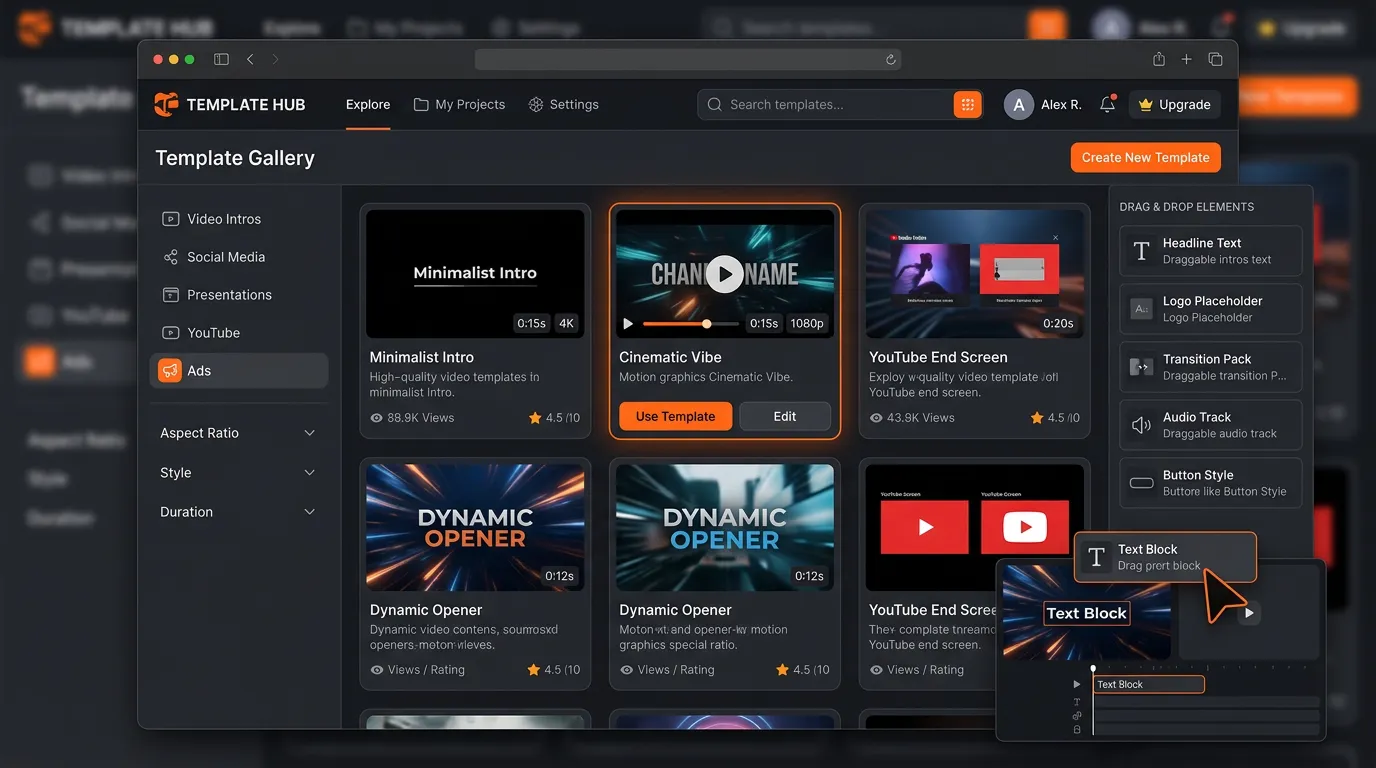
Templates are the secret weapon of productive content creators. Combined with AI, they turn hours of manual work into minutes of efficient production — without sacrificing the polish that makes content feel professional.
Why do templates matter so much?
Without templates, every piece of content starts from a blank canvas. You make the same decisions over and over: layout, fonts, colors, timing, transitions, where the call-to-action goes. Each decision is small, but together they're most of the work — and most of the inconsistency. Templates encode those decisions once, so each new piece only asks you for what's actually unique: your content.
There's a second, quieter benefit. Because the structure is fixed, your output stays consistent. A viewer scrolling past your tenth video recognizes it as yours before they read a word. For a brand trying to build recognition, that consistency is worth as much as the time savings.
How do AI video templates work?
Modern AI video templates go well beyond simple placeholders. Instead of a fixed slot you have to fill exactly, they behave more like a smart workflow that adapts to whatever you give it.
They understand content context
Drop in a product photo and the template adjusts framing, timing, and visual treatment based on what it's looking at. A tall shoe and a wide skincare bottle don't get the same crop or the same pacing — the template fits the presentation to the subject instead of forcing the subject into a rigid frame.
They adapt to your brand
Configure a template once with your brand colors, fonts, and logo, and every piece you produce from it stays on-brand automatically. You stop re-applying your identity by hand on every export, which is exactly where manual workflows drift off-brand over time.
They generate multiple variations
From a single input, a template can spin out variations for different platforms, audiences, or campaigns. One product photo becomes a square post, a vertical Reel, and a wide banner — each sized and paced correctly — without you rebuilding the layout three times.
They orchestrate AI elements
The most capable templates don't just place your assets; they trigger generation for the pieces you're missing. A template can call an image generator for a background, a video generator for a motion clip, or AI audio for a voiceover or music bed — then assemble it all on a multi-track timeline. You provide the inputs; the template runs the production.
Which template categories should you reach for?
Product showcase
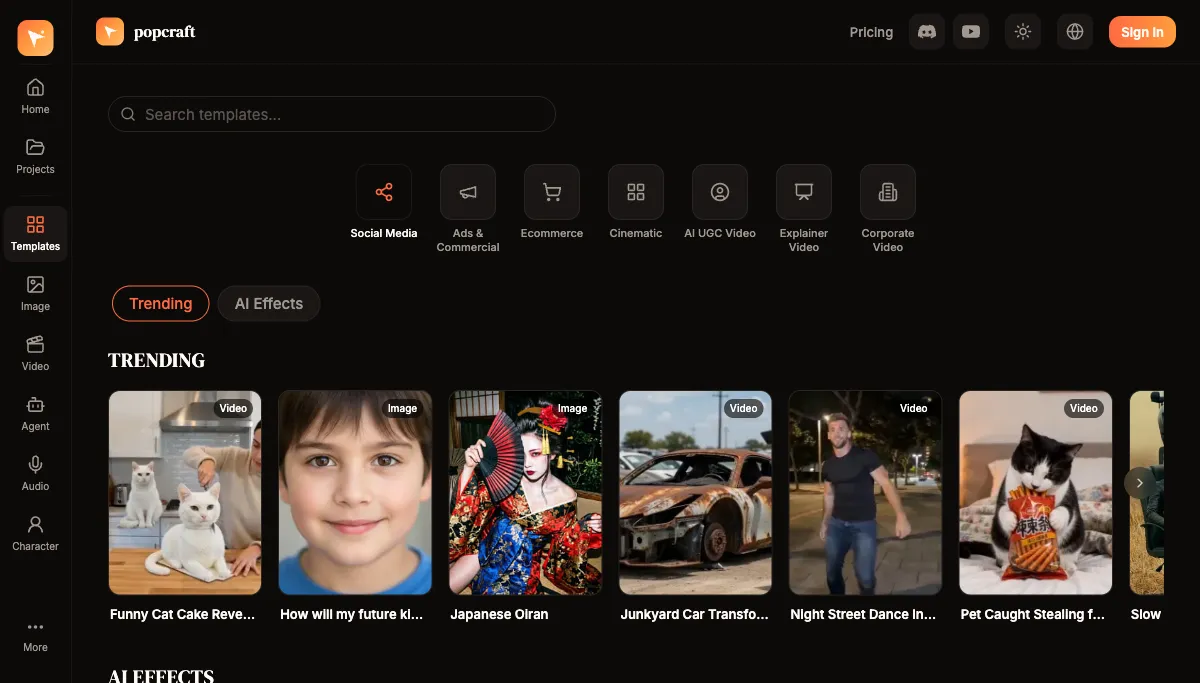
Pre-built workflows for displaying products: camera movements, text overlays, price or feature callouts, and CTA animations. These are the workhorse format for e-commerce listings and social product posts. Popcraft's Product Video Generator is built exactly for turning a product photo into a finished video ad.
Social media
Platform-specific templates for Instagram Reels, TikTok, YouTube Shorts, and LinkedIn. Each one bakes in that platform's norms for aspect ratio, duration, and structure, so you're not guessing whether your nine-second cut is too long for one feed and too short for another.
Advertising
Ad templates built around durable structures — a Hook that stops the scroll, the Value that earns the next few seconds, and a clear CTA that tells the viewer what to do. The TikTok Ad Creator is a ready-made example of this pattern. The structure does the heavy lifting; you supply the specifics.
Brand story
Longer-form templates for company introductions, product launches, and brand narratives, with multi-scene structures and transitions already arranged. For the most ambitious version of this, the AI Video Agent takes a brief and runs the full pipeline — Brief, Script, Elements, Start Frames, Video, Audio, Timeline — into a finished multi-scene video.
Should you use a ready-made template or build your own?
Both have a place, and the right answer usually changes as you grow.
Reach for a ready-made template when you're starting out, working in a common format (a product ad, a Reel, an explainer), or you simply need something good now. You inherit proven structure and pacing without having to invent them.
Build your own when you've found something that works for your audience specifically and want to repeat it reliably. A custom template captures a winning format so you never have to reverse-engineer it again.
How do you build a custom template?
- Start with a piece that performed well. Pick a video your audience actually responded to.
- Identify what made it work. Was it the pacing? The hook in the first second? The visual style? Be specific.
- Abstract the elements. Replace the specific product, copy, and footage with placeholders, keeping only the structure.
- Save it as a template. Package the structure so it's reusable on your next batch.
- Iterate. As you publish more, refine the template based on what the data tells you.
What does a template-driven session actually look like?
Here's a realistic batch production session that produces a week of video content:
- Select the templates for this week's plan — about 5 minutes
- Gather inputs: product photos, key messages, CTAs — about 10 minutes
- Feed inputs into the templates and review the outputs — about 20 minutes
- Make minor adjustments and do a final review — about 10 minutes
- Export and schedule — about 5 minutes
That's roughly 50 minutes for a week's worth of video — and because templates handle the structural decisions, most of that time goes into judgment and review rather than mechanical assembly.
Compare it to building each piece from scratch, re-deciding layout and pacing every single time, and the difference isn't incremental — it's the gap between treating content as a series of one-off projects and treating it as a repeatable system. That shift, more than any single tool, is what lets a small team produce like a much larger one.
What separates a good template from a fragile one?
Not every template earns its keep. A template that only works when you feed it the exact asset it was built around isn't a template — it's a one-off in disguise. The ones worth saving share a few traits:
- They flex on input. A good product template handles a tall bottle and a flat phone case without breaking the framing. If a slightly different photo wrecks the layout, the structure is too rigid.
- They isolate the brand layer. Colors, fonts, and logo live in one place you set once, separate from the content. That's what lets the same template stay on-brand across dozens of pieces without manual touch-ups.
- They encode pacing, not just placement. The timing of a hook, the beat before a CTA — these are the parts that actually drive performance, and they're easy to lose if a template only positions elements without controlling their rhythm.
- They leave room for a human pass. The goal is to remove the repetitive decisions, not the judgment. A template that forbids any adjustment will eventually produce something that's technically on-spec but wrong for the moment.
Common template mistakes to avoid
- Over-templating. If every piece looks identical down to the frame, your feed reads as automated. Build a small set of templates and vary which one you use, rather than forcing everything through one mold.
- Skipping the review. Templates get you a strong draft fast; they don't absolve you of watching the result before it ships. A misframed product or an awkward caption slips through exactly when you stop looking.
- Never updating. A template that worked six months ago may not match how a platform behaves today. Treat your templates as living assets and refine them when the data shifts.
- Templating before you have a winner. Don't abstract a format you haven't validated. Make a few pieces the slow way first, find what resonates, and only then turn the proven version into a reusable template.
Used well, templates aren't a shortcut that sacrifices quality — they're how you make your best work the default starting point, every single time.