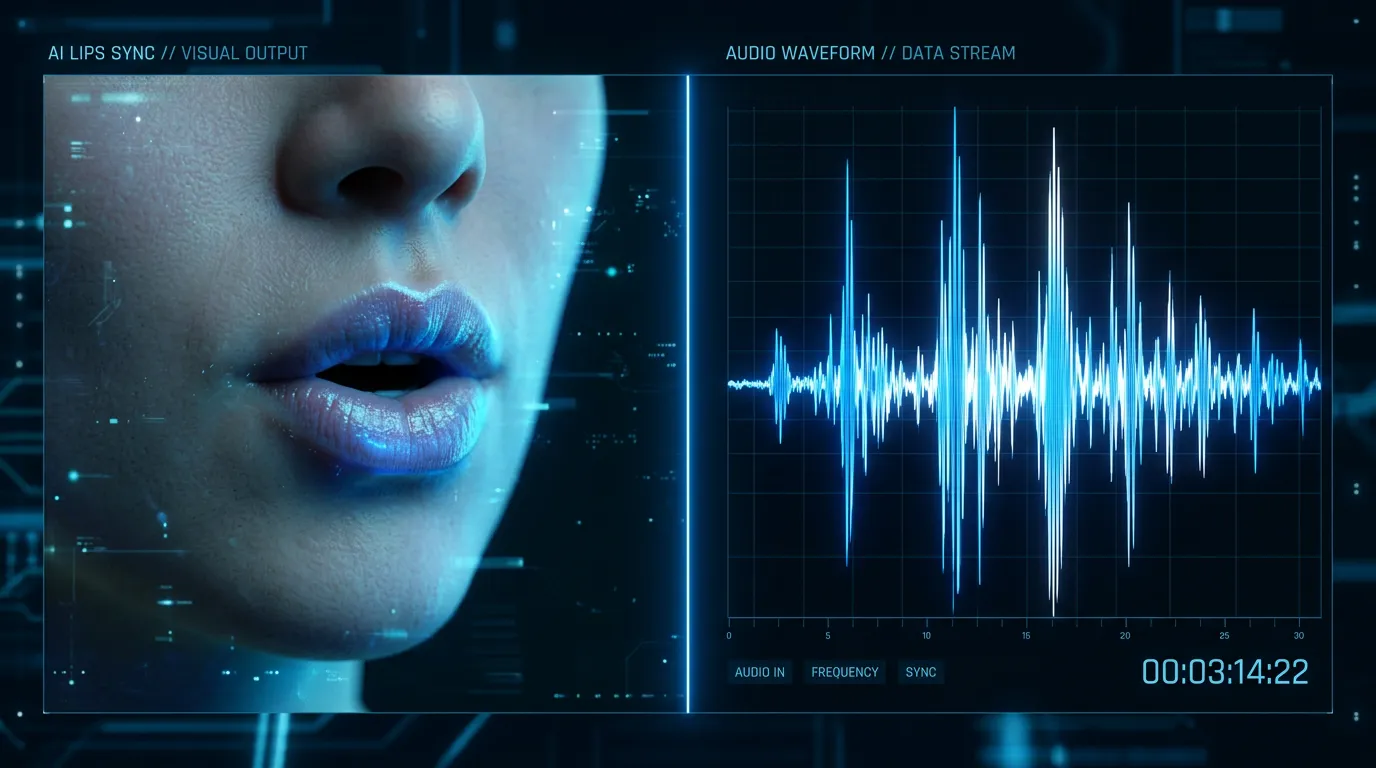
When an AI avatar speaks, the magic is in the lips. Natural lip synchronization is what separates a convincing AI presenter from an uncanny-valley one. Here's how the technology actually works, why it's so hard to get right, and how to use it well for talking-avatar video and multilingual dubbing.
Why Is Lip Sync So Hard to Get Right?
Human speech involves remarkably precise coordination, and viewers notice when any of it is off:
- More than 20 distinct mouth shapes — visemes — for different sounds
- Jaw movement that varies with vowels
- Cheek and chin motion that accompanies speech
- Micro-expressions that ride along with natural conversation
- Timing that has to match the audio within milliseconds
Getting any one of these wrong triggers an instinctive "something's off" reaction. Our brains are tuned from infancy to read mouths against voices, so a mismatch of even a fraction of a second reads as wrong even when a viewer can't say why. That sensitivity is exactly why lip sync is the hardest part of a talking avatar to fake — and why models are judged on it more than almost anything else.
How Does AI Lip Sync Work, Step by Step?
The pipeline runs in four stages, and understanding them makes it much easier to feed the model inputs it can work with.
1. Audio Analysis
The model first analyzes the audio — a recording, AI-generated speech, or text converted to speech. It identifies:
- Individual phonemes, the distinct speech sounds
- The timing and duration of each sound
- Emphasis and prosody — the rise and fall of the delivery
- Pauses and breathing
This is why clear, naturally paced audio matters so much: clean phonemes give the model an unambiguous sequence to map. Mumbled, clipped, or noisy audio blurs the boundaries between sounds and the sync softens with it.
2. Facial Mapping
Using the input face image, the model builds a detailed picture of the person's facial structure:
- Lip shape and proportion
- Jaw dynamics and range of motion
- How the facial muscles behave
- Skin texture and lighting
3. Motion Synthesis
This is the heart of it. The model generates frame-by-frame facial animation that:
- Maps each audio phoneme to the correct viseme (mouth shape)
- Adds natural secondary motion — jaw, cheeks, and chin moving in support of the lips, not just the lips alone
- Includes micro-expressions appropriate to the content of the speech
- Preserves the person's unique facial characteristics so the result still looks like them
The phoneme-to-viseme step is what most people picture when they think of lip sync, but the secondary motion is what sells it. Lips that move correctly on a frozen face still read as wrong; it's the jaw and cheek movement that makes the speech look alive.
4. Rendering
Finally, the animated face is composited back, matching lighting, perspective, and resolution so the speaking face sits seamlessly in the frame.
Why Does This Matter for Content Creators?
Scale Your Video Presence
You can produce unlimited talking-head videos without appearing on camera for each one. Provide a reference face once, then generate any script you need with the Talking Video feature.
Multilingual Content
The same face can be synced to audio in any language with natural lip movement. Because the model re-derives visemes from each language's phonemes, you expand to global audiences without re-recording — the lips follow the new audio, not a translated overlay.
Rapid Updates
Script changes don't require reshooting. Update the message, regenerate the video, and publish immediately.
Consistency
Every video lands at a professional level. No bad takes, no re-recordings, no drift in quality from one clip to the next.
OmniHuman 1.5 vs. Kling Avatar: Which Model Fits Your Clip?
Different models trade off quality and length, and choosing well starts with how long your message needs to be.
| OmniHuman 1.5 | Kling Avatar | |
|---|---|---|
| Lip-sync quality | High, with natural head motion and expression | Strong, tuned for longer runtime |
| Length | Up to about 30 seconds | Up to about 60 seconds |
| Best for | Professional content where polish is paramount | Longer-form messages that need the extra duration |
OmniHuman 1.5 is the pick when quality is the priority and the message fits in roughly half a minute — ads, reveals, hero clips. Kling Avatar is the pick when you need up to a full minute and still want a clean balance of quality and length. Both handle multiple languages from the same face, so localization isn't the deciding factor — runtime usually is.
Whichever you choose, the lip-synced clip is just one track. In a finished piece it sits in a multi-track timeline alongside voiceover, music, and sound effects, so the avatar's speech is mixed against the rest of the audio rather than living in isolation.
How Do You Get the Best Lip Sync? Best Practices
The model does the hard part, but a few input choices make the difference between a clip that's almost right and one that's convincing:
- Use high-quality input images. Better source photos — sharp, well-lit, high resolution — give the model more facial detail to animate, and the sync improves with them.
- Use natural audio. Well-paced, clearly spoken audio produces the most realistic sync. Rushed or muddy audio is the most common cause of soft results, because it blurs the phonemes the model relies on.
- Favor front-facing angles. Lip sync works best with faces looking roughly toward the camera, where the mouth is fully visible.
- Match expression to content. A serious message on a smiling face reads as off. Choose source imagery whose default expression suits the tone of the speech.
- Preview before publishing. Always review the generated video — watch the mouth on the trickiest words and the transitions between sentences — before distributing.
Lip sync is the quiet engine under every believable talking avatar. Understanding the phoneme-to-viseme-to-motion pipeline doesn't just satisfy curiosity — it tells you exactly which inputs to control, so the clips you generate land on the right side of that instinctive "something's off" line. Start with a clean face image and clear audio, and the technology does the rest.