Characters are the heart of storytelling — and AI is making character creation accessible to everyone, not just professional illustrators and animators. From brand mascots to animated spokespersons, the tools in the Character hub take you from a written idea to a consistent, animated character without a studio. This guide covers the full arc: designing an original character, keeping it consistent, and bringing it to life in motion.
How do you create an original character with AI?
Start with a text description and let an image generator produce original designs in seconds. The richer your description, the more distinctive — and more reusable — the character becomes.
Tips for character prompts:
- Describe physical features specifically. Hair color and style, clothing, build, age, signature accessories, and a default expression. Specifics are what make a character recognizable later; "a friendly robot" is forgettable, "a round, matte-white robot with one glowing teal eye and a small dented antenna" is a character.
- Set the style explicitly. Anime, semi-realistic, flat cartoon, 3D render, claymation — the style decides how the character will read across every future image, so commit to it early.
- State the intended use. A character meant to be a social mascot wants a clean silhouette and a clear expression; a game character can carry more detail. Naming the use steers the design toward something that actually works in context.
- Reference an aesthetic if you have one. If a particular look is in your head, name it or — better — upload a reference image so the AI anchors to it visually rather than guessing from words alone.
Which model should you design on?
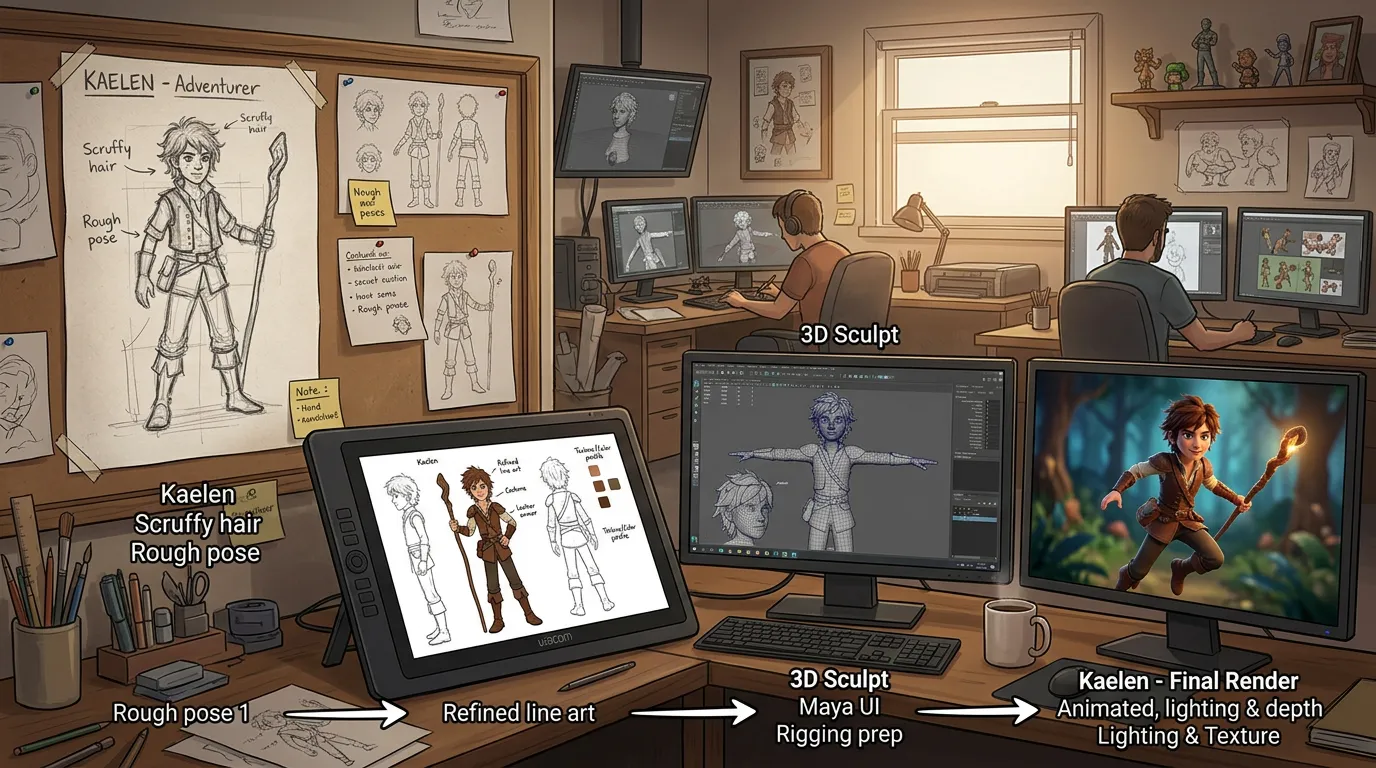
Design is iterative, so explore on a fast model like Nano Banana 2: you can run many variations of a character concept cheaply and quickly until the silhouette, palette, and personality click. Once a design is clearly working, re-render the keeper on a higher-fidelity model such as Nano Banana Pro or Seedream for a clean, detailed master image. That master becomes your reference for everything that follows.
How do you keep an AI character consistent?
This is the single biggest challenge in AI character work: the same description can resolve a hundred slightly different ways, and a mascot that looks different in every post never builds recognition. Three techniques, used together, keep features stable.
- Use a strong reference image. Generate one excellent master image, then feed it as a reference to every subsequent generation. The reference does most of the heavy lifting that words alone can't — it locks the face, proportions, and palette.
- Write a detailed, fixed character description. The more specific and unchanging your description, the more consistent the output. Treat it as a fixed asset, not something you rewrite each time.
- Reuse the same prompt prefix. Begin every prompt with the identical character description block, then change only the scene, pose, or expression after it. Hold the character constant and vary the world around it.
In practice the workflow is: master image plus fixed description as your prefix, and a reference image attached, with only the trailing scene text changing. That combination keeps a character recognizably itself across an entire campaign.
From still to motion
A design is a starting point. The Character hub turns it into something that moves, speaks, and reacts.
Photo to character
Upload a reference photo and transform a real person into a stylized character. This is a fast route to a custom design when you'd rather start from a real face than a blank prompt. It works well for:
- Creating cartoon or anime versions of real people
- Designing brand mascots based on a founder or team member
- Turning a recognizable face into a repeatable, on-brand persona
What animations can you create from a character?
Once you have a consistent design, you can bring it into motion several ways:
- Talking videos — animate your character speaking with natural lip sync, expressions, and head motion synced to a script or audio. Avatar models cover different needs: OmniHuman 1.5 produces high-quality results up to about 30 seconds, while Kling Avatar supports clips up to roughly 60 seconds for longer messages. The same character can deliver the same script in multiple languages with synced lips, which makes localizing a campaign straightforward.
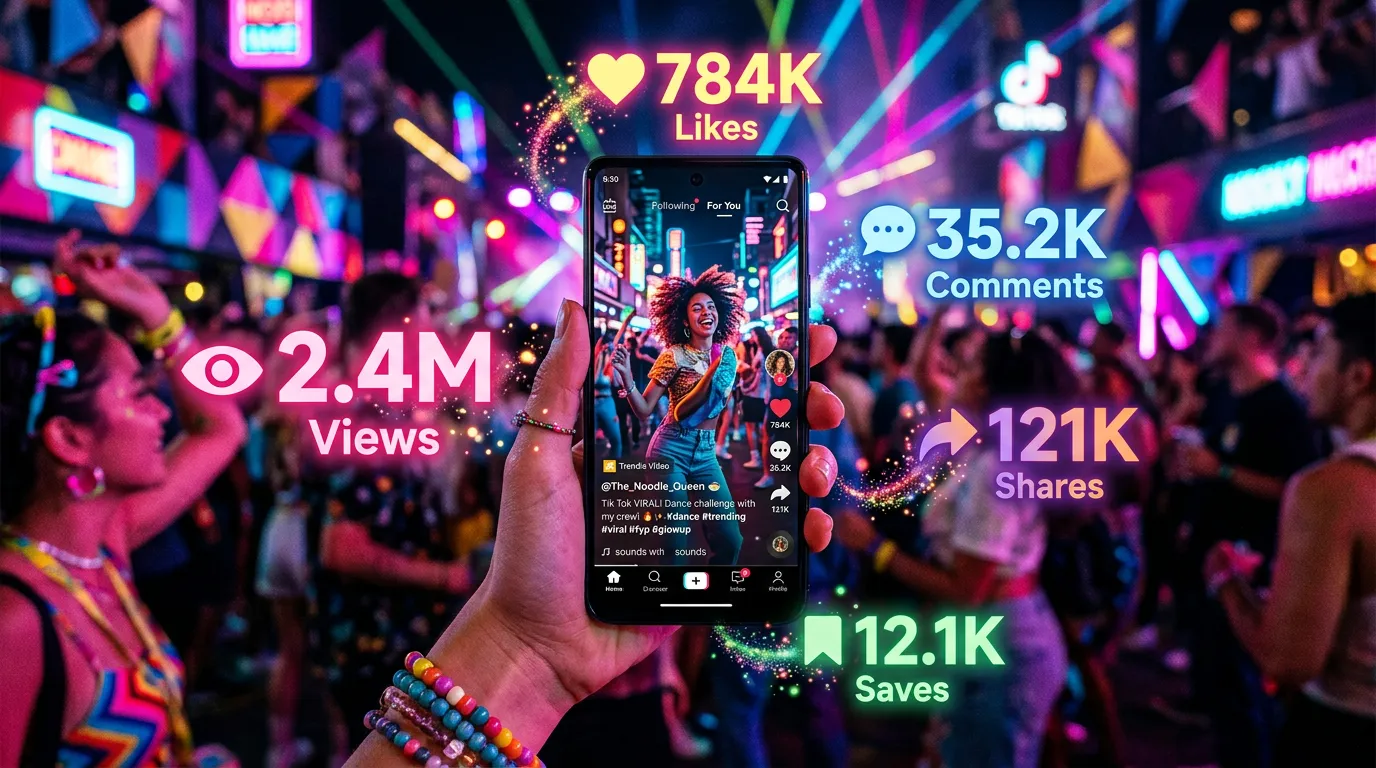
- Dance animations — generate dynamic, energetic dance clips that perform well as short-form social content.
- Reaction packs — produce a set of expressions (happy, surprised, thinking, celebrating) ready to use as stickers, replies, or recurring social responses.
- Scene placement — drop the character into different environments and scenarios while keeping its look intact, using your master image as the anchor.
What are AI characters actually used for?
A consistent, recognizable character builds recall — that's the whole point. The common applications:
Brand mascots
Create a unique character that represents your brand and deploy it everywhere: social media, ads, packaging, presentations. Because you can regenerate it in any pose, expression, or context from one master image, the mascot stays on-model across every touchpoint without a new illustration commission each time.
Educational content
Characters make learning materials more engaging and more human. A recurring teacher or guide character gives courses, tutorials, and training a friendly through-line, and the talking-video tools let that guide actually narrate lessons.
Social media presence
Character-driven content stands out in a feed of stock imagery. A recognizable persona builds a relationship with the audience over time — people come back for the character, not just the post.
Storytelling and campaigns
Build character-driven narratives for marketing campaigns, product launches, or brand stories. With talking videos, reaction packs, and scene placement, you can produce animated content that would once have required a production studio — from a single design and a script.
Which avatar model should you use for talking videos?
Both avatar models produce natural lip sync and motion; the right choice comes down to how long the message is.
- OmniHuman 1.5 is the pick for short, punchy deliveries — a greeting, a tagline, a quick product callout, or a reaction. High-quality results run up to about 30 seconds, which covers most social and ad-length lines.
- Kling Avatar is the choice when the script runs longer — an explainer beat, a multi-sentence announcement, a lesson segment — supporting clips up to roughly 60 seconds.
A practical rule: if you can say it in a breath or two, OmniHuman 1.5; if it needs a full paragraph, Kling Avatar. For longer narration than a single clip allows, generate several segments from the same character and stitch them together.
How do you troubleshoot a character that won't stay consistent?
If your character keeps drifting between generations, work through these in order:
- Are you attaching the reference image every time? This is the most common cause. Words alone won't hold a face; the reference does.
- Is your description block identical run to run? Even small rewordings shift the result. Copy the exact same prefix each time.
- Are you changing too much at once? Hold the character and lighting constant and vary only the scene. If you also change the style or angle, you've changed the character.
- Is the master image strong enough? If your reference is itself slightly off, every generation inherits that. Spend the effort to get one clean master on a high-fidelity model before building on it.
How do you build a reusable character library?
Treat your character like a brand asset and invest in it once so it pays off repeatedly.
- Start with 3–5 core expressions: neutral, happy, excited, thoughtful, surprised.
- Generate the character in your key brand scenarios and settings.
- Create both image and video assets — stills for posts, talking videos and reaction packs for engagement.
- Build out a bank of reactions and poses you can reach for on short notice.
- Maintain a "character bible": the master reference image, your fixed description, the proven prompt prefix, and the model you render finals on.
This library grows in value over time. The upfront design work is a one-time cost; every future post, video, and campaign draws from it. You can start free with 100 credits and no card to design your first character and try it in motion, and anything you create can be used commercially.