
AI Store-Page Creatives for Games
App Store Screenshots for Games
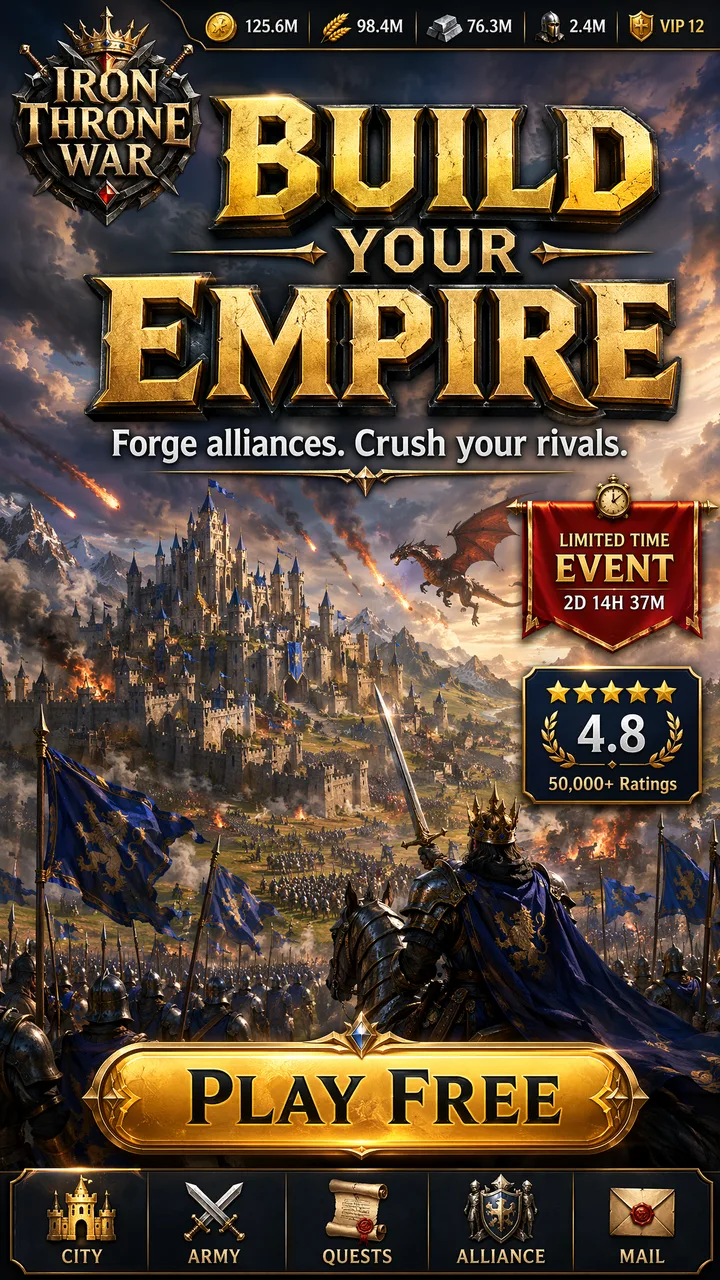
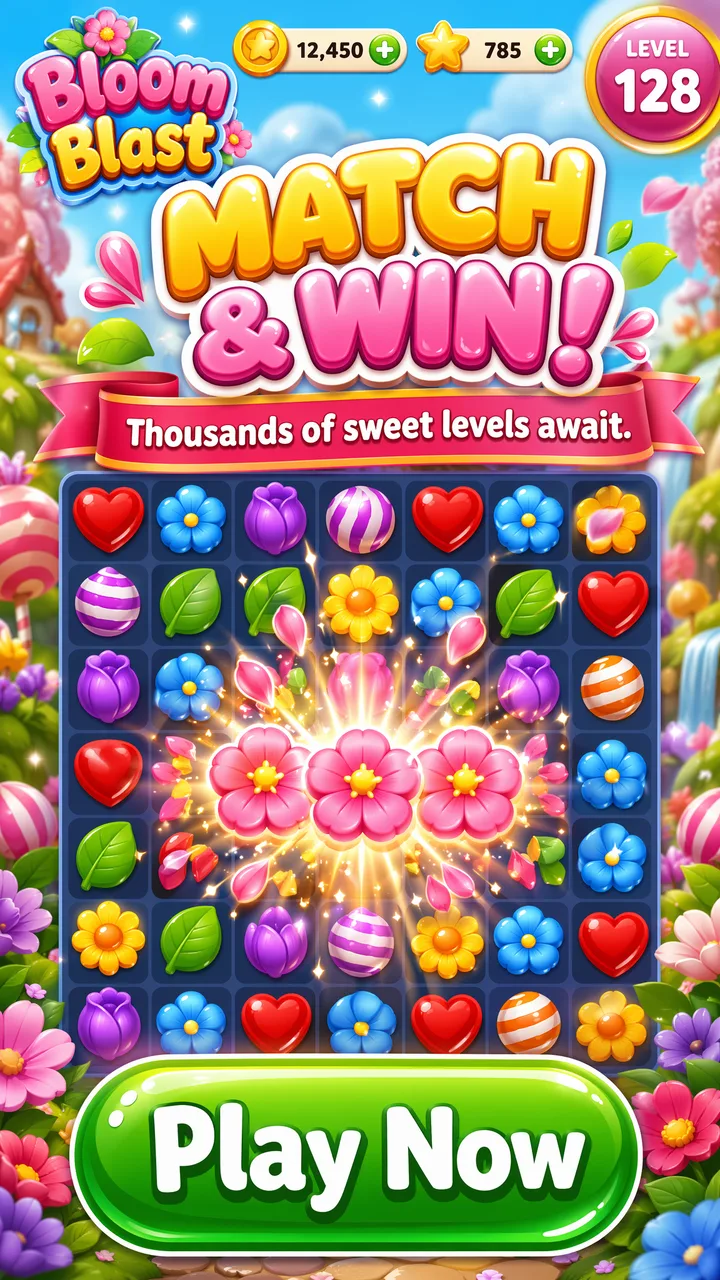
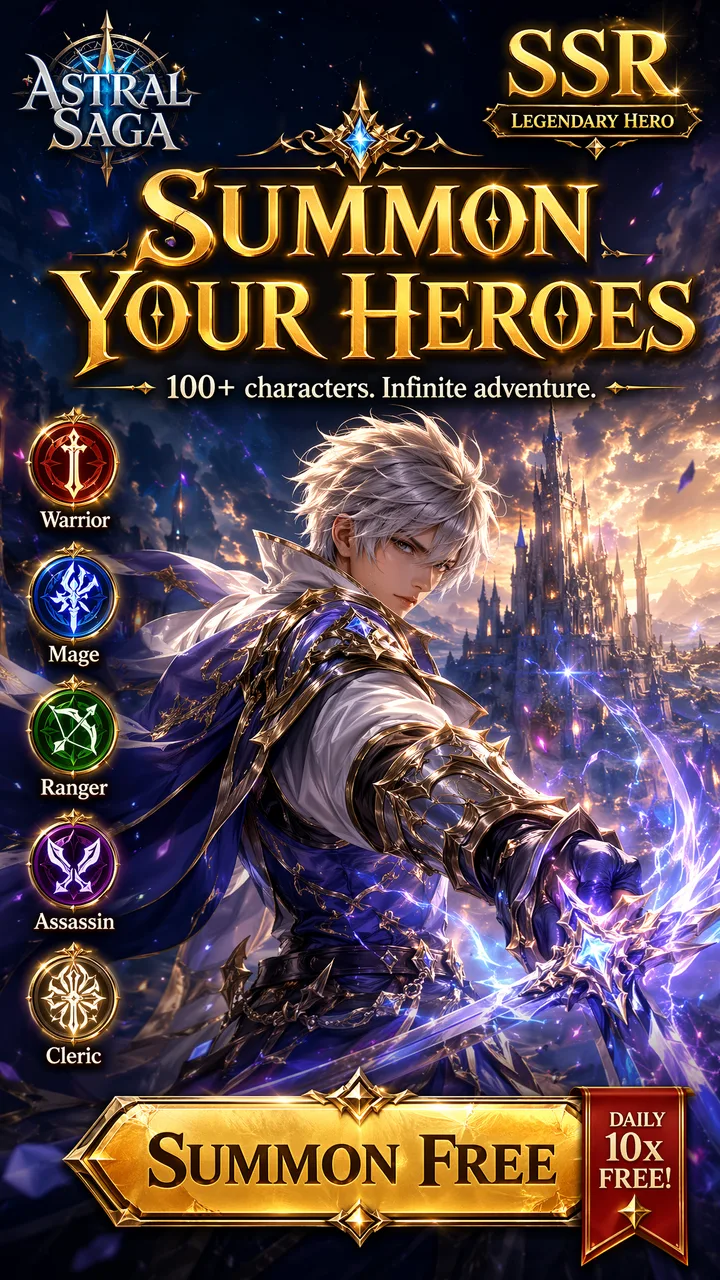
Generate store-ready creatives for your mobile game with AI — a complete Apple App Store kit and a complete Google Play kit: screenshot sets, app icons and feature graphics, in the exact specs each store requires. Drop in your art, type a headline, export. No design skills required.
Screenshots · Icons · Feature graphics · Event cards | Apple App Store & Google Play kits | No credit card required
Real output
Store creatives that convert
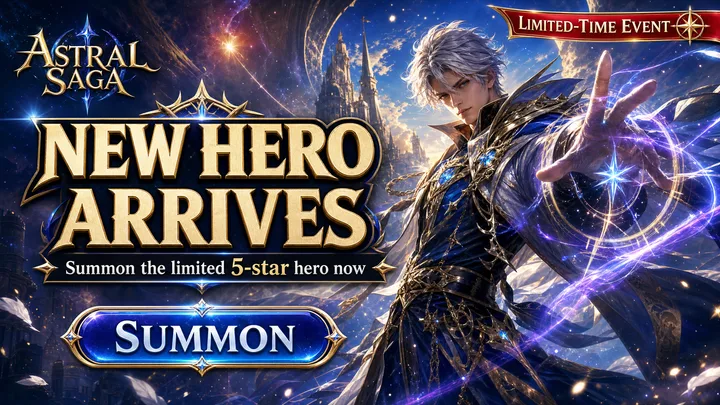
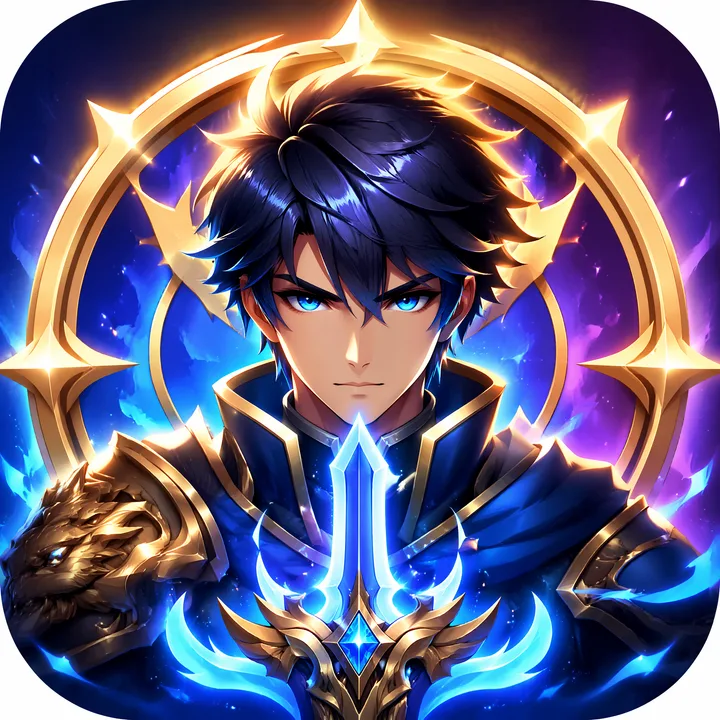
Generated by popcraft — complete Apple App Store and Google Play kits: screenshot sets, app icons, feature graphics and LiveOps event cards. Every headline crisp and legible.
How It Works
A store-ready game screenshot in three simple steps.
Pick your store kit
Choose the Apple App Store or Google Play kit — screenshot sets, app icons and feature graphics. Presets walk you through the Hook → Gameplay → Rewards screenshot narrative with proven copy starters.
Drop in art + headline
Upload your key art or gameplay shot, type your headline, subline and CTA, and optionally pick a seasonal theme.
Generate & publish
AI composes a store-ready creative with legible big-text and badges. Download and upload to the App Store or Google Play.
Built for mobile-game UA
Everything you need to ship store-page creatives that lift install rates.
Platform-exact kits
A complete kit per store — Apple screenshots & icon, Google Play screenshots, feature graphic & icon — each following that store's spec rules, not generic app mockups. Genre styles (SLG, casual, RPG) built in.
Legible big-text headlines
Powered by a model tuned for crisp on-image text, so your headline, subline and CTA stay sharp and readable at thumbnail size.
LiveOps event cards
A 16:9 event card for Apple In-App Events and Google Play promotional content — fresh art for every event, your busiest store slot.
Seasonal reskins
One-tap Spring Festival, Christmas and anniversary variants — swap the visual and badge while keeping your gameplay and layout.
Holiday app icons
Square, store-compliant game icons (1024 / 512) with one-tap festive variants — perfect for ASO icon A/B tests.
Multi-language store kit
Need a full double-platform, multi-language, multi-spec set as an upload-ready pack? Graduate to the workspace Store Page Kit.
Frequently Asked Questions
Common questions about making store-page creatives for mobile games.
How do I make App Store screenshots for my mobile game?+
Does it work for both the App Store and Google Play?+
What sizes do my store assets need to be?+
Which game genres are supported?+
Can I make in-app event and LiveOps promo cards?+
Can I localize the screenshots into other languages?+
How is this different from a screenshot mockup tool?+
Is it free, and do I need design skills?+
Ship your store page today
Make your game stand out
Join mobile-game teams using AI to ship App Store & Google Play creatives that lift install rates — without the design queue.
Make Your Screenshot FreeNo credit card required · Free credits included