The economics of video creation have flipped. What once required expensive equipment, large crews, and weeks of post-production can now be done in minutes with AI-powered tools. In 2026, we're witnessing a new era where creativity is the only bottleneck — not budget or technical skill.
The Rise of AI Video Models
Modern AI video models like Seedance 2.0 and Veo 3.1 can generate cinematic-quality footage from simple text prompts. These models understand composition, lighting, camera movement, and even narrative pacing. The results are increasingly indistinguishable from traditionally shot footage.
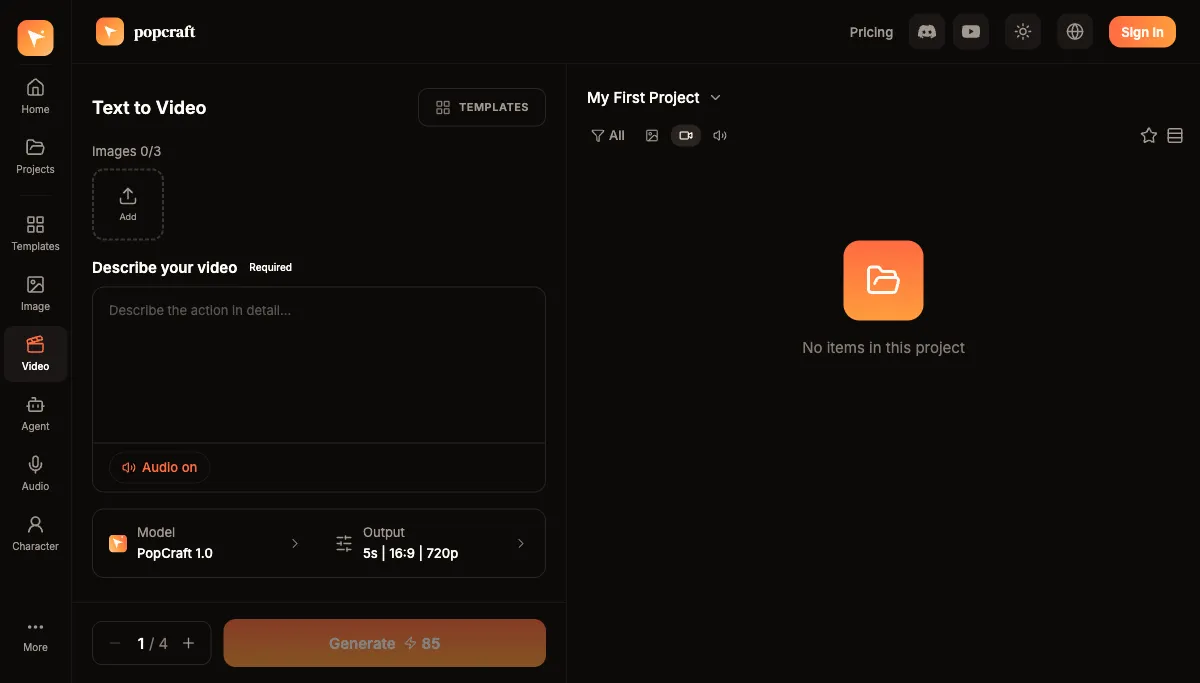
What makes this generation of models special is their ability to maintain temporal coherence — characters stay consistent, physics behave naturally, and scenes transition smoothly. This wasn't possible even a year ago.
What can today's models actually do?
The capabilities now vary by model, and that variation is the whole point — you pick the tool that matches the shot:
- Seedance 2.0 (ByteDance) handles both text-to-video and reference-to-video, with first- and last-frame conditioning so you can lock how a clip starts and ends. It runs at 480p, 720p, or 1080p, produces clips of roughly 4–15 seconds, and supports a wide spread of aspect ratios — 9:16 for vertical, 1:1 for feed posts, 16:9 for landscape, and 21:9 for cinematic widescreen.
- Veo 3.1 (Google) generates native synchronized audio — dialogue, sound effects, and score baked into the clip rather than added afterward. It outputs 720p or 1080p, 16:9 or 9:16, in 4-, 6-, or 8-second clips.
- Kling (and Kling 3.0 Omni) leans into stylized, expressive motion, which makes it a strong choice for animation-flavored and character-driven work.
Because no single model wins at everything, a video generator that puts several of them behind one interface lets you match the model to the task rather than committing to a single tool and living with its trade-offs.
Key Trends Shaping 2026
1. Reference-to-Video Generation
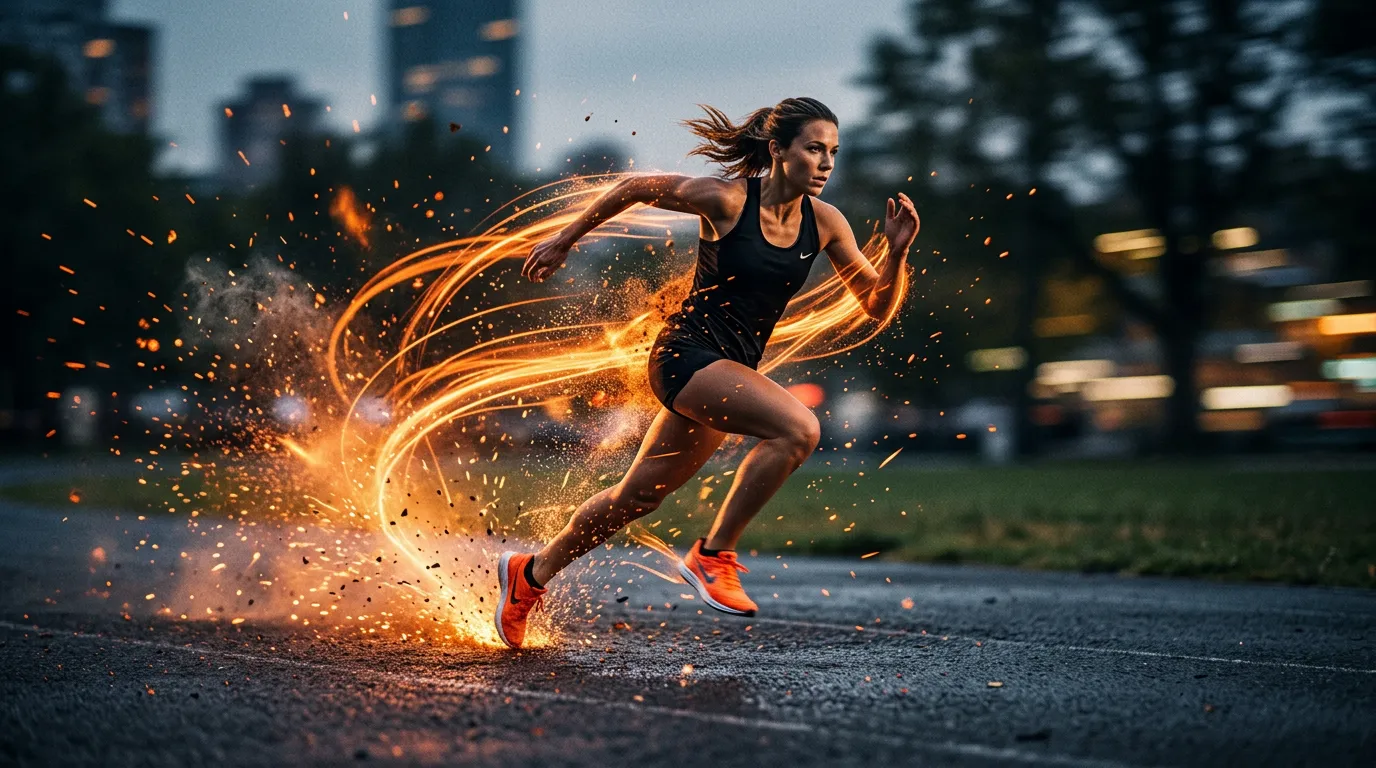
Upload any image and watch it come to life. AI can now animate a still photo while preserving the original composition and style — useful for product demos, storytelling, and social content. With reference-to-video, you supply the look and the model supplies the motion, so your brand assets, product renders, and existing photography become a starting point instead of something you rebuild from scratch.
2. Multi-Shot Narratives
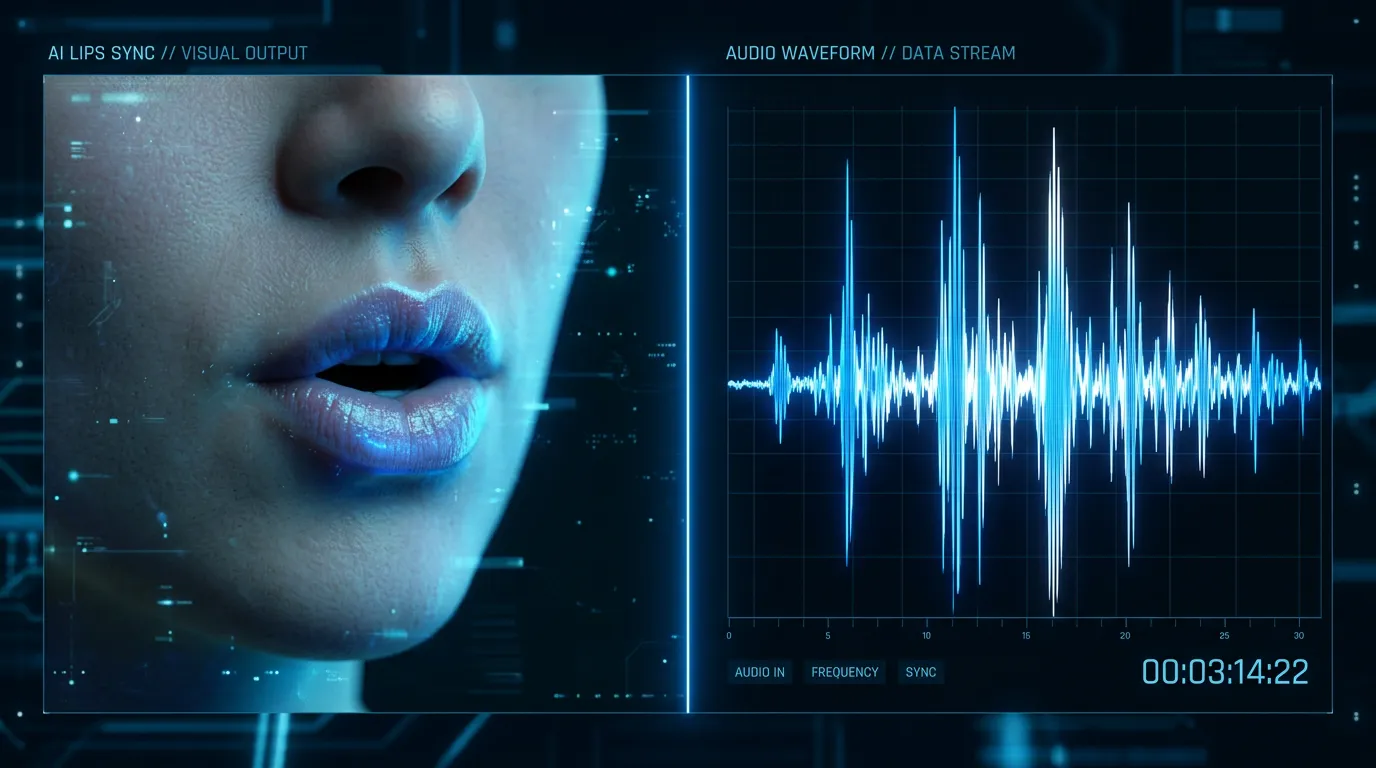
AI agents can now plan and execute entire video projects — from script to storyboard to final edit. Platform features such as multi-shot generation, motion sync, video extension, and lip sync mean a project is no longer a single isolated clip but a sequence the system can keep coherent from shot to shot.
3. Real-Time Customization
Video content can be personalized on the fly. With many aspect ratios available out of the box, the same concept can be rendered vertical for short-form feeds, square for in-feed posts, and widescreen for landing pages — and localized text or culturally relevant aesthetics can be swapped without re-shooting.
How do you choose the right model for a shot?
A quick way to decide:
- Need spoken dialogue or synced sound inside the clip? Reach for Veo 3.1, which generates audio natively rather than requiring a separate pass.
- Animating an existing image, or need to control the exact first and last frame? Seedance 2.0 is built for reference-to-video and frame conditioning.
- Want stylized, expressive, or character-led motion? Kling is tuned for that look.
- Need cinematic widescreen? Seedance 2.0's 21:9 support covers the ultra-wide format the others don't.
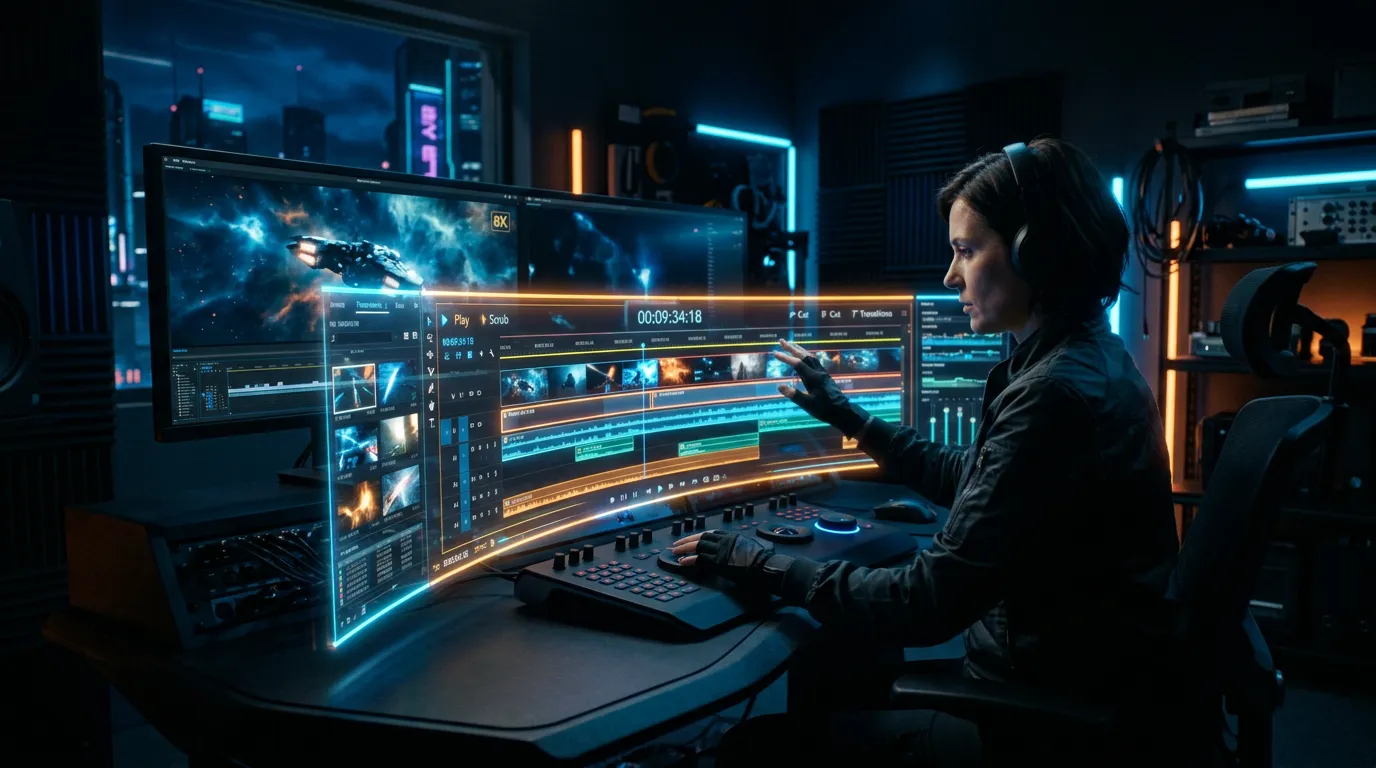
For full pieces that need voiceover, music, and sound effects layered together, the production usually doesn't stop at one model anyway — a multi-track timeline (video plus VO plus music plus SFX) is where the clips become a finished video.
What about audio, avatars, and the rest of the production?
Finished video is rarely just moving pictures. The 2026 shift isn't only better clips — it's that the surrounding craft is now generated too, so one person can assemble a complete piece:
- Voiceover and music. Text-to-speech, royalty-free music, and custom sound effects (via ElevenLabs) cover narration and score. Voice cloning needs only about a 30-second sample to produce a reusable custom voice, so a brand can keep one consistent narrator across every video.
- Talking presenters. Avatar models turn a single face image plus a script into a speaking presenter — OmniHuman 1.5 for clips up to about 30 seconds, Kling Avatar for longer messages up to roughly 60 seconds. No camera, talent, or studio booking required.
- Still imagery for elements and start frames. Fast image models like Nano Banana 2 cover quick iteration, while Nano Banana Pro and Seedream handle higher-detail hero frames. These feed naturally into reference-to-video and into a video agent's start-frame stage.
Put together, that means the title card, the spoken intro, the music bed, the product shots, and the cutaways can all be generated in the same place and dropped onto one timeline.
What This Means for Creators
The democratization of video production means that solo creators, small businesses, and marketing teams can compete with major studios. The playing field has never been more level. You no longer need a separate hire for the camera, the edit, the voiceover, and the score — the same person can describe a concept and assemble the result.
The key is choosing the right tools. Modern platforms combine multiple AI models, giving you access to the best technology for each specific task — whether that's generating footage, adding voiceovers, or creating sound effects. If you want the whole pipeline handled for you, an AI Video Agent can take a single brief and move it through script, elements, start frames, video, audio, and timeline assembly automatically, selecting an appropriate model for each shot along the way.
Getting Started
The best way to experience AI video creation is to try it yourself. Start with a simple concept — a product showcase, a social media clip, or a short narrative piece — and see how quickly you can bring it to life.
A practical first run looks like this:
- Write a tight prompt. Name the subject, the action, the camera move (pan, push-in, orbit), and the mood. Specific direction beats long, vague description.
- Pick the model that fits the shot using the guide above, or upload a reference image if you already have the look you want.
- Choose an aspect ratio for the destination — 9:16 for Reels and TikTok, 16:9 for YouTube and landing pages, 1:1 for in-feed.
- Generate, review, and refine the prompt rather than editing frame by frame. Iteration is fast and cheap, so make several variations and keep the strongest.
- Layer audio and stitch clips in the timeline when you're building something longer than a single shot.
Popcraft is free to start with 100 credits and no credit card, and content you generate can be used commercially — so you can test text-to-video and reference-to-video on a real project before choosing a plan.