Imagine creating a professional spokesperson video in minutes — no camera, no actor, no studio. AI talking avatars make this possible, and they're changing how businesses put a face to their message. This guide covers what the technology is, why marketers are adopting it, where it works best, and how to make your first avatar video.
What Are AI Talking Avatars?
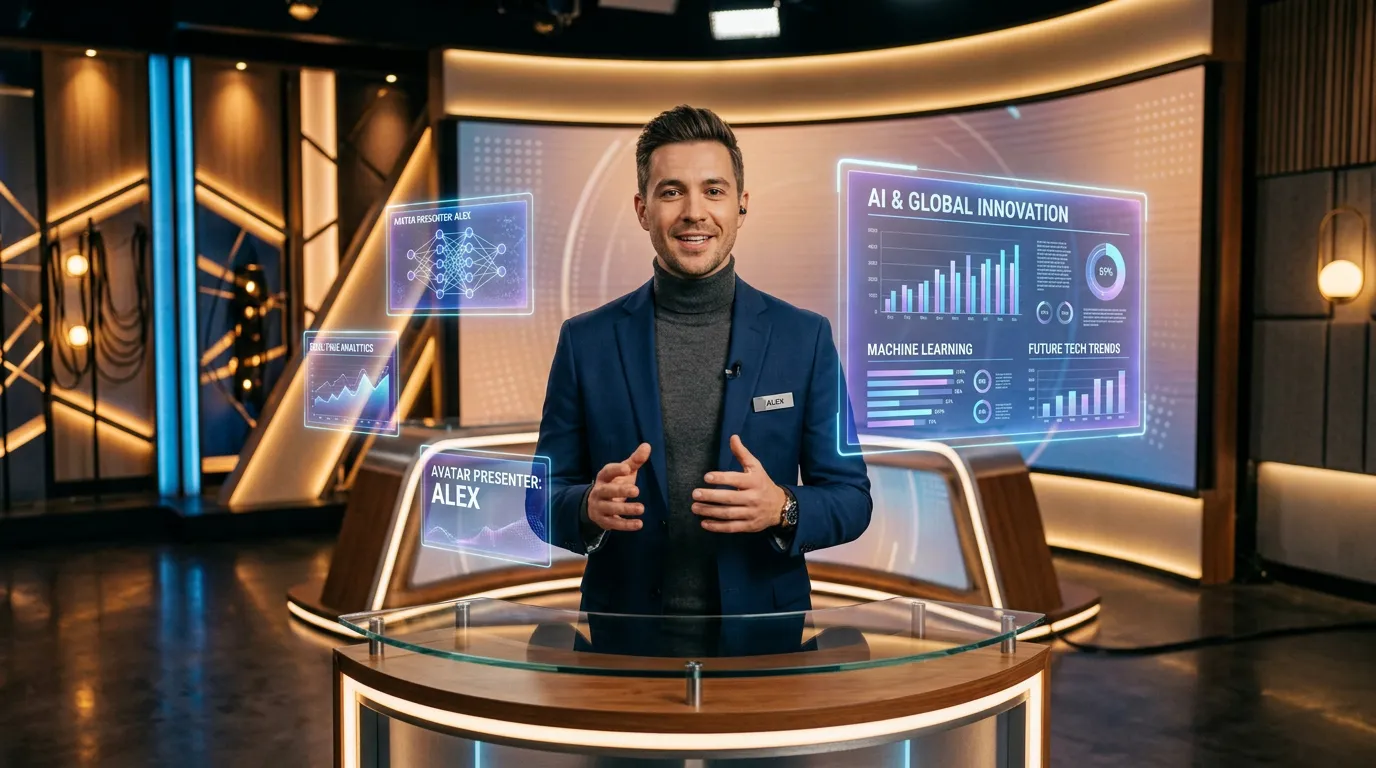
AI talking avatars are realistic digital presenters that speak any script with natural lip movement, facial expression, and head motion. The Talking Video feature is built around models like OmniHuman 1.5, and the results are convincing enough to carry a real spokesperson role.
The technology combines face generation with precise lip synchronization. You provide a face image and a script — typed text or an audio clip — and the model produces a video of that avatar delivering your message with natural movement and emotion. There's no filming, no talent booking, and no studio.
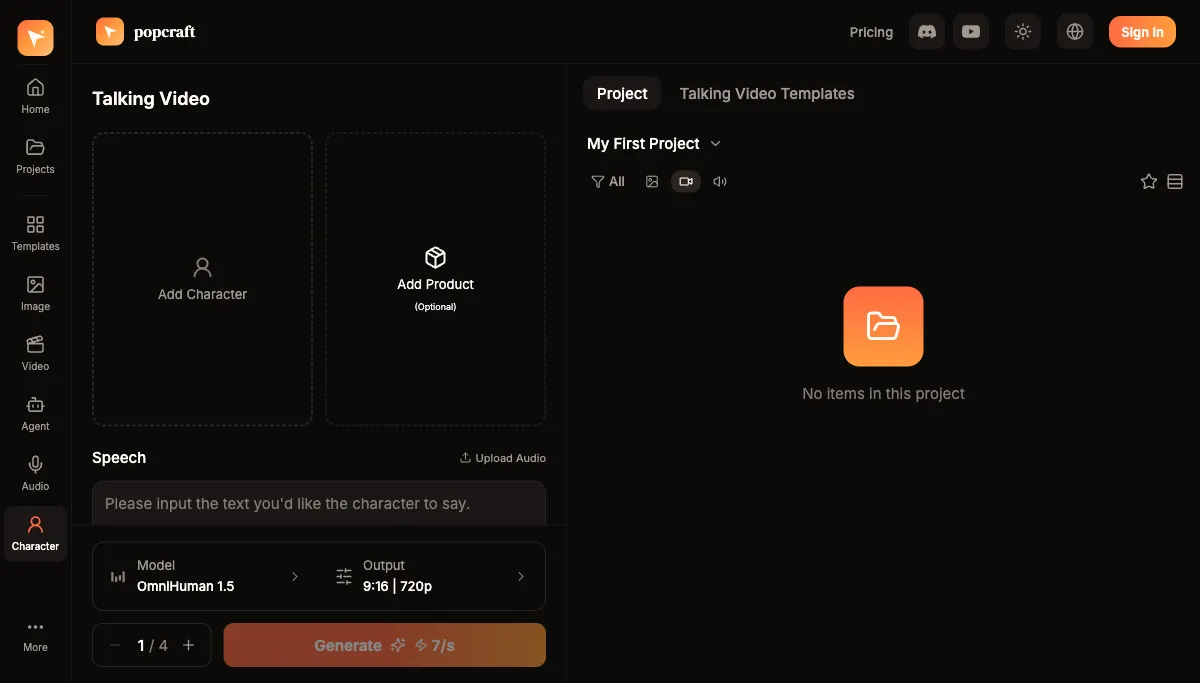
You can try it on the free tier — 100 credits, no card required — and the videos you create are cleared for commercial use.
Why Do Marketers Use Talking Avatars?
Cost efficiency. Traditional spokesperson videos mean hiring talent, booking a studio, and managing a production crew. An avatar replaces all of that with a photo and a script, so you can produce many videos for the cost of one shoot that never happens.
Speed to market. Need a product announcement today? You go from script to finished video in minutes — no scheduling, no reshoots, no post-production backlog. When a price changes or a feature ships, you update the script and regenerate instead of rebooking everyone.
Multilingual content. The same avatar can deliver a script in multiple languages with synced lip movement. A campaign that would have needed separate shoots per market becomes a set of regenerations from one source.
Consistency. Your AI spokesperson never has an off day, never ages out of the brand, and always lands the lines. Visual brand consistency that used to take careful casting and direction becomes the default.
Which Use Cases Actually Work?
Product Demos
Build walkthrough videos with an AI presenter guiding viewers through features and benefits. When the product changes, you rewrite the relevant lines and regenerate — no reshoot, no continuity problems.
Training and Onboarding
Create a library of training videos that stay current as processes evolve. The same presenter across every module keeps the material feeling cohesive and familiar to new hires.
Social Media
Generate steady content with messages tailored to different audience segments. You scale your video presence without scaling a production team, which is what makes a daily or near-daily cadence realistic.
Customer Support
Turn your most common questions into short FAQ and troubleshooting videos that feel personal and are far easier to follow than a wall of text.
OmniHuman 1.5 vs. Kling Avatar: Which Should You Use?
Two models cover most needs, and the right choice usually comes down to length and intent:
| OmniHuman 1.5 | Kling Avatar | |
|---|---|---|
| Strength | High quality, natural head motion and expression | Longer duration support |
| Length | Up to about 30 seconds | Up to about 60 seconds |
| Best for | Hero spots, ads, product reveals where polish matters most | Explainers, training, and longer messages that need the extra runtime |
A practical rule: if the message fits in roughly half a minute and the video is front-and-center for your brand, reach for OmniHuman 1.5. If you need a full minute to walk through something, reach for Kling Avatar. Both can speak multiple languages from the same face, so you don't have to pick a model based on localization.
How Do You Make Your First Avatar Video?
- Choose an avatar that fits your brand personality — the face sets the tone before a word is spoken
- Write your script in conversational language; read it aloud once to catch anything that's awkward to say
- Select the voice and language, matching the energy of the voice to the message
- Pick the model for your target length — OmniHuman 1.5 for short, polished spots; Kling Avatar when you need up to a minute
- Generate and preview, then regenerate if the pacing or expression isn't right
- Download and publish
The whole loop takes minutes rather than days, and templates for common use cases get your first video out even faster.
How Do You Make Avatar Videos That Don't Feel Robotic?
The difference between a flat avatar and a convincing one is usually in the inputs, not the model:
- Start with a high-quality, front-facing image. A clear, well-lit face looking roughly toward the camera gives the lip sync the most to work with.
- Write for the ear. Short sentences, natural phrasing, and a clear single point per video read far better than dense marketing copy.
- Match the voice to the message. A warm, measured voice suits an explainer; a brighter, faster voice suits a launch teaser. The voice carries as much of the impression as the face.
- Keep each video to one idea. Avatars shine in focused, repeatable clips — one feature, one offer, one answer — which is exactly what a high-volume content calendar needs.
- Localize by regenerating, not reshooting. Once a video works in one language, the same avatar and script structure carry to the next market with a language swap.
AI talking avatars don't replace every video your brand will ever make, but for the steady stream of demos, updates, training, and social clips that used to be too expensive to film, they turn an entire production pipeline into a few minutes at a keyboard. Start with one short video and a clean photo, and build from there.