What if you could describe a video concept in plain language and have an AI handle everything — script, storyboard, visuals, audio, and final edit? That's exactly what AI video agents do, and they're redefining what's possible in content creation.
What is an AI video agent?
An AI Video Agent is an automated pipeline that takes a single brief and produces a finished video. Instead of giving you one clip, it writes the script, generates the visual elements and start frames, renders the clips, creates voiceover and music, and assembles everything on a timeline. The difference from a single text-to-video tool is orchestration: a text-to-video model makes one shot, while the agent makes the creative decisions, picks an appropriate model per shot, and stitches multiple scenes with synced audio into a complete video.
The AI Agent Pipeline
Traditional video production follows a linear process: concept → script → storyboard → shoot → edit → audio → publish. Each step requires different skills and tools. An AI agent compresses this entire pipeline into a single, automated workflow.

Here's how it works, stage by stage:
1. Brief
You describe your video concept: "Create a 60-second product launch video for a new wireless headphone, targeting young professionals, with upbeat music and modern aesthetics." A tighter brief — clear subject, audience, length, and tone — gives the agent more to work with than a vague one.
2. Script Generation
The agent writes a complete script with scene descriptions, narration, and timing. It understands pacing and storytelling structure and tailors the tone to your target audience. This is also the cheapest stage to revise, so it's worth reading carefully before moving on — fixing the story here saves regenerating video later.
3. Element Creation
The agent generates the visual elements the script calls for — product shots, lifestyle scenes, text overlays, and transitions. Image elements can come from models like Nano Banana 2 for fast iteration, Nano Banana Pro when a shot needs more detail, or Seedream for high-fidelity hero imagery.
4. Start Frames
Key frames are generated for each scene to establish the visual direction. Because video models support first-frame conditioning, a strong start frame anchors the shot that follows — so reviewing and adjusting start frames here pays off in the rendered clip.
5. Video Generation
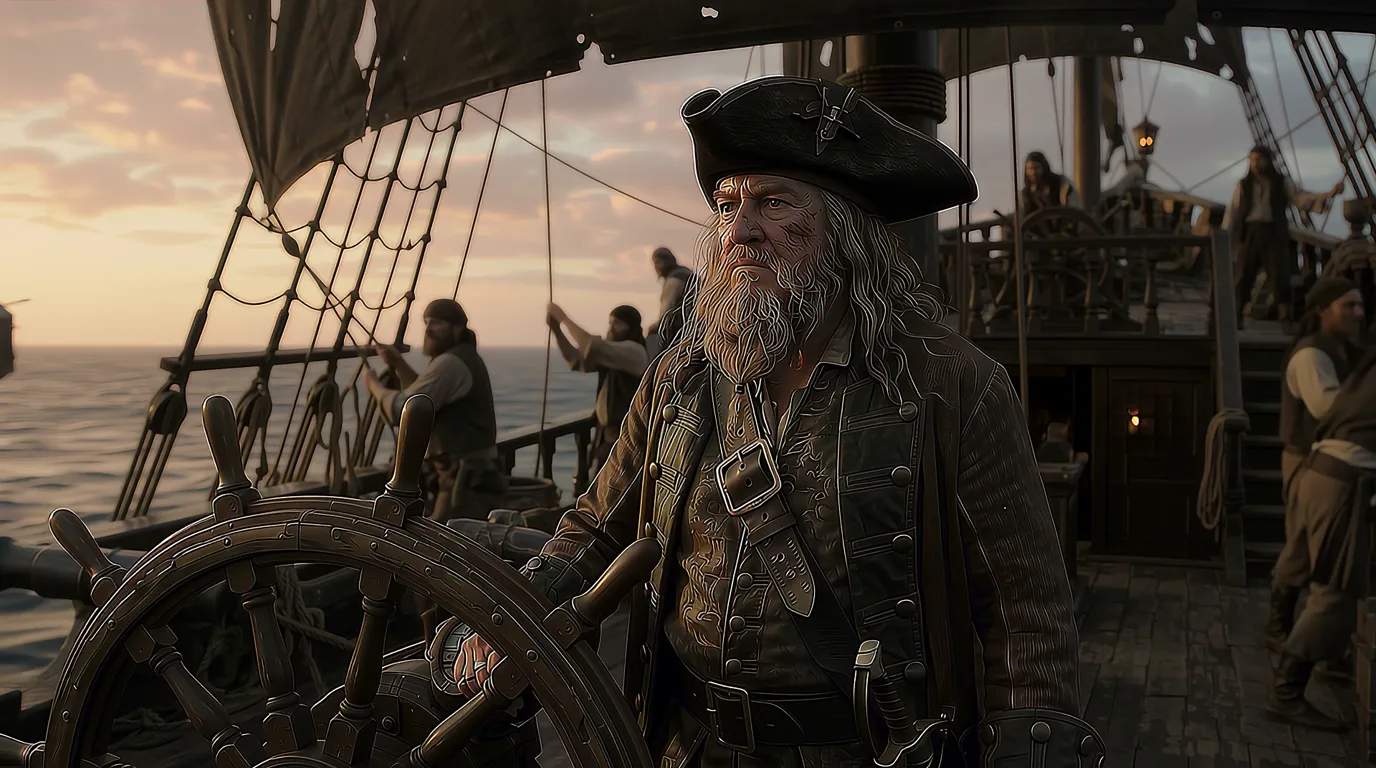
Each scene is rendered into a full video clip with motion, camera movement, and effects. The agent selects an appropriate model per shot — for example, a reference-to-video specialist for an animated product shot, or a model with native synchronized audio for a talking moment.
6. Audio
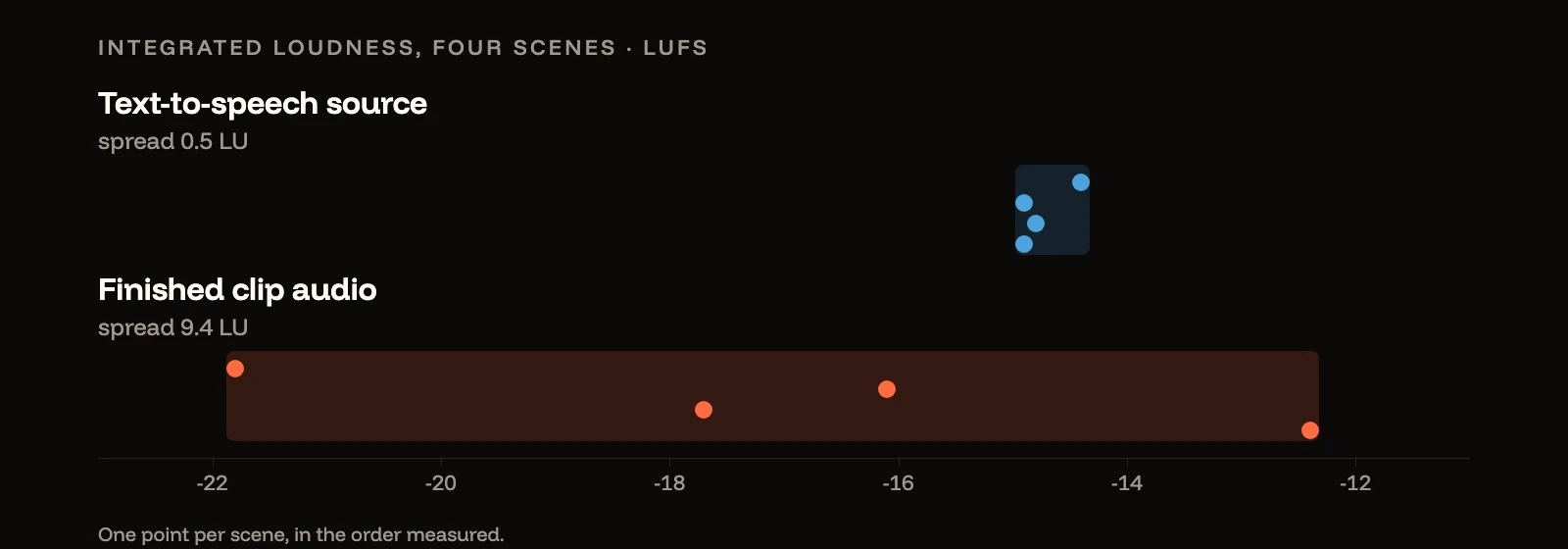
Voiceover, background music, and sound effects are generated and synced to the picture. The agent matches audio tone and energy to the visuals, layering text-to-speech narration, a music bed, and SFX rather than dropping in a single track.
7. Timeline Assembly
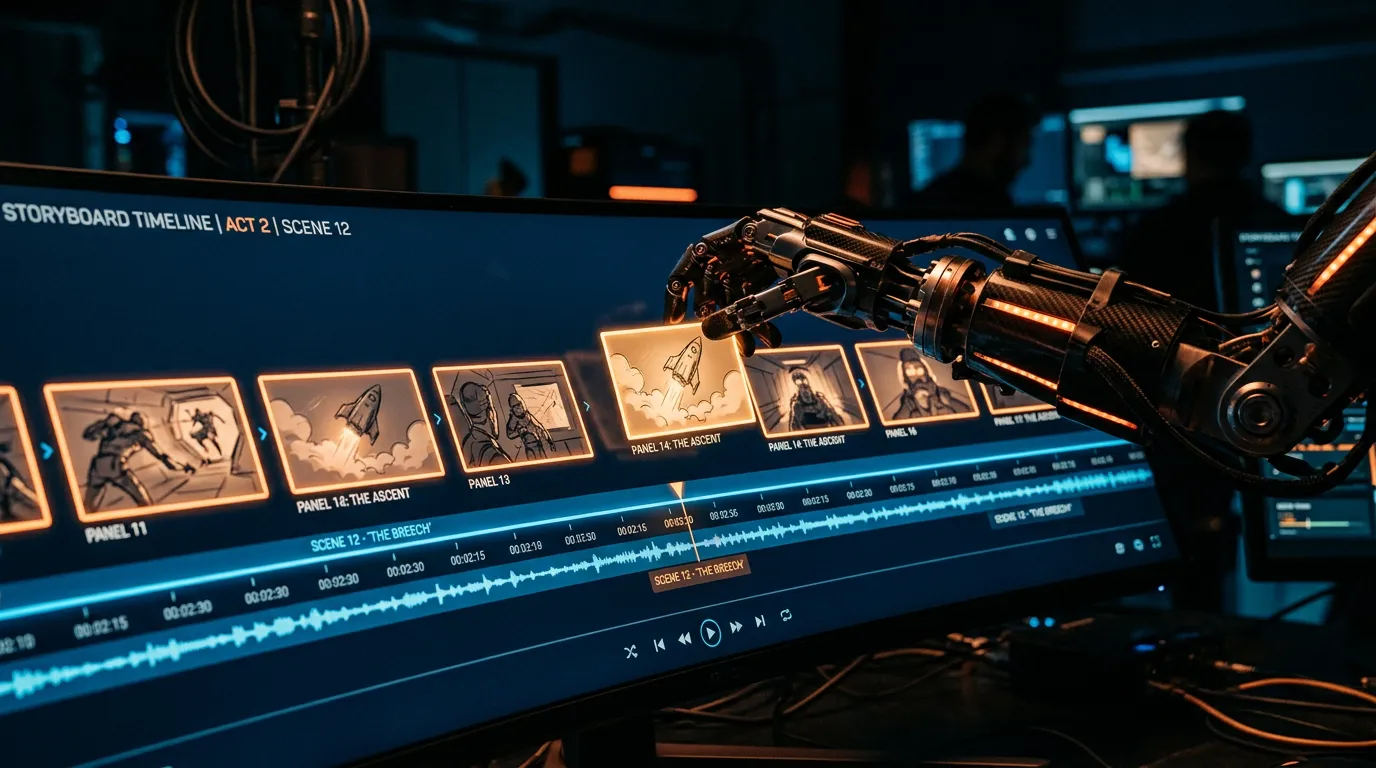
Everything comes together on a multi-track timeline — video, voiceover, music, and sound effects. The agent handles timing, transitions, and pacing, ducking the music under the voiceover so narration stays clear.
How does the agent decide what to generate?
The agent doesn't just run tools in sequence — it makes creative decisions about which tool and which approach fit each part of the brief.
Intelligent Model Selection It chooses a model per task: a high-fidelity image model for hero shots, a fast model for supporting elements, a reference-to-video model for animated stills, and a synced-audio video model when a shot needs to talk. You don't have to know the model lineup to benefit from it.
Adaptive Storytelling Based on the brief, the agent selects a storytelling strategy — a narrative arc, a product showcase, a comparison, or a montage — and structures the script and shot list to match.
Stage-by-Stage Review Each stage produces an output you can inspect before the next one runs. If the script's framing is wrong, you fix it before the agent spends a render on it; if a start frame is off, you adjust it before the clip is generated. The review checkpoints are where the time savings actually come from.
How is this different from doing it shot by shot?
You could assemble the same video manually — generate each clip in a video generator, record a voiceover, source music, and edit it all together. The agent's value is that it keeps the whole production coherent: the script drives the shot list, the shot list drives the start frames, the start frames drive the clips, and the audio is timed to the cut. Nothing gets orphaned, and you spend your attention on creative direction instead of file management.
How long does it take to make a video with the agent?
Plan around a short concept — 30 to 60 seconds works well for a first project. You describe the idea, then review and refine each stage as the agent moves from brief to finished timeline. The agent does the heavy lifting in between; your time goes into the brief at the start and the checkpoints along the way.
Can you edit what the agent produces?
Yes. The output isn't a locked black box. You can rewrite the script, swap individual elements, regenerate a single shot, adjust timing, and bring in your own assets at any stage. A practical way to work:
- Start with a tight brief and let the agent draft the full pipeline.
- Review the script first — it's the cheapest thing to change and it shapes everything downstream.
- Approve or fix the start frames before video generation runs.
- Regenerate only the shots that miss, rather than restarting the whole project.
- Adjust the audio mix and timeline for the final cut, and drop in any of your own assets you want to include.
Getting Started with AI Agents
The best approach is to start simple. Describe a short video concept, let the agent handle the rest, review the output, and provide feedback at each checkpoint. As you get comfortable, take more control — adjust scripts, swap elements, fine-tune timing, and add your own footage and images to the mix.
Popcraft is free to start with 100 credits and no credit card, and content you generate can be used commercially — so you can run a real 30–60 second project through the agent before choosing a plan.