

- Video
- Tips
Selling Used Sneakers: Keep Every Scuff in the Video
For a sneaker resale listing, the scuff is part of the product information. Removing it can make a beautiful video less useful to the buyer. Build the listing around real photographs and footage of the exact pair being sold; generative imagery should not stand in for evidence of its condition.
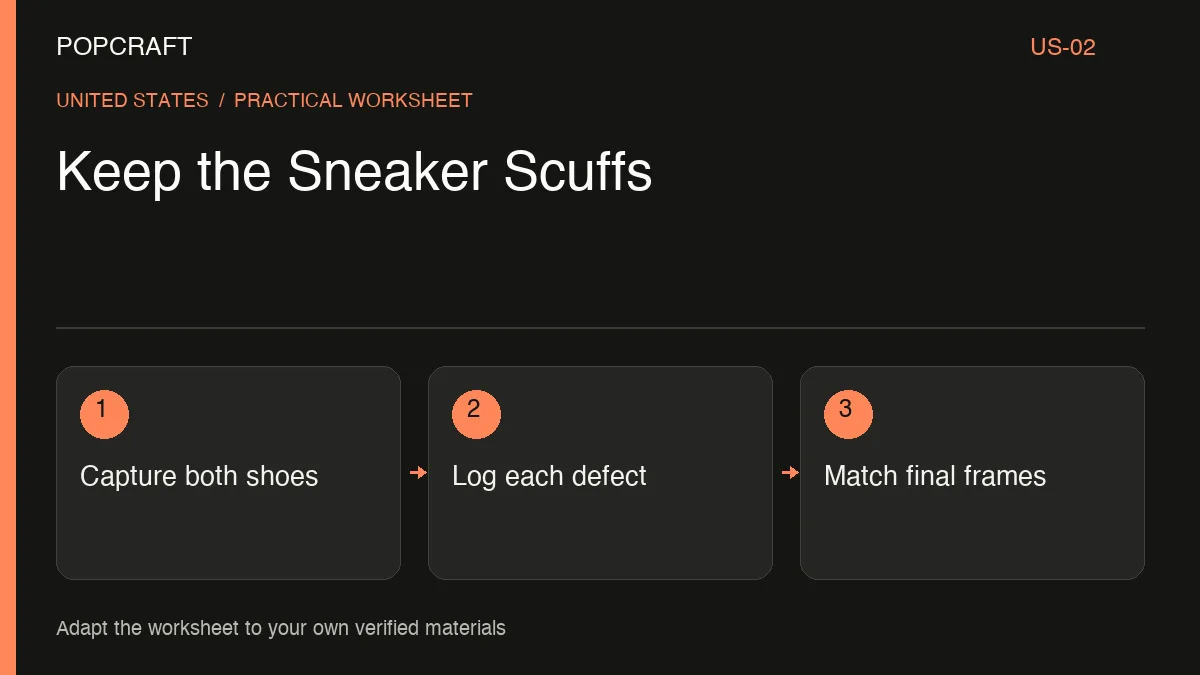
A hypothetical pair in this example has toe creasing, a heel mark and outsole wear. These are invented examples for the worksheet below, not observations about a real item.
Start a condition evidence log
Assign the pair an inventory identifier and keep original files unchanged. Record:
E01, left toe: source photo showing the crease; close-up appears in the listing; accept only when the crease remains visible.
E02, right heel: source photo showing the mark; video time recorded after editing; reject any frame that smooths or recolors it.
E03, both outsoles: photographs of the whole soles; include wear distribution; reject a crop that hides the worn area.
E04, included items: photograph the actual box, laces and other included materials; match the written inventory.
Add reviewer, review date and final file name to each entry. A blank video-time field means the evidence has not yet been located in the finished edit.
Draw a boundary around generated material
Use your own real imagery for the listing's condition sequence. If you create a separate stylized introduction, label it illustrative and keep it visually separate from the evidence. Do not generate a clean version of the shoe and present it as the pair for sale.
The Canvas editing guide describes arranging clips and audio. That can support presentation work, but an editor cannot establish a sneaker's authenticity. Keep authentication documentation, if available, separate from your condition notes.
A suitable narration brief is: “Describe only the recorded condition and included items. Do not add ‘mint’, ‘unworn’ or an authenticity guarantee.”
Before delivery, compare the exported close-ups with the original evidence at a similar size. Confirm that exposure changes have not concealed marks and that music or fast cuts do not rush the viewer past defects. Inspect both shoes rather than treating one as representative of the pair.
Keep the final acceptance log beside the listing assets. If the item is cleaned, repaired or otherwise changes after photography, capture fresh evidence and update the listing rather than reusing an obsolete condition video.
Related official tutorial
Related official video, in English: a general Popcraft product-photo-to-UGC workflow. It is supplemental production guidance, not a demonstration or result of the scenario above.