

- Video
- Tips
Three Coworking Tour Formats, Three Booking Questions
A freelancer considering a day visit and a team booking a meeting room do not need the same tour. Start with the booking question, then choose the footage and frame. Three exports should provide three useful views of the space, not simply three crops of a reception shot.
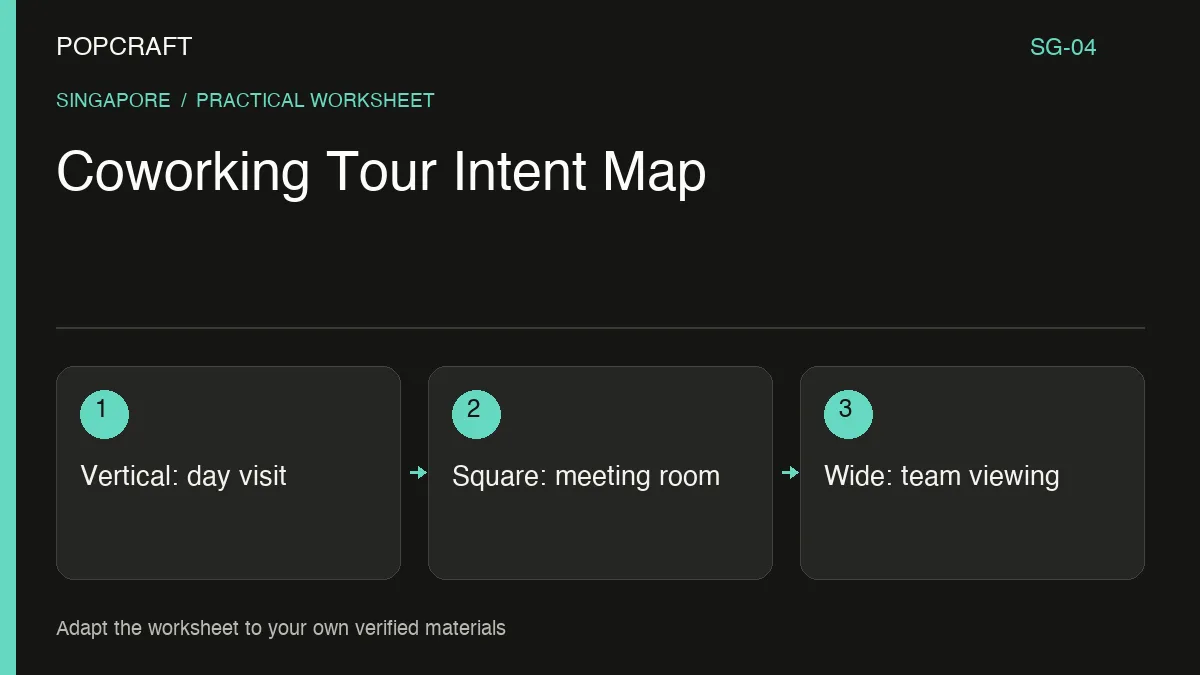
This hypothetical coworking example assumes the operator has real, current footage and confirmed booking options. Remove any option the actual business does not offer. Do not generate a larger room, extra windows or facilities that visitors will expect to find.
Make a crop and message map
Vertical: “Could I work here for a day?” Use a sequence showing the actual entrance, a typical workspace and the relevant arrival instructions. Crop around the visitor's path, keeping important signs readable. Closing invitation: “View day-visit options” only if that option exists. If the wide source loses the entrance sign when cropped, capture a new shot.
Square: “Will this room suit my meeting?” Select real meeting-room footage showing the layout and the features the operator has confirmed. Prioritise the whole table over decorative details. Closing invitation: “Ask about this room.” State capacity only from approved information; the crop must not imply that adjacent space belongs to the room.
Landscape: “How would our team use the space?” Give viewers a more continuous view of the actual route between relevant areas. Keep enough context to understand the layout. Closing invitation: “Arrange a team-space viewing.” Do not make a discontinuous edit look like two distant areas are connected.
Add a source filename, proposed crop, message, destination and approval owner to each entry. These fields turn a format request into an editing brief.
Use language where it answers a booking question
An illustrative paired invitation is “Arrange a viewing / 预约参观”. Confirm that both versions lead to the same supported action. Avoid filling the screen with two long explanations when separate language exports would be easier to read.
Use Popcraft Canvas where appropriate to assemble footage and narration. The editing workflow guide describes timing and audio controls. Keep the space itself represented by real material.
Watch each export with its destination page open. Does the footage show the option that page actually books? Are current opening or access details consistent? Update the relevant version whenever a room layout or booking arrangement changes, rather than treating the entire tour library as permanently accurate.
Related official tutorial
Related official video, in English: a general Popcraft Canvas filmmaking workflow. It is supplemental editing guidance, not a demonstration or result of the scenario above.