

- Video
- Tips
Who Signs Off an Event Video? A Small Agency Record
An event video's date can be correct while its sponsor lockup is wrong. A sponsor can approve the logo while the organiser is still changing the venue. One “looks good” message is therefore a weak record of what has actually been approved.
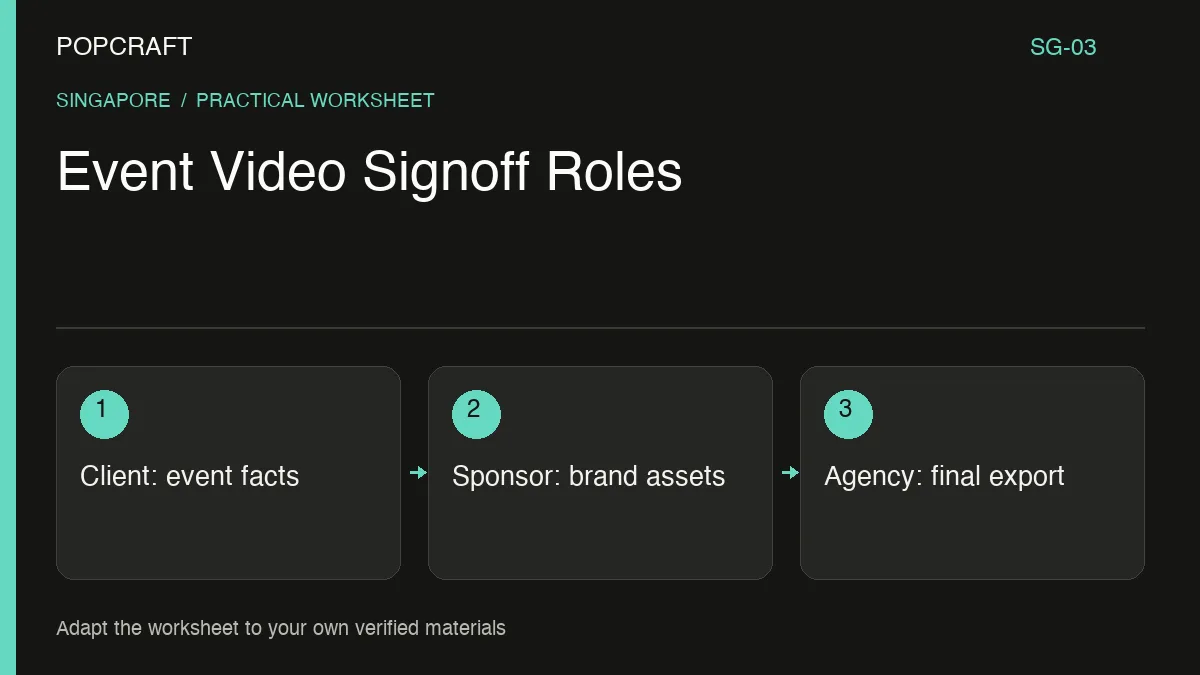
For this hypothetical boutique-agency project, keep a signoff record outside the editing tool. Divide responsibility by information, then attach each decision to an exact export version.
Record header: project name; export identifier; file link; intended publication channels; decision deadline; current status. Use “awaiting decision” until the named owner explicitly approves their section.
Event organiser — factual approval. Checks the date, time, venue, ticket destination, programme wording and access details. Record the source document and any condition, such as “speaker line-up pending”. An incomplete field remains a publishing blocker for that field.
Sponsor representative — brand approval. Checks the supplied logo file, colour treatment, placement, size relationship and approved sponsor description. Record the asset version and the representative's decision. Do not redraw a sponsor mark with image generation.
Agency producer — execution approval. Checks legibility, audio, pacing, aspect ratio, spelling and whether the export implements the approved decisions. This owner can confirm execution, not invent the client's missing facts.
Client publication owner — release decision. Confirms that all required approvals refer to the same final file and authorises its intended use. A new export after a material change needs a new version reference.
Route a change to the people it affects
Suppose the organiser changes the venue after the first review. The producer lists the affected narration, venue photograph, address card and ticket-page text. The organiser approves the revised facts; the agency checks implementation. If the new layout moves the sponsor lockup, send that layout back to the sponsor owner too.
A concise bilingual request is:
Please approve the venue details in version V3, or list corrections. / 请确认 V3 版本中的场地信息,或列出需要修改的内容。
Popcraft Canvas can support the creative edit. Recorded node history helps revisit saved work, but the responsibility record remains separate. Keep approval messages and supplied brand assets with that record.
At delivery, open the exact approved export once more. Check the event details against the organiser's source, and verify that the ticket link reaches the intended event. Archive that file and its signoff record together rather than relying on a generic “final-final” filename.
Related official tutorial
Related official video, in English: a general Popcraft Canvas filmmaking workflow. It is supplemental editing guidance, not a demonstration or result of the scenario above.